261
LOGO! Manual
A5E00380835-01
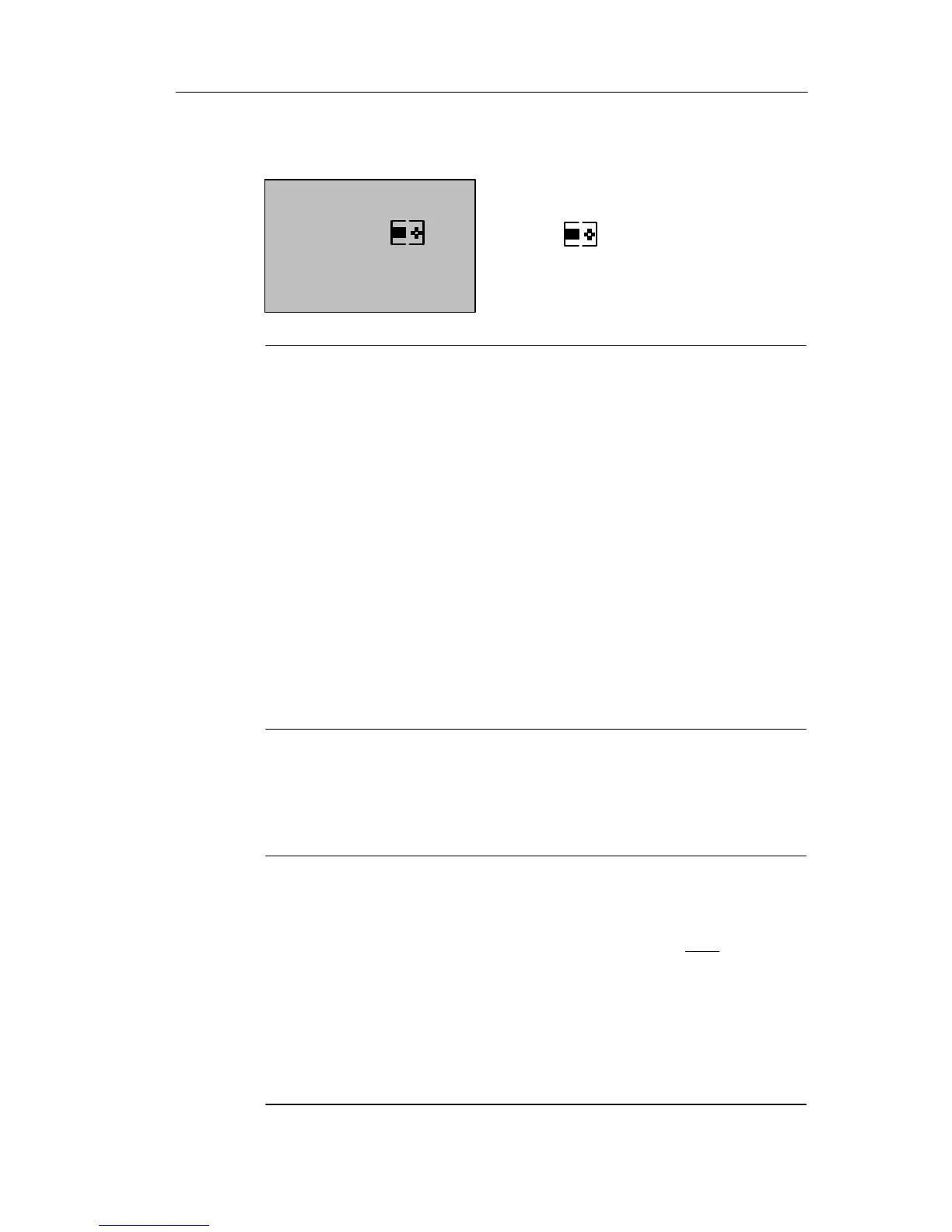
2. When you start the upload/download in STOP, the fol-
lowing display appears automatically:
PC
= LOGO!
Note
Earlier versions up to 0BA3 with/without display are auto-
matically switched to PCLOGO mode as follows:
1. Switch off the power supply to the LOGO!.
2. Remove the cover or the program module (card) and
connect the cable to this socket.
3. Switch on power.
LOGO! switches automatically to PC LOGO mode.
The PC can now access the LOGO! For information on
this function, refer to the LOGO!Soft Comfort Online Help.
For more information on LOGO! versions without display,
refer to Appendix C.
Closing the PCLOGO mode
When the data transfer is completed, the connection to the
PC is shut down automatically.
Note
If the circuit program created with LOGO!Soft Comfort is
password protected, both the circuit program and the
password are downloaded to LOGO!. The password
prompt is enabled at the end of the data transfer.
The upload of a password protected program created in
LOGO! is only possible after the correct password is en-
tered in LOGO!Soft Comfort.
LOGO! Software







 To Next Page