LOGO! Manual
A5E00380835-01
202
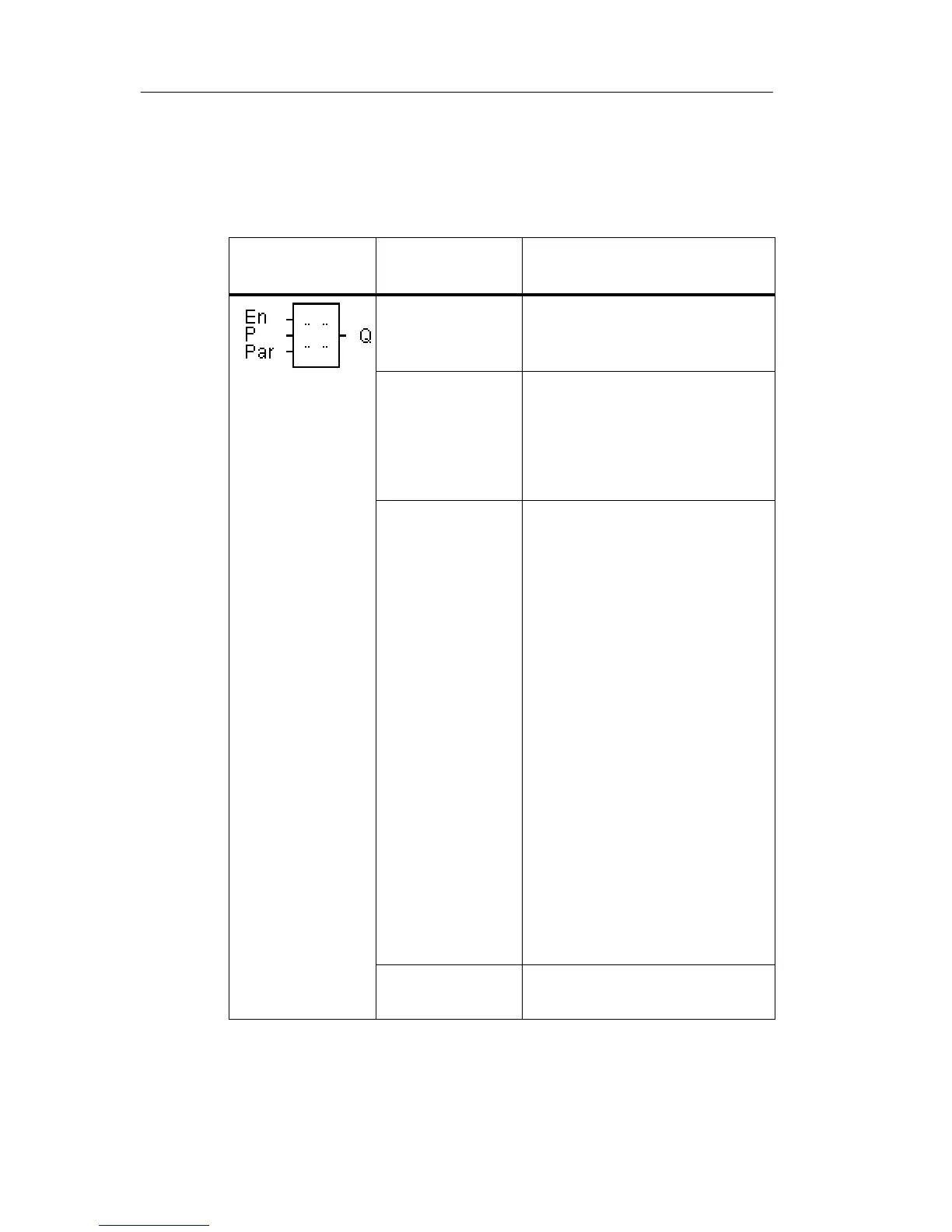
4.4.23 Message texts
Short description
View of a configured message text in RUN mode.
Symbol in
LOGO!
Wiring Description
Input En A 0 to 1 transition at input
En (Enable) starts the out-
put of the message text.
Input P P: Priority of the message
text
Range of values: 0...30
Quit: Acknowledgment of
the message text.
Parameter Text: Input of the message
text
Par:Parameter or actual va-
lue of another, already
programmed function
(see “Visible parame-
ters or process vari-
ables”)
Time: Display of the contin-
uously updated time-of-
day
Date: Display of the continu-
ously updated date
EnTime: Display of the time
of the 0 to 1 transition
of the signal at input En
EnDate: Display of the date
of the 0 to 1 transition
of the signal at input En
Output Q Q remains set as long as
the message text is set.
LOGO! functions







 To Next Page