LOGO! Manual
A5E00380835-01
162
Functional description
Each weekly timer has three cams you can use to config-
ure a time hysteresis. You specify the on- and off-times at
the Cam parameters. The weekly timer sets the output at a
certain on-time, if this is not already set.
The weekly timer resets the output at a certain off-time, if it
is not switched off already. You will cause a conflict if the
on- and off-times you set for the weekly timer are identical,
though set on different cams. In this case, cam3 takes
priority over cam2, whereas cam2 takes priority over cam1.
The switching state of the weekly timer is determined by
the status of all three cams.
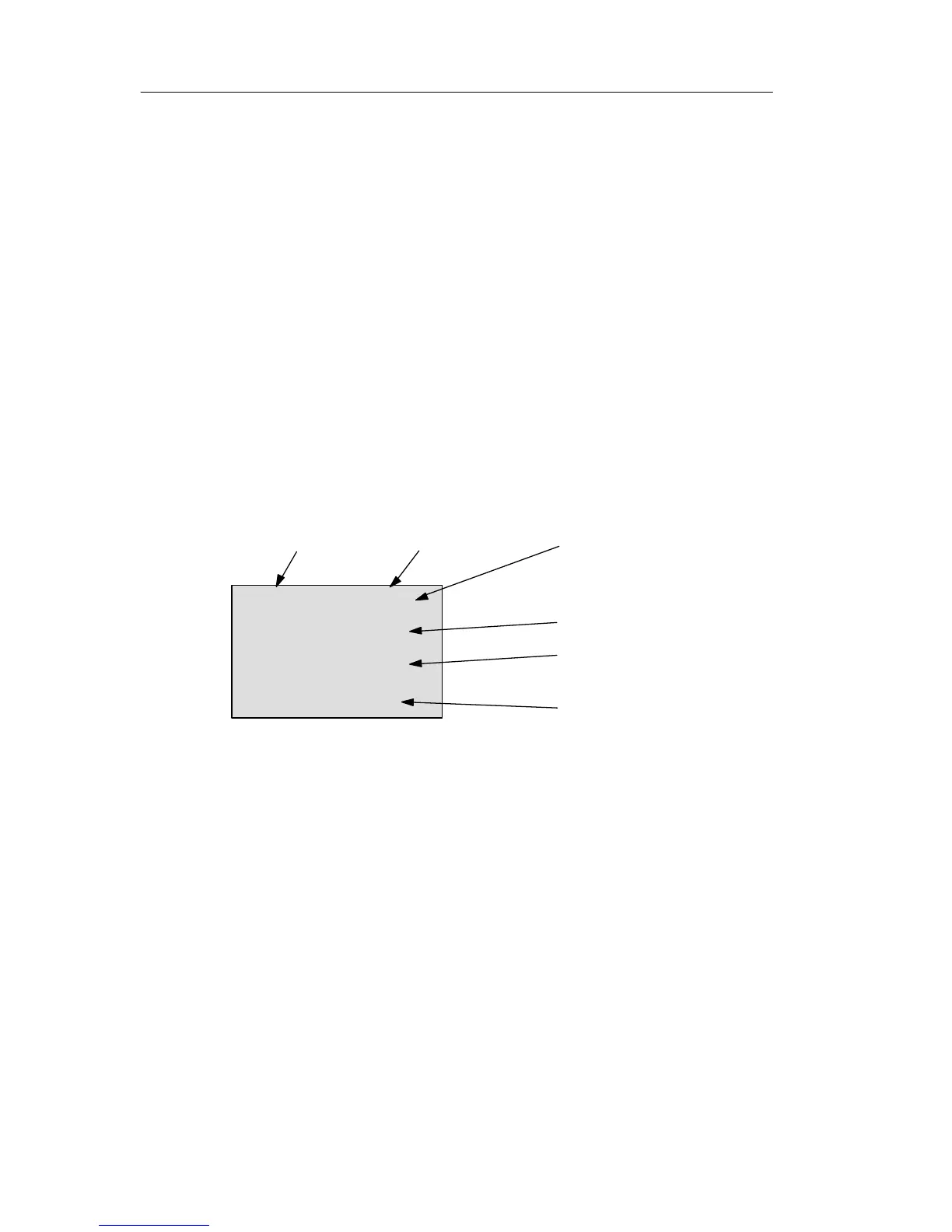
Parameter assignment screen form
View of the parameter assignment screen form, for exam-
ple for Cam1:
B1 1+
D=MTWTFSS
On =06:30
Off=08:00
On-time (06.30 h)
See Showing/hiding parame-
ters – Parameter protection
mode on page 91
Off-time (08:00 h)
Block B1 Cam No1
Weekdays (daily)
Weekday
The suffix of “D=” (Day) has the following meaning:
M : Monday
T : Tuesday
W : Wednesday
T : Thursday
F : Friday
S : Saturday
S : Sunday
The uppercase letter indicates: A weekday is selected. A
“–” means: A weekday has not been selected.
LOGO! functions







 To Next Page