LOGO! Manual
A5E00380835-01
238
5.1.3 Modifying parameters
You first select the parameter you want to edit (see Chapter
5.1.2).
You change the value of the parameter in the same way as
you did in programming mode:
1. Move the cursor to the point at which you want to make
the change: Press or
2. To change this value: Press or
3. To apply the value: OK
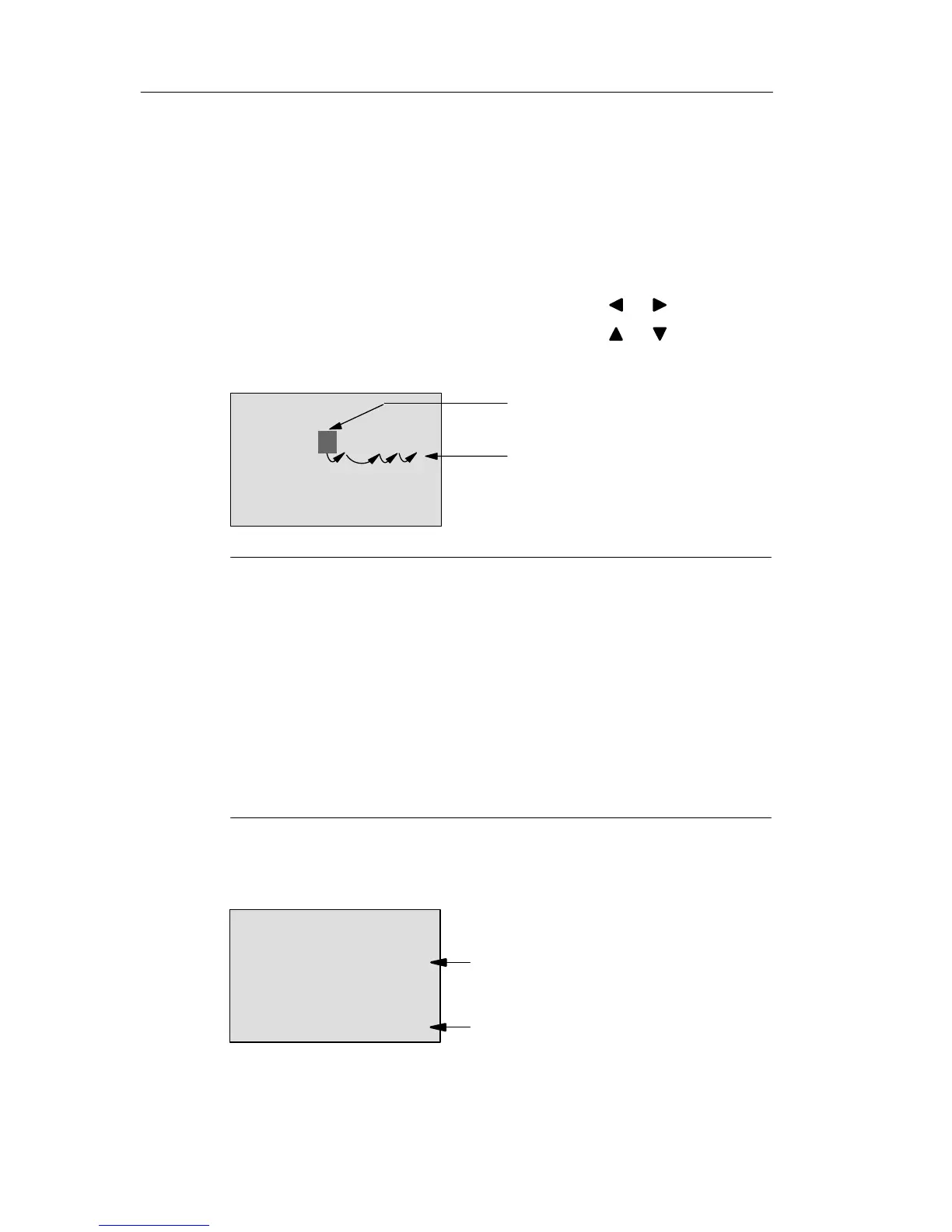
B9
Ta =06:00s
Move: Press or
Done: OK
T =80:00s
Change: Press or
Note
Alongside with a change of the time parameters when the
system is in RUN, you can also change the timebase (s =
seconds, m = minutes, h = hours). This does not apply if
the time parameter represents the result of another func-
tion (for an example, see Chapter 4.4.1). In this case you
can neither change the value nor the timebase.
The current time is reset to zero when you change the
timebase.
Current value of a time T
View of a time T in parameter assignment mode:
B9
Ta =06:00s
T =80:00s
Configured time T
Current time T
a
You can change the configured time T.
Confi







 To Next Page