193
LOGO! Manual
A5E00380835-01
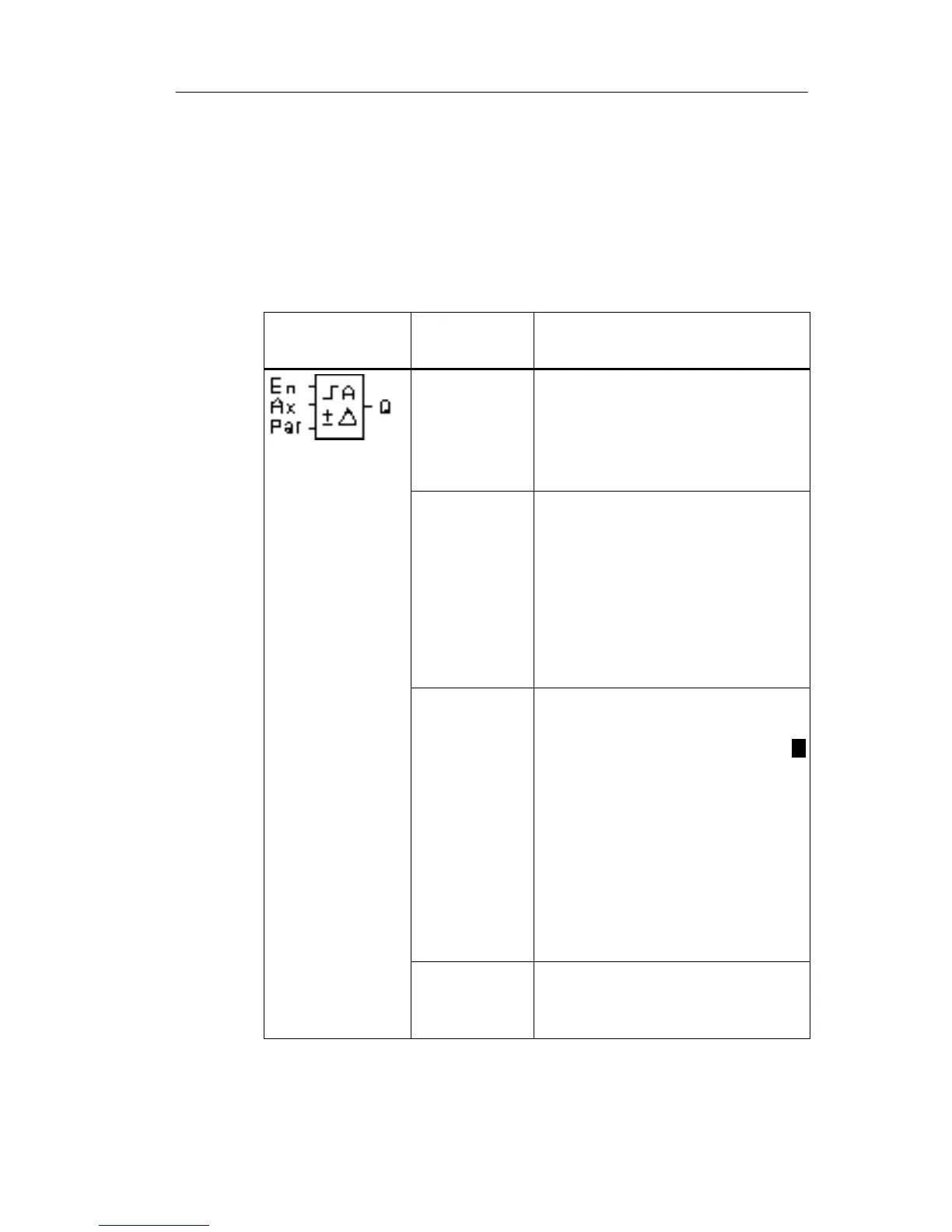
4.4.19 Analog value monitoring
Short description
This special function saves the process variable of an ana-
log input to memory, and sets the output when the output
variable exceeds or drops below this stored value plus a
configurable offset.
Symbol in
LOGO!
Wiring Description
Input En A positive edge (0 to 1 transi-
tion) at input En saves the ana-
log value at input Ax (”Aen”) to
memory and starts monitoring
of the analog range Aen
n.
Input Ax You apply the analog signal to
be monitored at input Ax.
Use the analog inputs AI1...AI8
(
*
)
, the analog flags
AM1...AM6, the block number
of a function with analog out-
put, or the analog outputs AQ1
and AQ2.
Parameter
A: Gain
Range of values:
10.00
B: Zero offset
Range of values: 10.000
n: Difference value for the
Aen on/off threshold
Range of values: 20.000
p: Number of decimals
Range of values:
0, 1, 2, 3
Output Q Q is set/reset, depending on
the stored analog value and
the offset.
* AI1...AI8: 0...10 V corresponds with 0...1000 (internal value).
LOGO! functions







 To Next Page