85
LOGO! Manual
A5E00380835-01
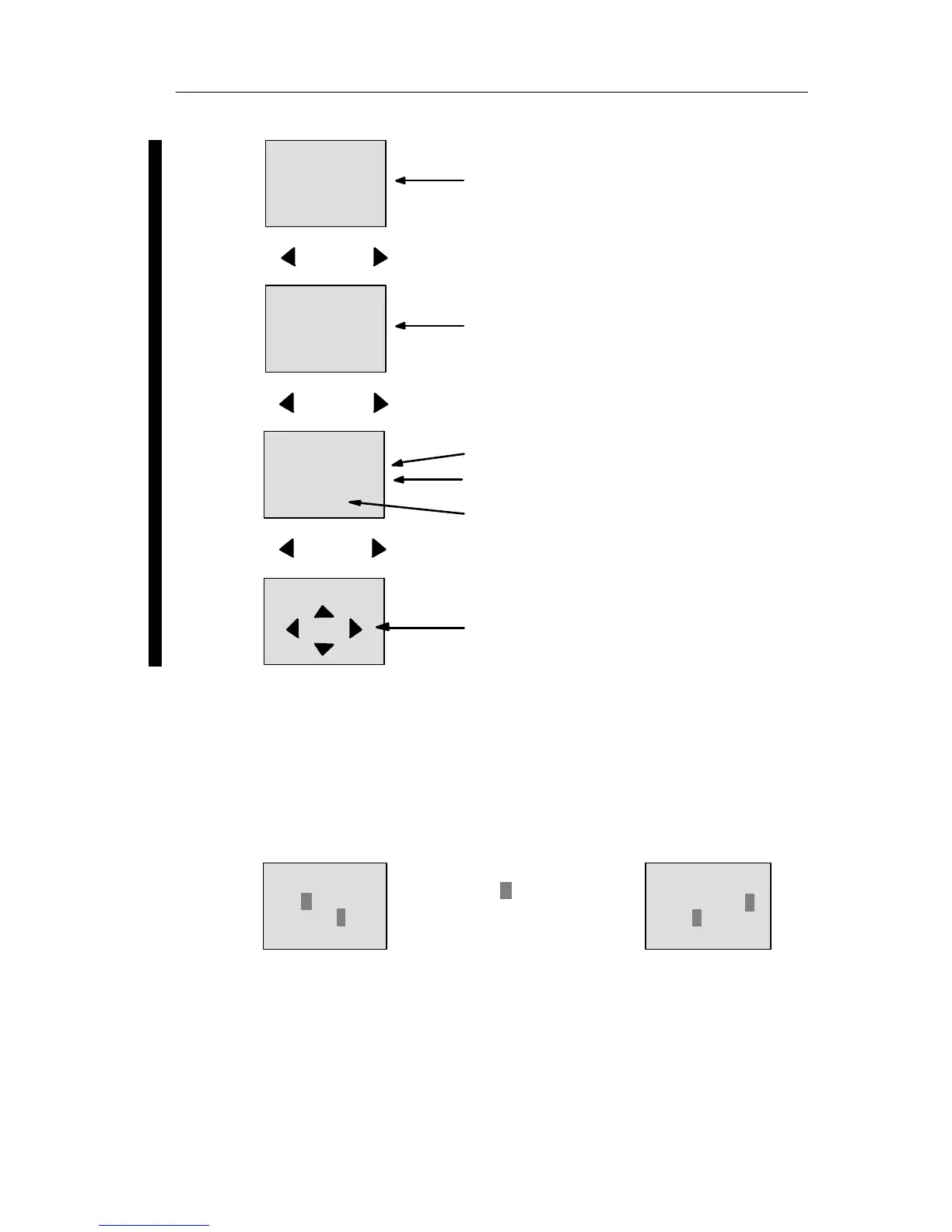
Press
Flags M1 to M9
M:
0.. 123456789
1..0123456789
2..01234
Flags M20 to M24
Flags M10 to M19
Press
ESC+C
4 cursor keys for manual inter-
vention in the circuit program
(ESC+key)
AI:
7: 00000
8: 00000
Analog inputs AI7 to AI8
Press
AQ:
1: 00000
2: 01000
Analog outputs AQ1 to AQ2
What is meant by: ”LOGO! is in RUN”?
In RUN mode, LOGO! executes the circuit program. To do
so, LOGO! first reads the status at the inputs, determines
the status of the outputs by means of the user program,
and switches these on or off according to your settings.
This is how LOGO! indicates the I/O status:
Q:
0.. 123456789
1..0123456
Input/output status is ’1’:
inverted
Input/output status is ’0’:
not inverted
I:
In this example, only the inputs I1, I15, Q8 and Q12 are set
“high“.
0.. 123456789
1..0123456789
2..01234
Status indication on the display
Pro







 To Next Page