LOGO! Manual
A5E00380835-01
166
4.4.12 Yearly timer
Short description
The output is controlled by means of a configurable on/off
date.
Note
Because LOGO! 24/24o does not have a real-time clock,
the yearly timer is not available for this version.
Symbol in
LOGO!
Wiring Description
Cam
parameter
At the Cam parameter, you
configure the on-/off-times
for the cam of the yearly
timer.
Output Q Q is set when the config-
ured cam is actuated.
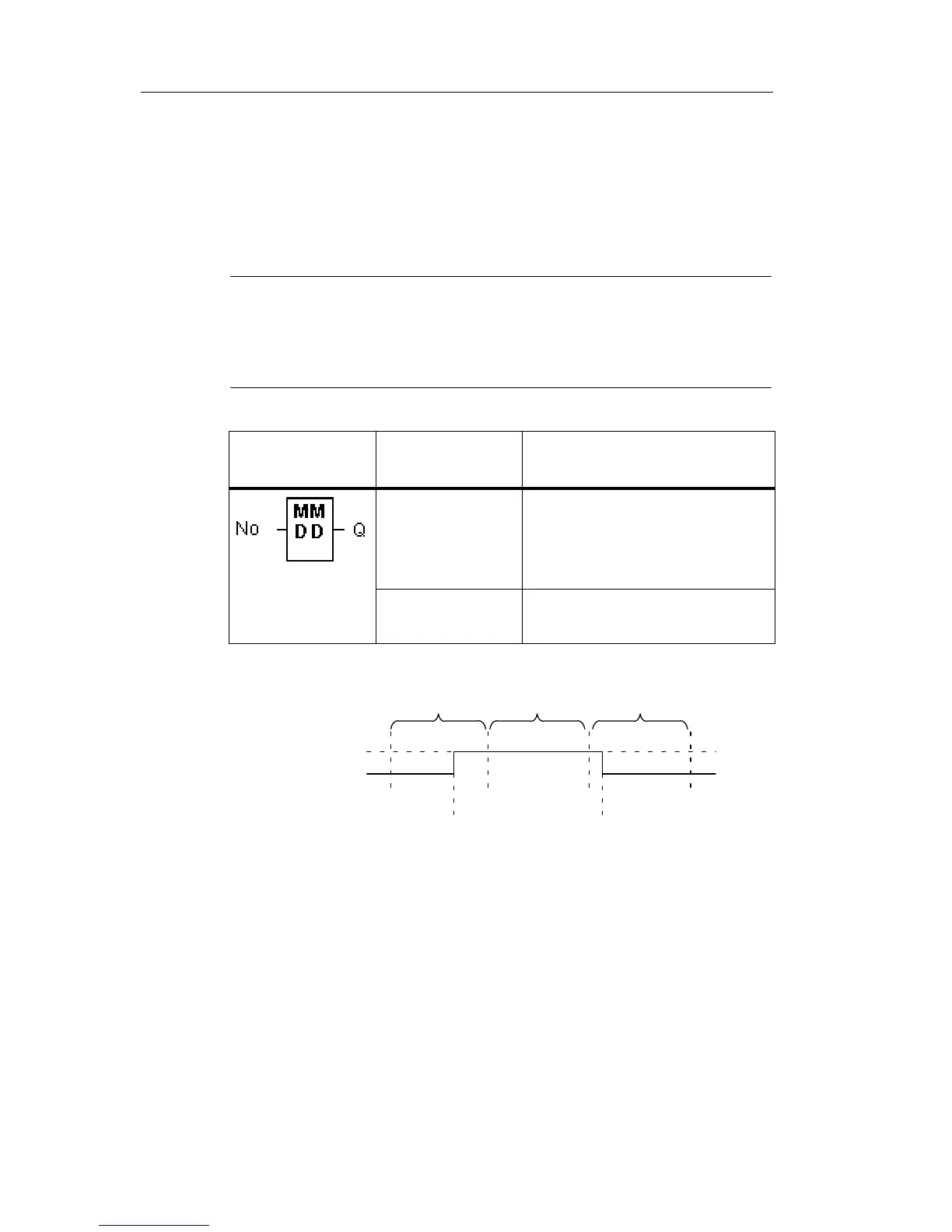
Timing diagram
MM.DD
On=02.20
Off=04.03
On
Off
February 20 at
00:00 h
April 3
at 00:00 h
Feb.
Mar. Apr.
Functional description
The yearly timer sets the output at a specific on-time, and
resets it at a specific off-time. The off-date identifies the day
on which the output is reset again. The first value identifies
the month, the second the day. For “MM” you can select a
placeholder (**), so that the on- and off-time is set for a
specific day each month.
LOGO! functions







 To Next Page