LOGO! Manual
A5E00380835-01
90
In our example we do not use the reset input of the off-
delay function, and we identify it with an ’x’ connector.
x
B1
Par
Q1
B2
This is what the display should now show
Assigning block parameters
Now you set the off-delay time T:
1. Move the cursor to Par, if it not already at this position:
Press or
2. Switch to editing mode: Press OK
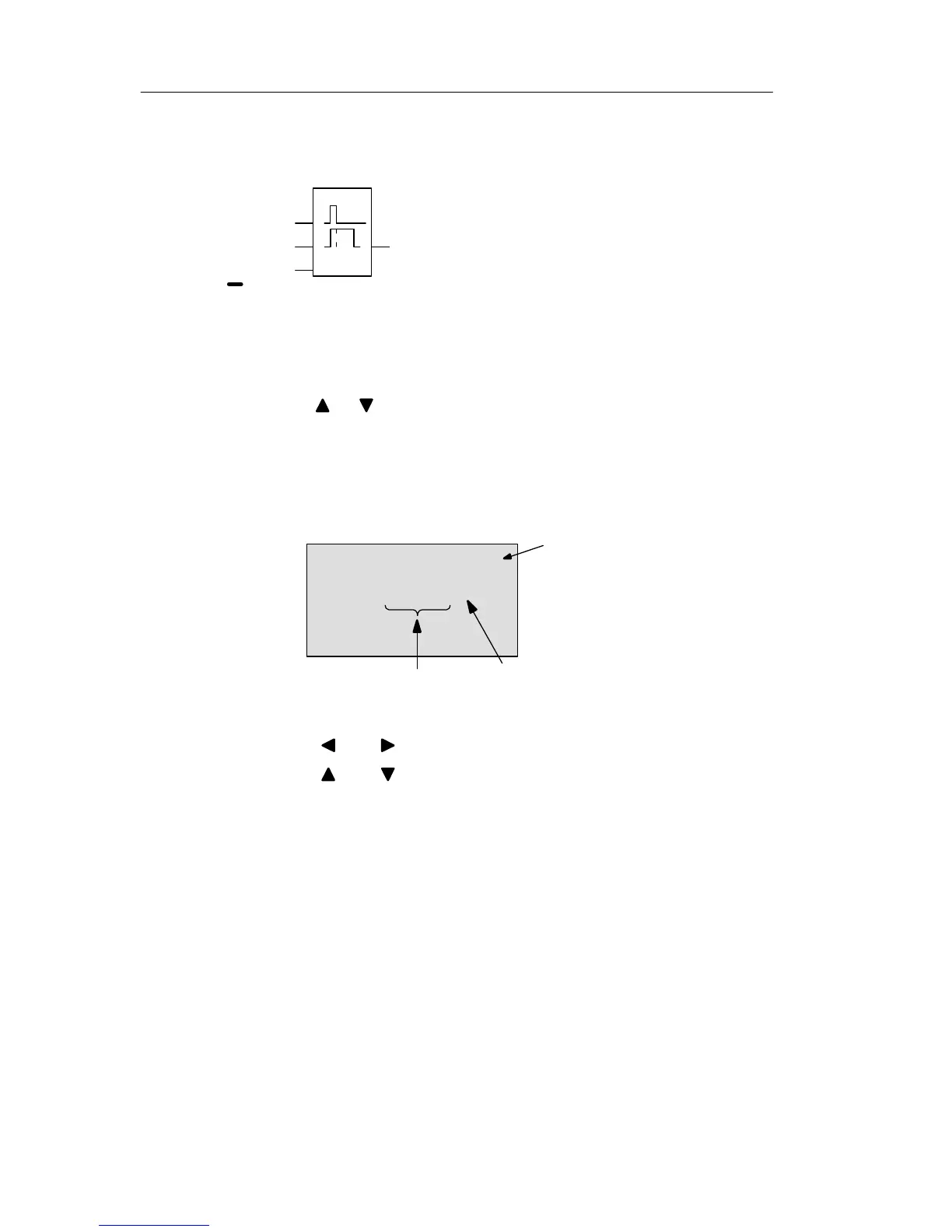
LOGO! shows the parameters in the parameter assignment
window:
“+” means: The parameter
is shown and can be modi-
fied in the parameter as-
signment mode.
“R” means: Retentivity is
enabled for this block.
T: The block pa-
rameter B2 is a
time function
B2 +R
T =00:00s
Time value
Timebase
To change the time value:
Press and to position the cursor.
Press and to modify the value at the relevant posi-
tion.
Confirm your entries with OK.
Pro







 To Next Page