209
LOGO! Manual
A5E00380835-01
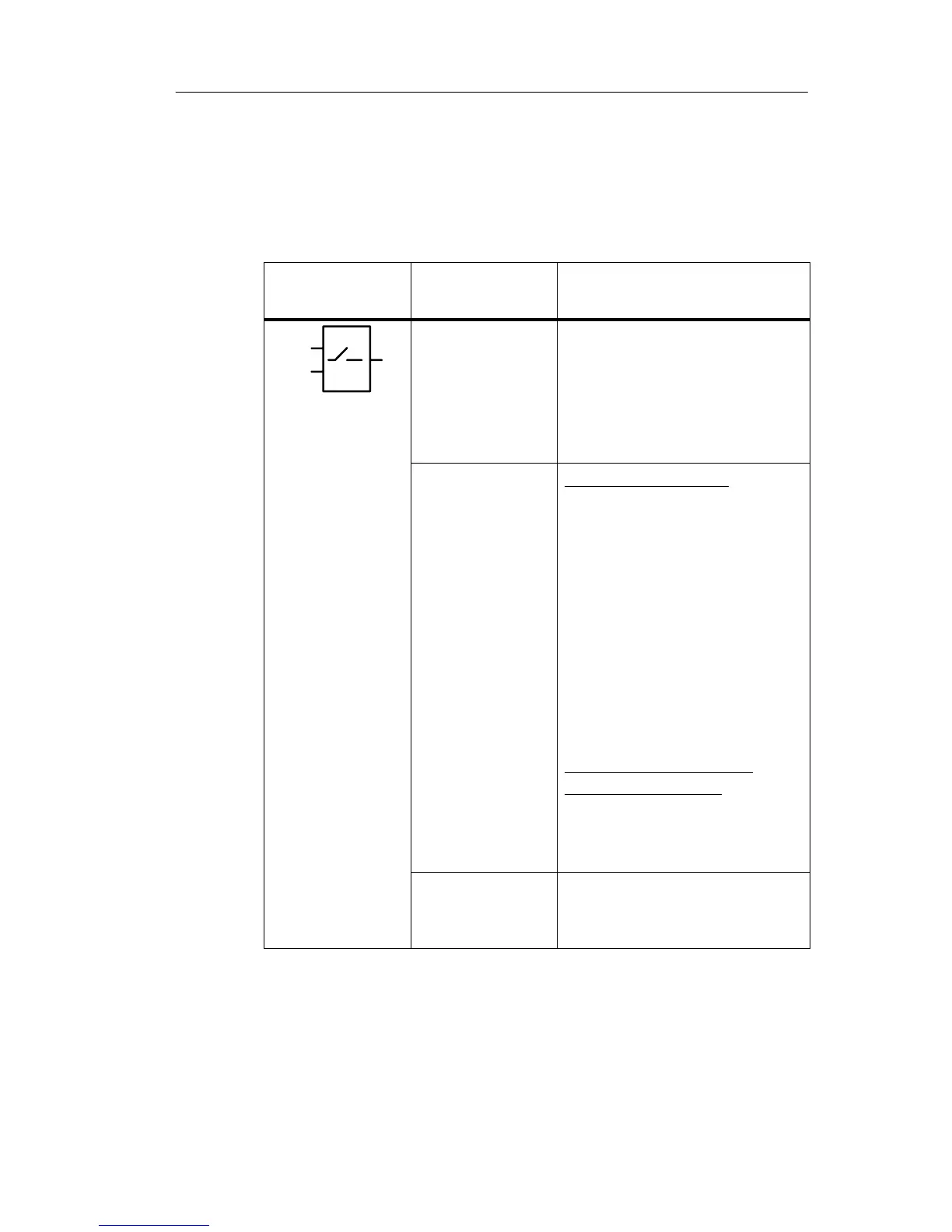
4.4.24 Softkey
Short description
This special function has the effect of a mechanical push-
button or switch.
Symbol in
LOGO!
Wiring Description
En
Par
Q
Input En Output Q is set with a 0 to 1
transition of the signal at in-
put En (Enable), and if
’Switch=On’ was confirmed
in parameter assignment
mode.
Parameter Programming mode:
Selecting the function for
pushbutton action for the
duration of one cycle, or for
switching action.
Start: On or off state, initial-
ized at the first start of
the program if retentiv-
ity is disabled.
Retentivity:
/ = No retentivity
R = The status is retentive.
Parameter assignment
mode (RUN mode):
Switch: Switches the mo-
mentary pushbutton or
switch on or off.
Output Q Switches on if En=1 and
Switch=On was confirmed
with OK.
Factory setting
The default setting at ’Par’ is ’Momentary pushbutton’
action.
LOGO! functions







 To Next Page