169
LOGO! Manual
A5E00380835-01
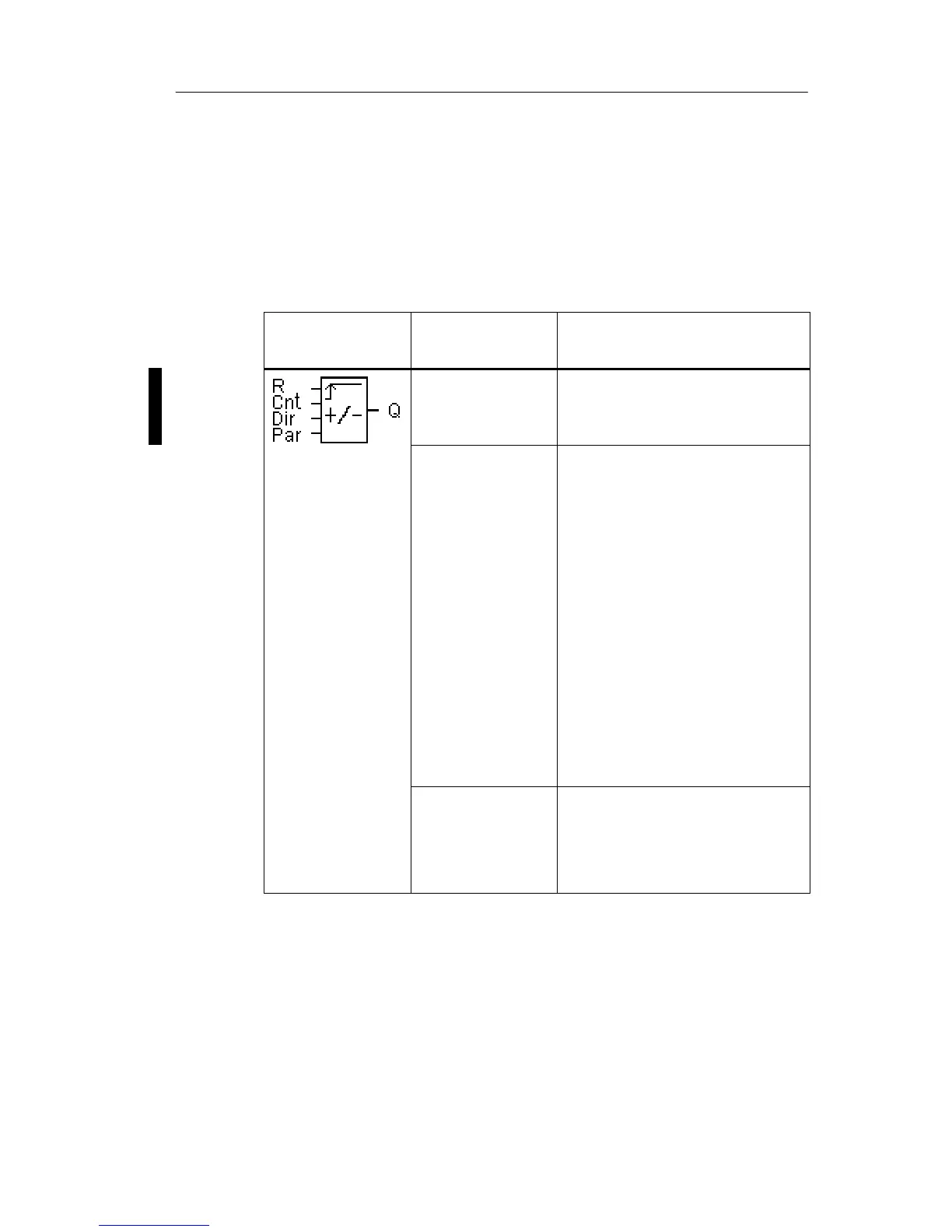
4.4.13 Up/down counter
Short description
An input pulse increments or decrements an internal value,
depending on the parameter setting. The output is set or
reset when a configured threshold is reached. The direction
of count can be changed with a signal at input Dir.
Symbol in
LOGO!
Wiring Description
Input R A signal at input R resets
the internal count value to
zero.
Input Cnt The function counts the 0 to
1 transitions at input Cnt. 1
to 0 transitions are not
counted.
Use
inputs I5/I6 for high-
speed counting (only
LOGO! 12/24 RC/RCo
and LOGO! 24/24o):
max. 2 kHz.
any other input or circuit
component for counting
low frequency signals
(5 Hz).
Input Dir You set the direction of
count at input Dir:
Dir = 0: Up count
Dir = 1: Down count
LOGO! functions







 To Next Page