211
LOGO! Manual
A5E00380835-01
To change ’Par’ to ’Switch’ action and the initialization sta-
tus after the program start:
4. To select ’Momentary pushbutton’ or ’Switch’ action:
Press
or
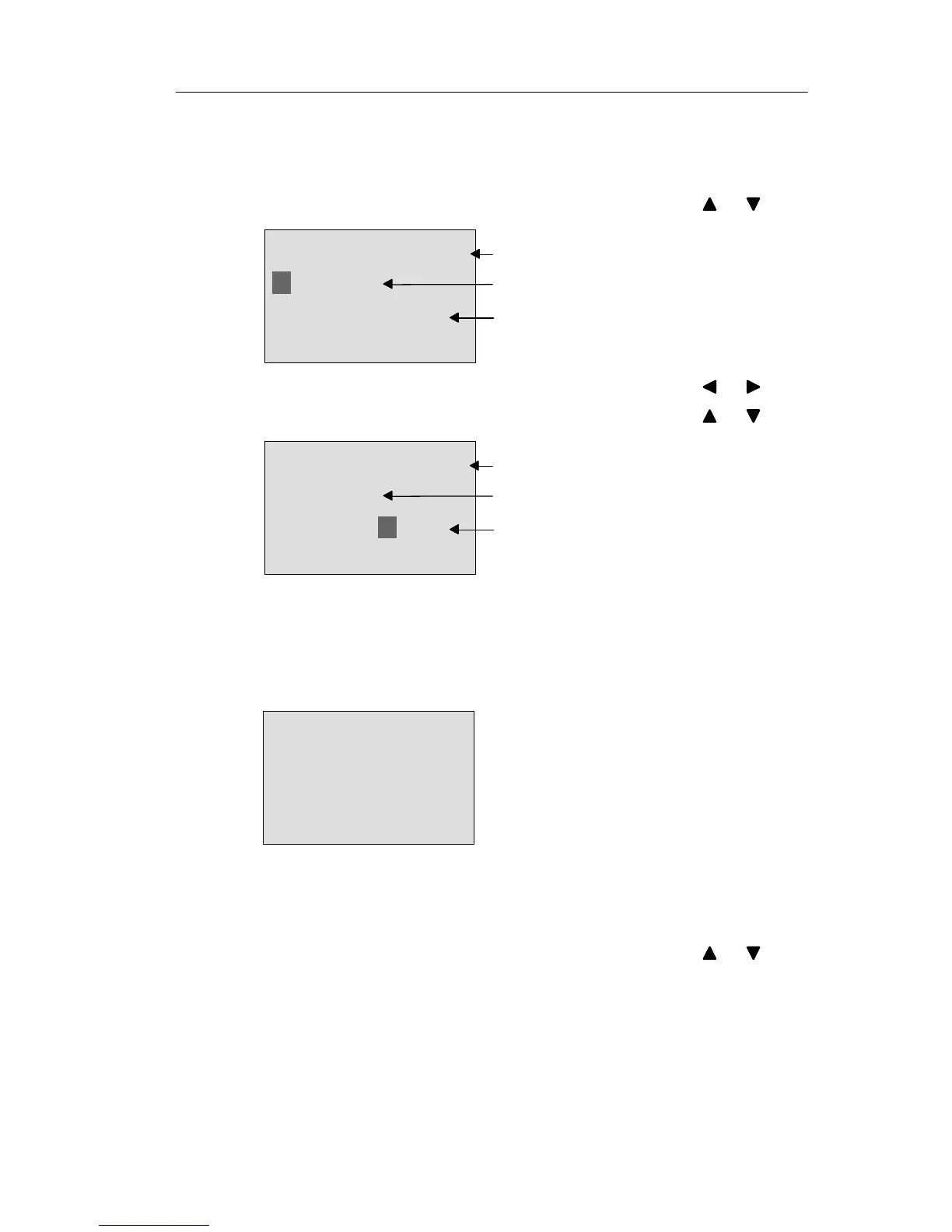
B33 +/
On/Off
Start=On
’Switch’ function
The status is not retentive
Q is set in the first cycle after the
program start
5. To change to the start state: Press or
6. To change the start state: Press or
B33 +/
On/Off
Start=Off
’Switch’function
The status is not retentive
Q is reset in the init cycle after the
program start
7. Confirm your entries with OK
View in parameter assignment mode (example):
Here, you can set or reset the ’Switch’ parameter (On/Off).
When in RUN, the LOGO! shows the following display:
B33
Switch=Off
The pushbutton/switch is here
switched off
Let us assume you want to set ’Switch’ (On).
1. Change to the editing mode: Confirm with OK
(the cursor is now positioned on ’Off’)
2. To change from ’Off’ to ’On’: Press or
3. Confirm your entries with Press OK
LOGO! functions







 To Next Page