LOGO! Manual
A5E00380835-01
70
Here you can also move the ”>” cursor by pressing
and
. Move the ”>” cursor to ”Edit..” (for editing, i.e. input) and
confirm with OK.
>Edit Prg
Edit Name
AQ in Stop
Memory?
The Edit menu of LOGO!
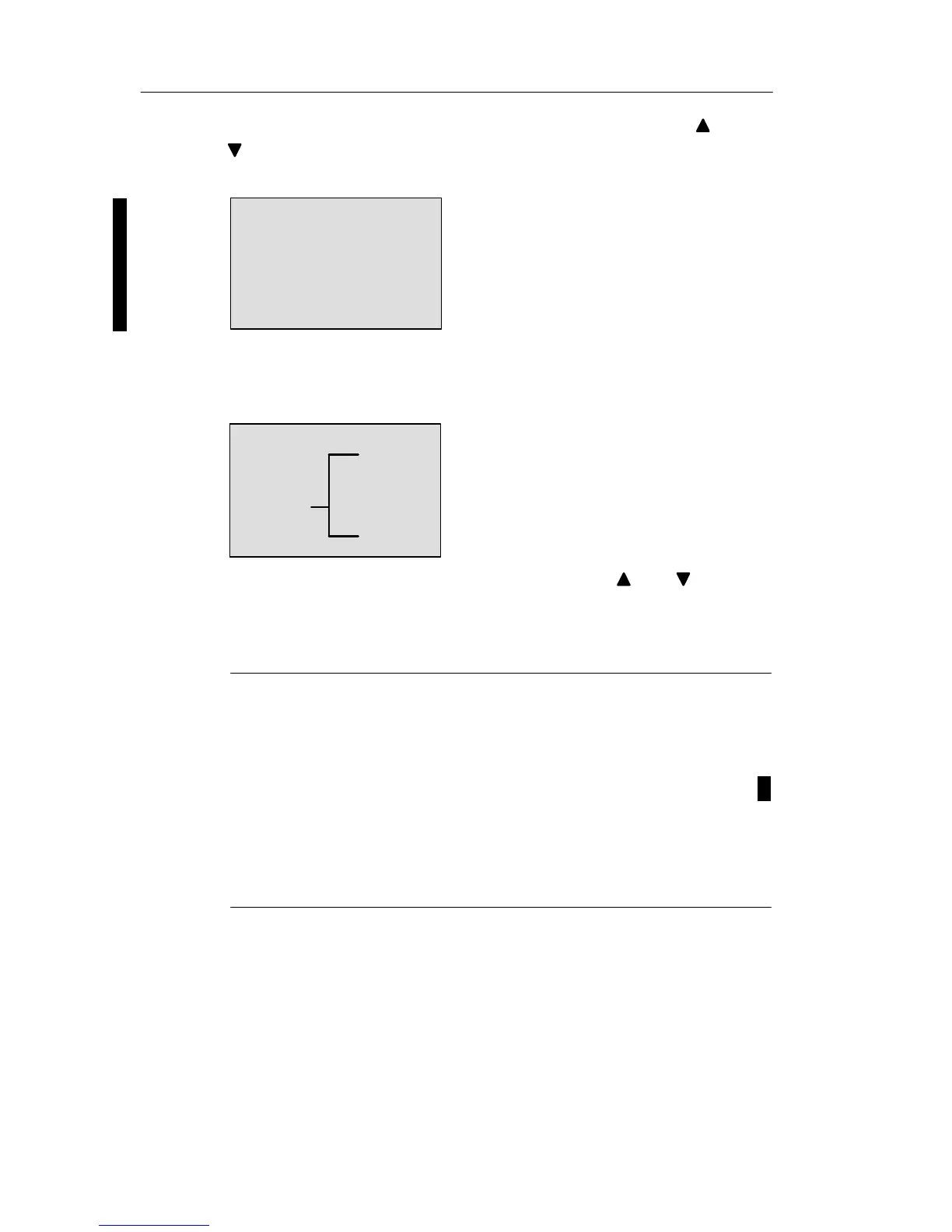
Move the ”>” cursor to ”Edit Prg” (for editing the circuit
program) and confirm with OK. LOGO! now shows you the
first output:
The first output of LOGO!
Q1
You are now in programming mode. Press and to se-
lect the other outputs. Now start to edit your circuit pro-
gram.
Note
Because we have not yet saved a password for the circuit
program in LOGO!, you can directly enter editing mode.
When you select “Edit“ after you have saved a password-
protected circuit program, you are prompted to enter a
password and to confirm it with OK. You can only edit the
program after you have entered the correct password (see
Chapter 3.7.5.).
Pro







 To Next Page