Applications Guide
IP StrataNet Node Setup
Strata CIX Programming Vol.1 12/09 A-23
Applications Guide
IP StrataNet Node Setup
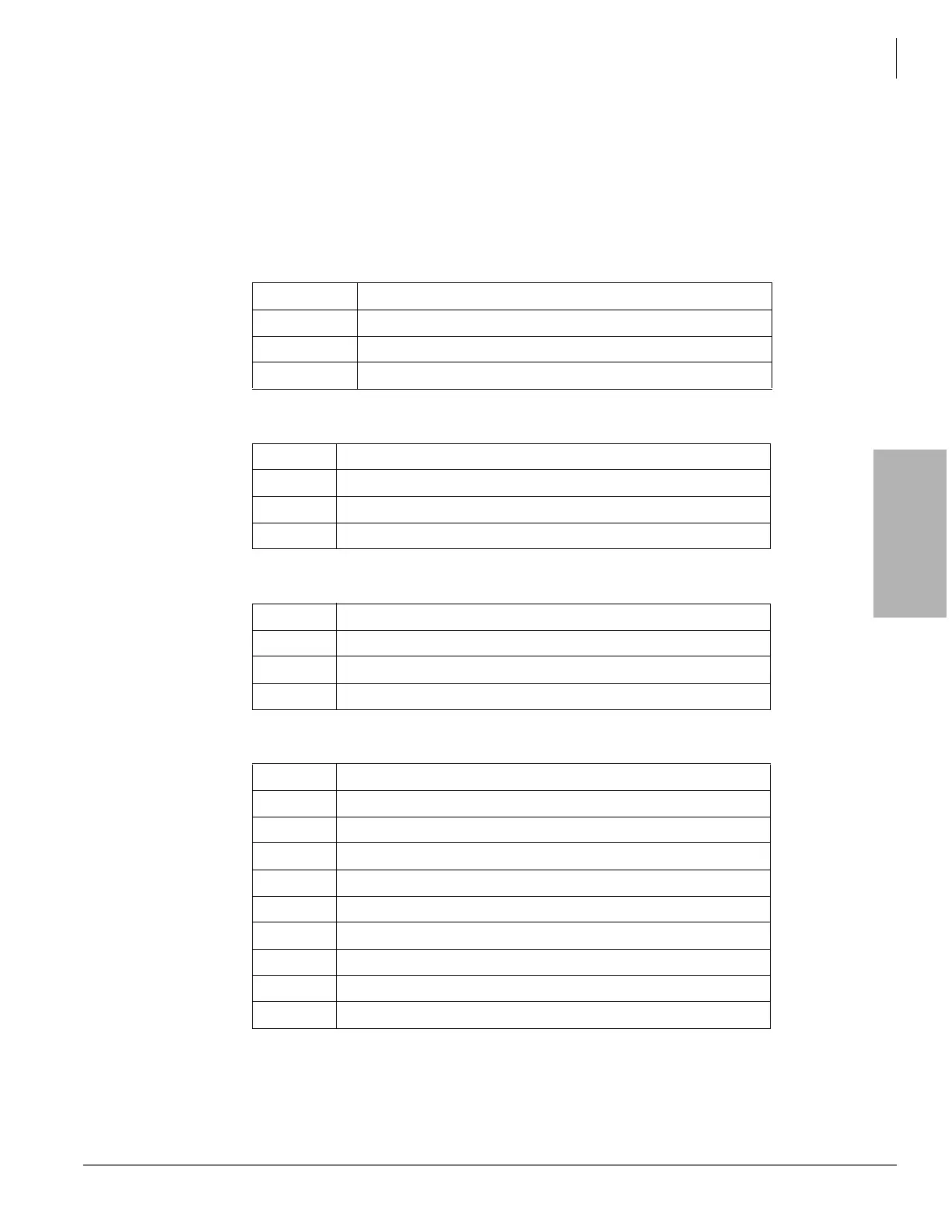
The following outlines the program steps to setup the CIX as a node in an IP StrataNet network.
Program 100 System > Card Assignment — Assign the L/M/G-IPU card.
Program 161 IP-Telephony > L/M/G IPU Configuration — Assign the MIPU/GIPU/LIPU IP Address,
subnet mask and gateway.
Program 304 Trunk > ILG — Program a new Incoming Trunk Group.
Program 306Trunk > OLG — Program a new Outgoing Trunk Group.
Program 325 Trunk > Full IP Strata Net — Program an Strata Net IP span.
Program 107 System > PAD Table — Assign PAD levels to PAD group 1.
Program 108 System > PAD Table — Assign IP channel group to PAD group.
Cabinet/Slot Select the MIPU/GIPU/LIPU card from the list
field 01 Enter the MIPU/GIPU/LIPU IP Address
field 02 Enter the MIPU/GIPU/LIPU Subnet Address
field 03 Enter the MIPU/GIPU/LIPU Default Gateway Address
field 00 Create ILG (use any available ILG number)
field 01 Group Type = ISDN
field 02 Trunk Type = TIE
field 04 Private Service Type = QSIG
field 00 Create OLG (use any available OLG number)
field 01 Group Type = ISDN
field 02 Trunk Type = TIE
field 03 Private Service Type = QSIG
field 00 Create Channel Group
field 01 Equipment Number - Cabinet / Slot location of the xIPU
field 02 LAN Interface Number = 1 for L/M/G-IPU, 2 for LIPS
field 03 Select the number of channels to use
field 04 ILG - Enter the ILG create above
field 05 OLG - Enter the OLG create above
field 06 Bearer Service = Speech
field 07 Bearer Service 3.1 KHz = Audio
field 08 RBT on Incoming Call - Enable
field 09 Q931 Protocol Timer - Normal



 To Next Page