Network eManager®
Features of Network eManager
Strata CIX Programming Vol.1 12/09 2-17
Network eManager®
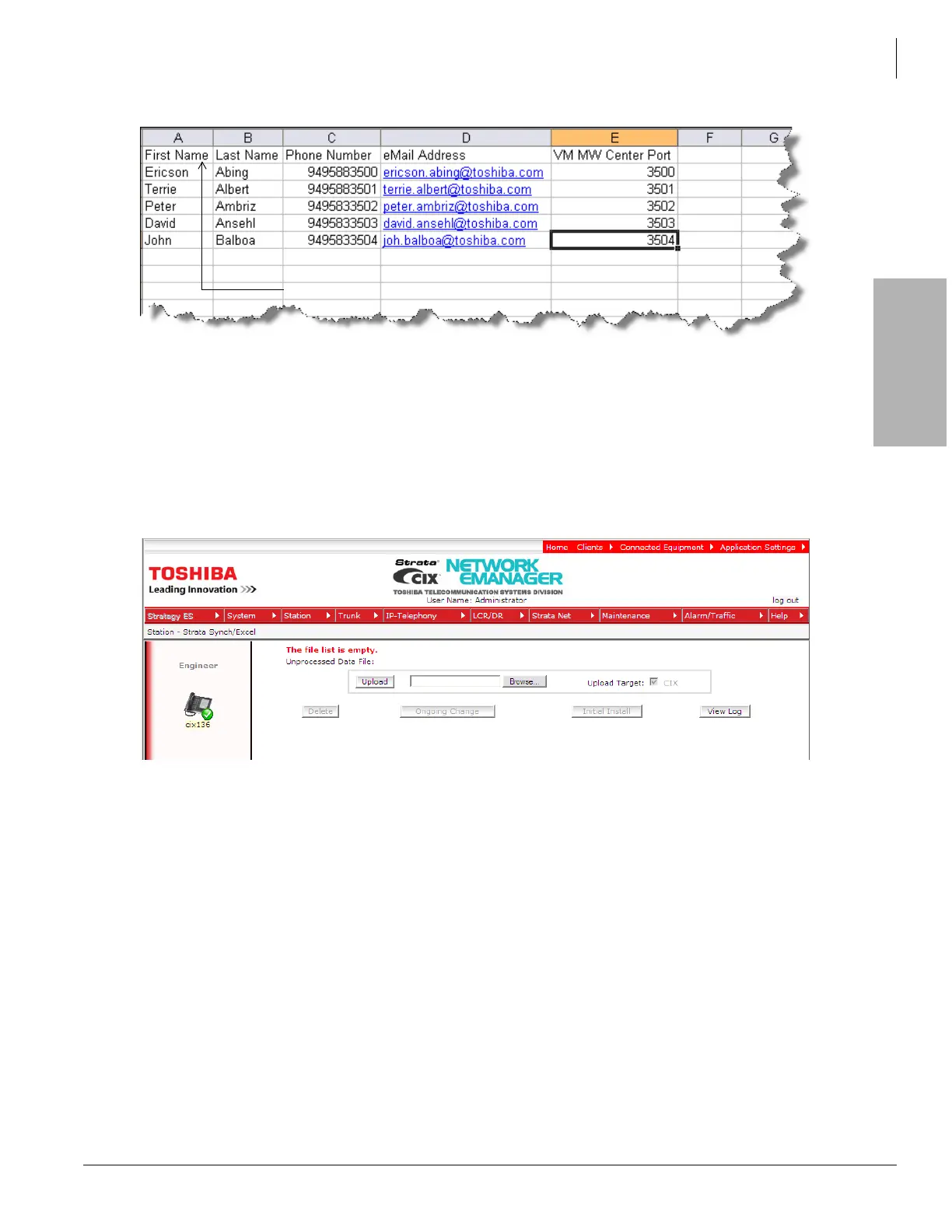
Figure 2-1. Excel Import Data
2. Access the Excel import feature in Network eManager
- The Excel import feature is located in the same location as the Active Directory Services
import: Station -> Strata Synch/Excel
- The first time the Excel utility is executed the file list will be empty.
- Click on the Browse button as shown in Figure 2-2.
Figure 2-2. Strata Synch/Excel
- Locate the .xls file that was created with the station data and click the Open button as shown
in Figure 2-3.



 To Next Page