Network eManager®
Features of Network eManager
2-18 Strata CIX Programming Vol.1 12/09
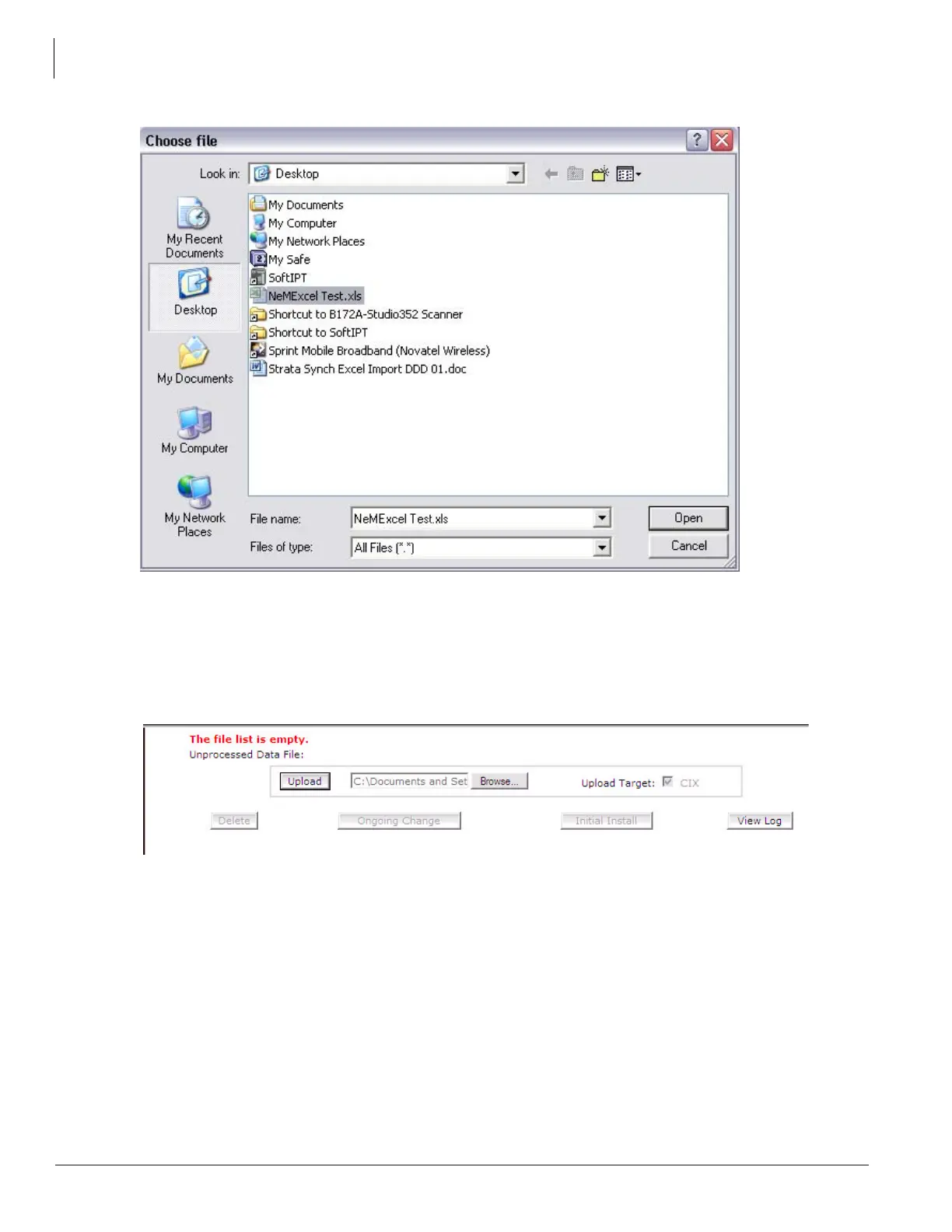
Figure 2-3. Choose File Screen
3. Upload the spreadsheet into Network eManager
- Once the path to the to the target .xls file has been entered, click the Upload button as shown
in Figure 2-4.
Figure 2-4. Upload Screen
4. Define the data
- Figure 2-5 is the data definition screen. This screen allows the technician to specify which
column represents which particular field. Notice that in Figure 2-5 below, column C is defined
as “Column for Extension” but the data actually shows phone numbers. This is acceptable
because the technician has the chance to specify which part of the phone number represents
the extension number.
- Click on Process Data to continue.



 To Next Page