Network eManager®
Features of Network eManager
2-30 Strata CIX Programming Vol.1 12/09
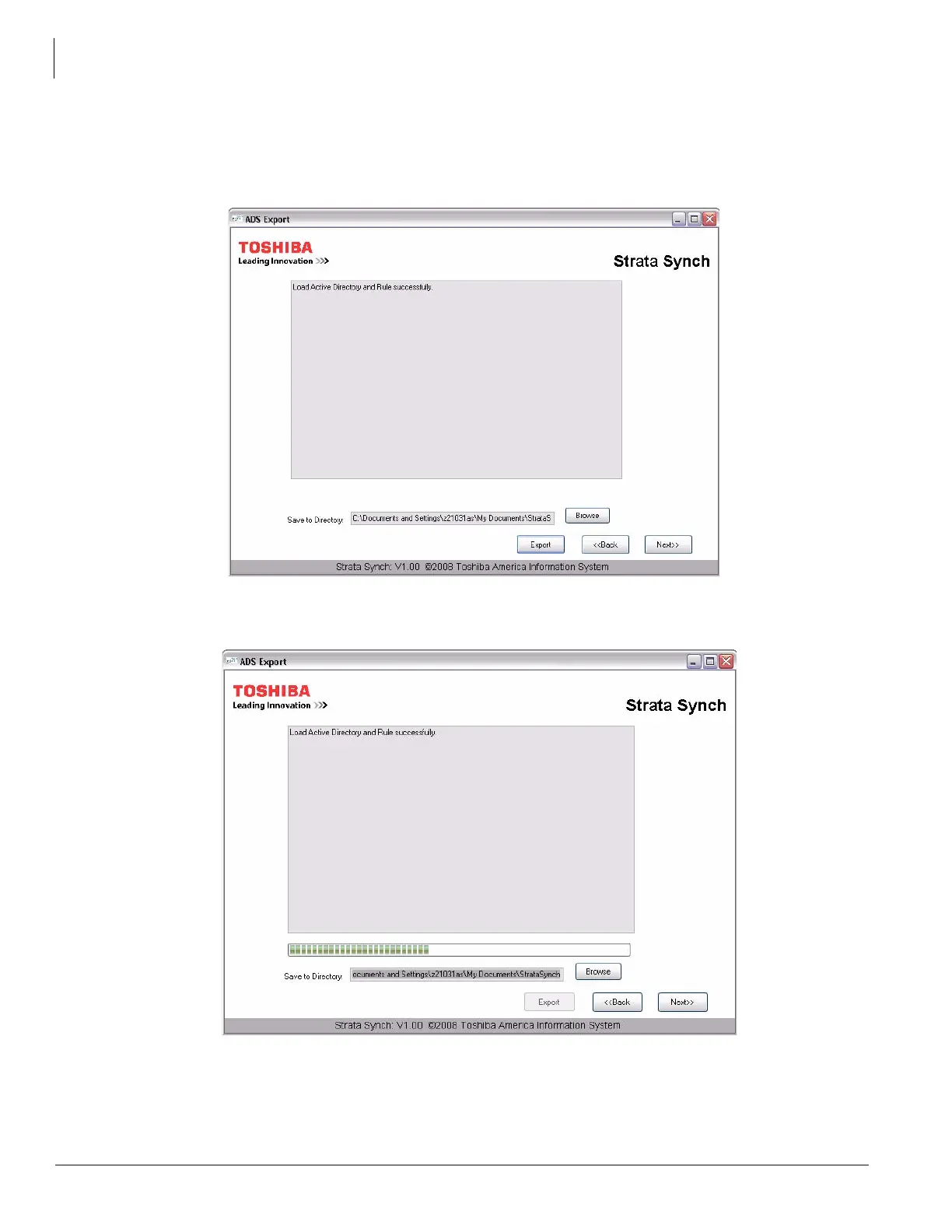
3. Click Next and the dialog box as shown here displays. This screen shows that the tool is ready to start
exporting all the users Strata Synch found in the default Users folder in ADS.
4. Enter the directory path or click the Browse button to select the directory to which to export the users.
5. Click Export.
6. Once Export is pressed, the export process begins as shown in these figures.



 To Next Page