Network eManager®
Features of Network eManager
Strata CIX Programming Vol.1 12/09 2-39
Network eManager®
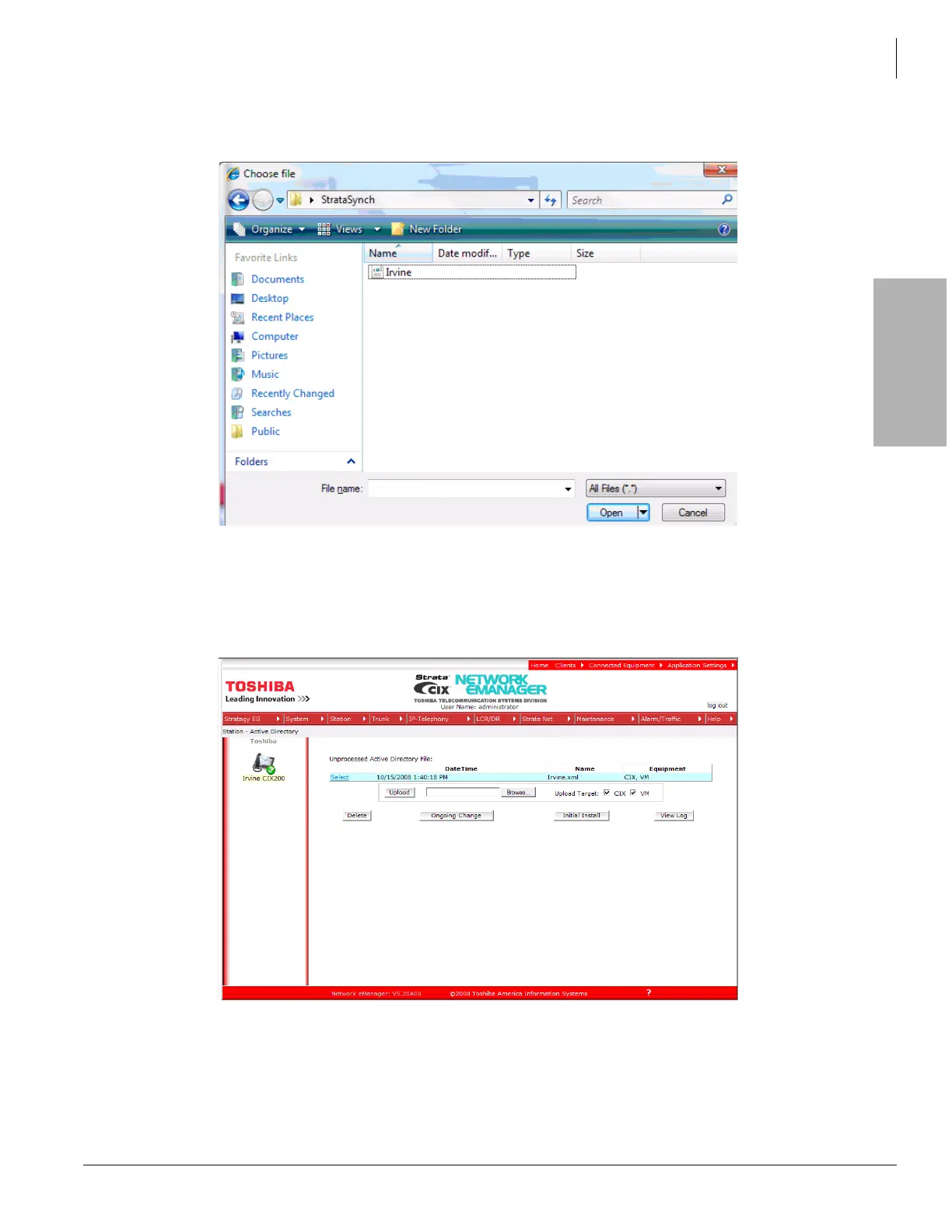
3. Click Browse to locate the XML file Strata Synch created earlier. When the file is located click Open. The
Choose file dialog box opens.
In the example shown here, Irvine.xml file is selected. Highlight the file you wish to use then click the Open
button. Group.xml is the voicemail group.
4. The selected XML file displays on screen. Click Upload. This copies the XML file from the target directory into
the Network eManager PC to be processed.



 To Next Page