Network eManager®
Network eManager Data Import/Export Features
Strata CIX Programming Vol.1 12/09 2-59
Network eManager®
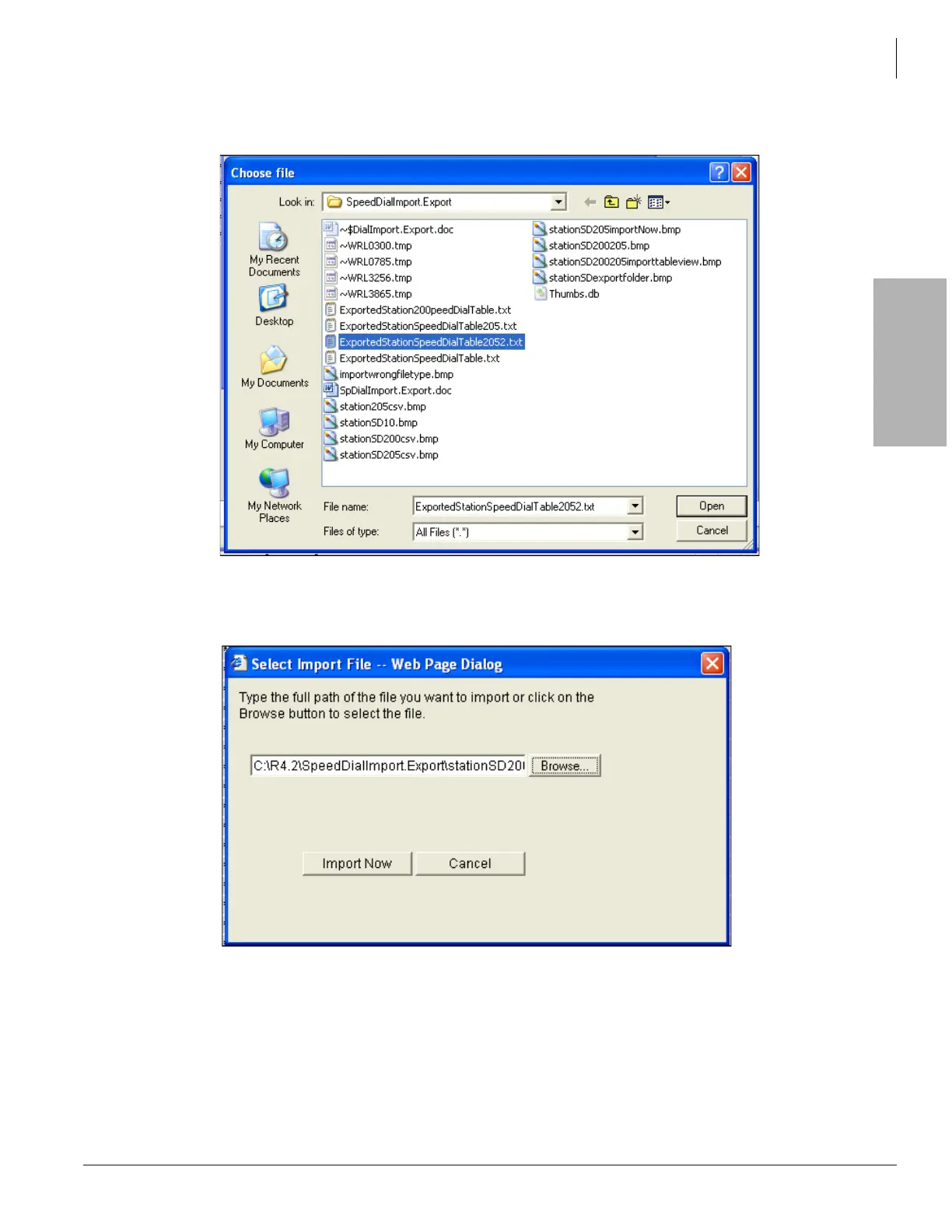
10. The Choose File dialog box will open. Use the Browse button to find the text file containing the speed
dial assignments for station 200 (created in Step 7 above).
11. After selecting the station 205 speed dial file click Open. A Network eManager dialog box will prompt
you to Import the data to the CIX. Click Import Now. This will cause Network eManager to import and
upload the station 205 speed dial data to the CIX.



 To Next Page