Network eManager®
Network eManager Data Import/Export Features
2-58 Strata CIX Programming Vol.1 12/09
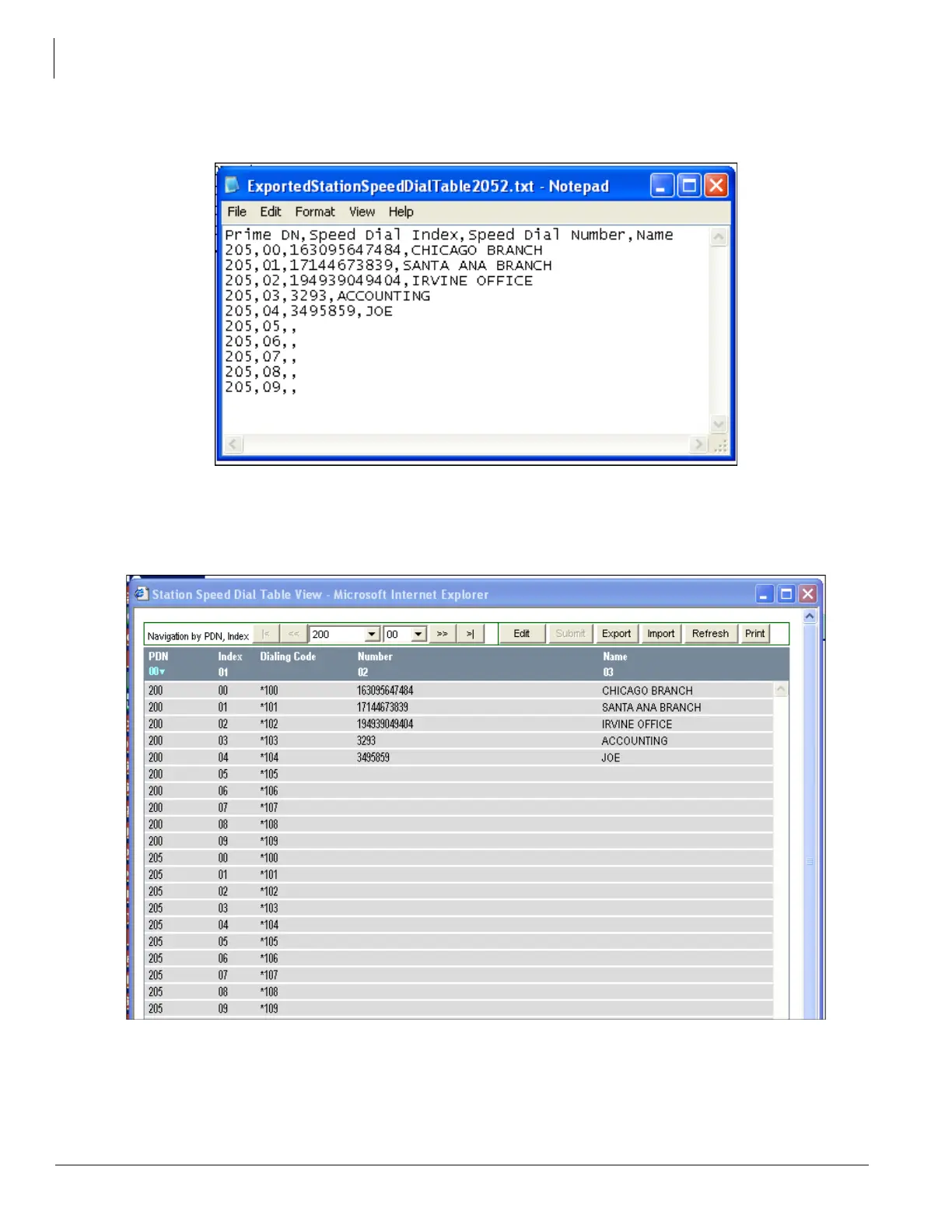
7. In the text file, change the Prime DN from 200 to 205 – be sure to keep the same comma delimited
format intact as shown below and do not change the header. Save the file under a different name.
8. In Network eManager, select Station > Speed Dial Table View. All assignments for Station Speed Dial
are displayed.
9. On the top of the Station Speed Dial Table View screen click on Import.



 To Next Page