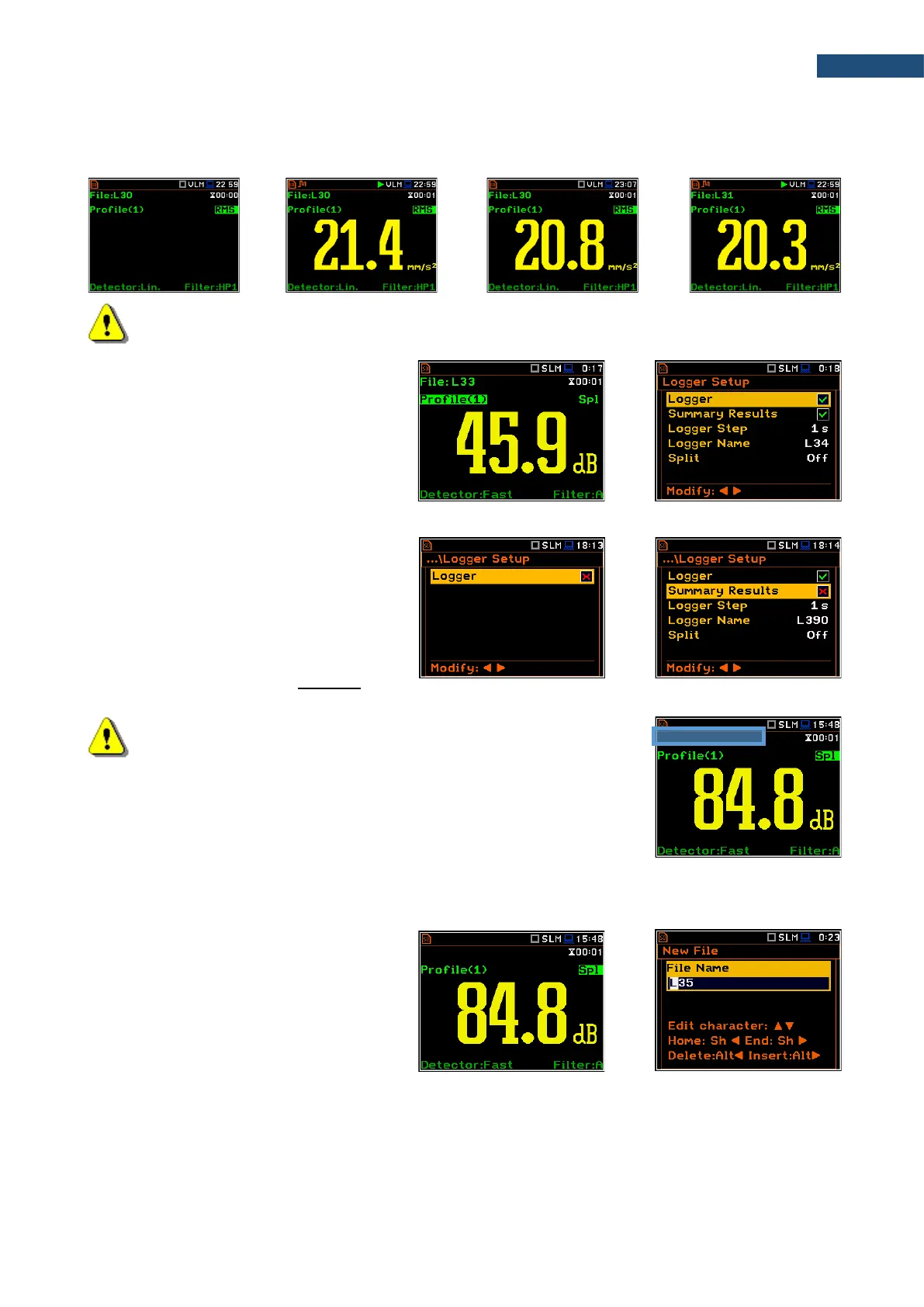
The screens below show the automatic file saving during two subsequent measurements. Before and during
the first measurement the file name L30 is displayed. This file is saved automatically in the directory hh-mm-
ss after the measurement stop. After start of the second measurement the instrument automatically changes
the file name to L31 and this file will be saved after of the second measurement stop and so on.
Note: During the measurement run with data logging to the logger file, the „logging” icon is
displayed.
If both Logger and Summary Results are
switched on, pressing the <Save> key
switches you to the Logger Setup screen in
which the Logger Name position shows the
name of the logger file which will be created
after the next measurement. You can
change parameters in this screen and return
to the measurement view after pressing
<ENTER>.
Manual saving of Summary Results
If the Logger or the Summary Results
position is switched off in the Logger Setup
list (path: <Menu> / Measurement / Logging
/ Logger Setup) the automatic saving of the
measurement data (so called
Summary Results) is switched off too. In this
case Summary Results for the last cycle can
be saved only manually.
Note: If Logger is Off, the field with file name in the result view screen
will be empty!
There are two options for saving manually the Summary Results data. One option is to press <Save> key
(<Alt>+<ENTER>) right after the measurement stop. Another option is to create <New File> with
File Manager.
Pressing the <Save> key switches you to
the New File editor screen with the name
generated by the instrument.
After edition of the automatically proposed
name, press <ENTER>.



 To Next Page