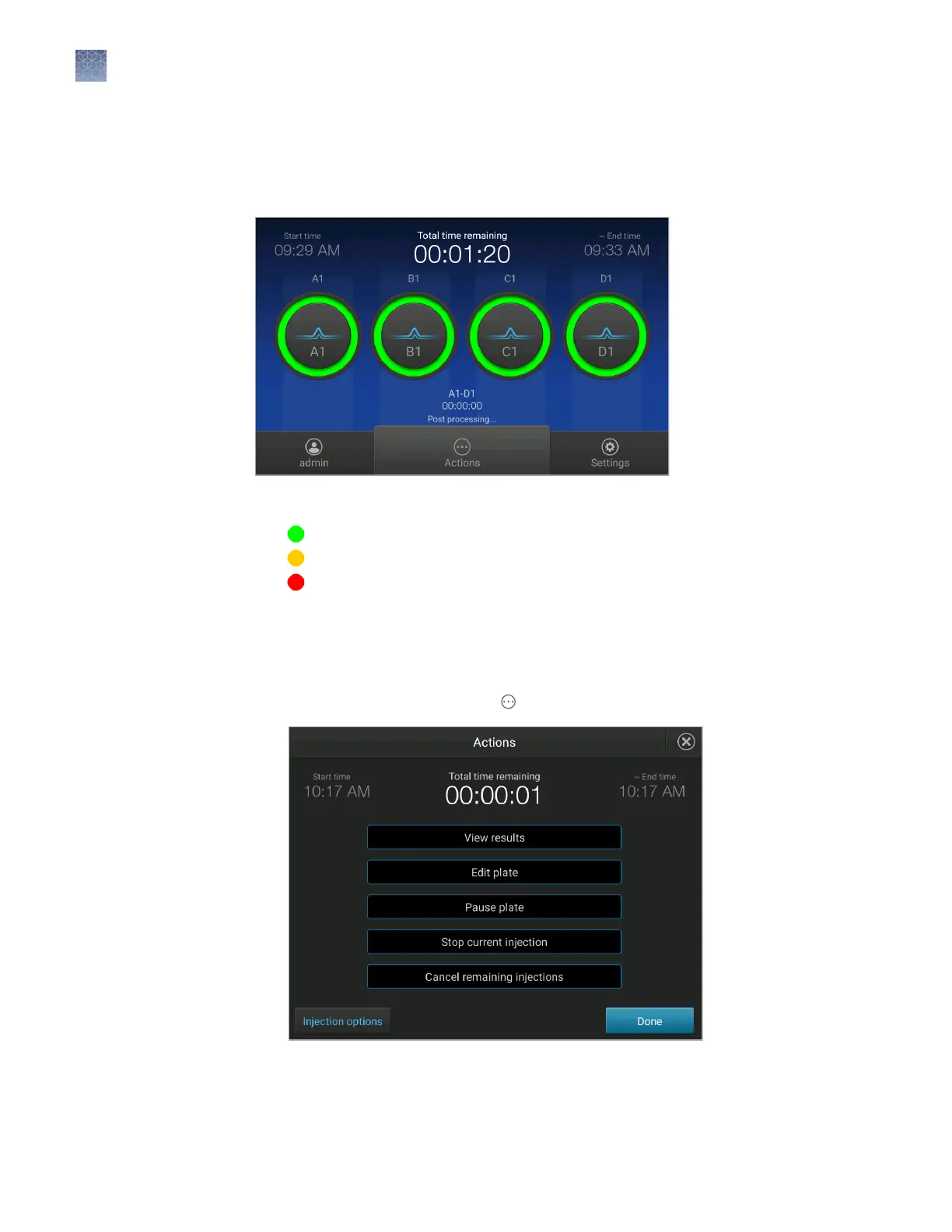
During a run, touch one of the injection dials to display the trace for the selected
capillary.
See “Fragment/HID analysis trace“ on page 113 or “Sequence analysis trace“ on
page 115 for information.
The status dials are color-coded for quality alerts:
• —All QC tests passed.
• —At least 1 warning quality alert was triggered.
• —At least 1 failing quality alert was triggered.
For information on quality alerts, see:
• “Data quality alerts“ on page 119
• “Sizecalling and basecalling quality alerts“ on page 119
1.
In the run status screen, touch Actions.
View real-time
results
Pause a plate or
cancel or stop
injections
Chapter 7 Start and monitor a run
Monitor a run from the instrument
7
106
SeqStudio
™
Genetic Analyzer Instrument and Software User Guide













 To Next Page