1.
Touch Seings4Cartridge 4Cartridge Storage Mode.
2.
Select the duration of instrument inactivity before the instrument enters
Cartridge Storage Mode.
3.
Touch OK.
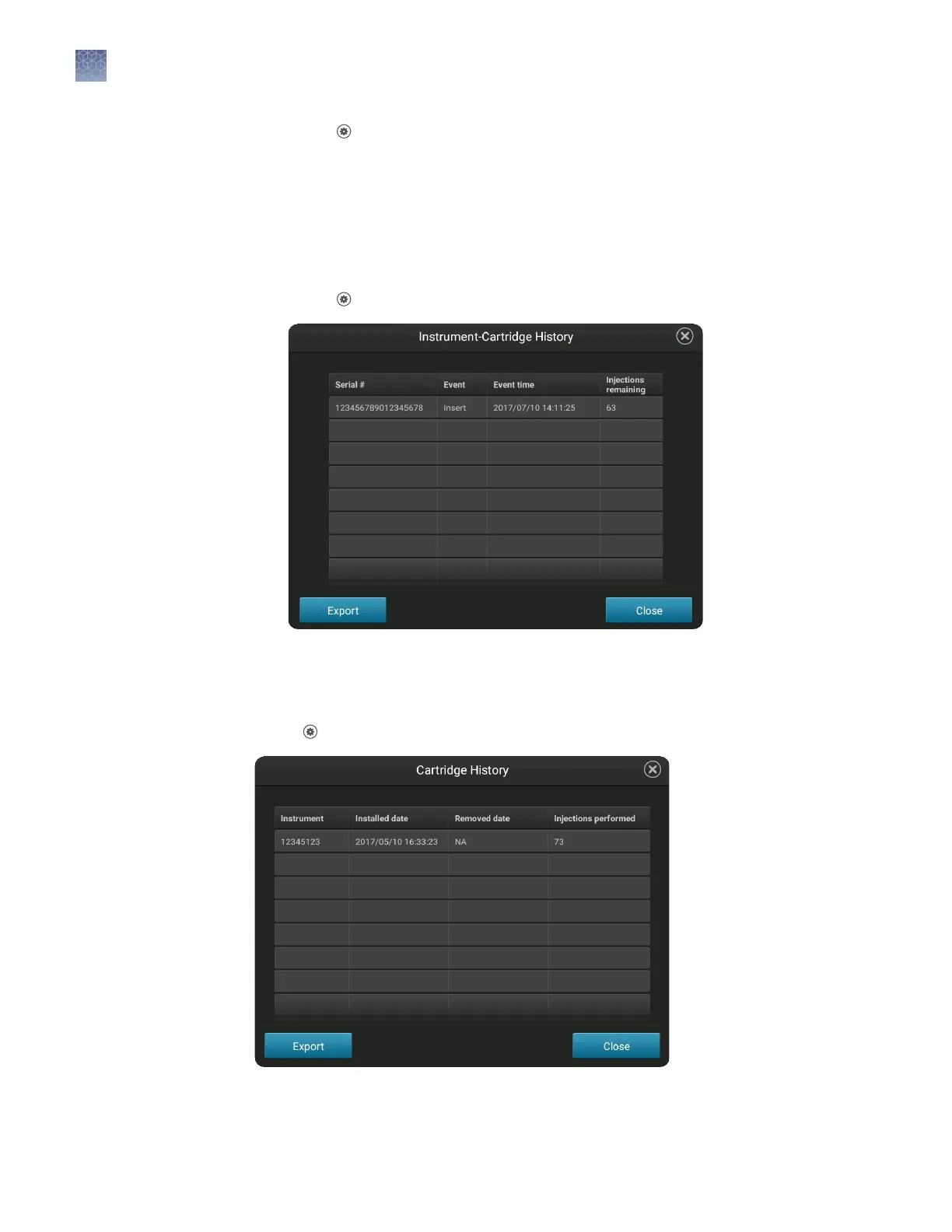
This function lists the cartridges that have been installed on this instrument.
1.
Touch
Seings4Cartridge4Instrument-cartridge history.
2.
(Optional) Touch Export.
This function lists the instruments on which the cartridge has been installed.
Touch
Seings4Consumables status, then touch Cartridge history.
Check or export
the Instrument-
cartridge history
Check or export
the cartridge
history
Chapter 11 Maintain the instrument
Manage the cartridge
11
160
SeqStudio
™
Genetic Analyzer Instrument and Software User Guide













 To Next Page