You cannot disconnect individual users from an instrument.
To disconnect a user, or to unlink the instrument from a Connect cloud-based platform
account, you must disconnect the instrument from InstrumentConnect. Doing so
unlinks all instrument proles and removes the instrument from InstrumentConnect.
You can remove a user from the instrument, however, doing so deletes the user data
from the instrument.
For more information, see “Manage the users and administrators of your
instrument“ on page 49
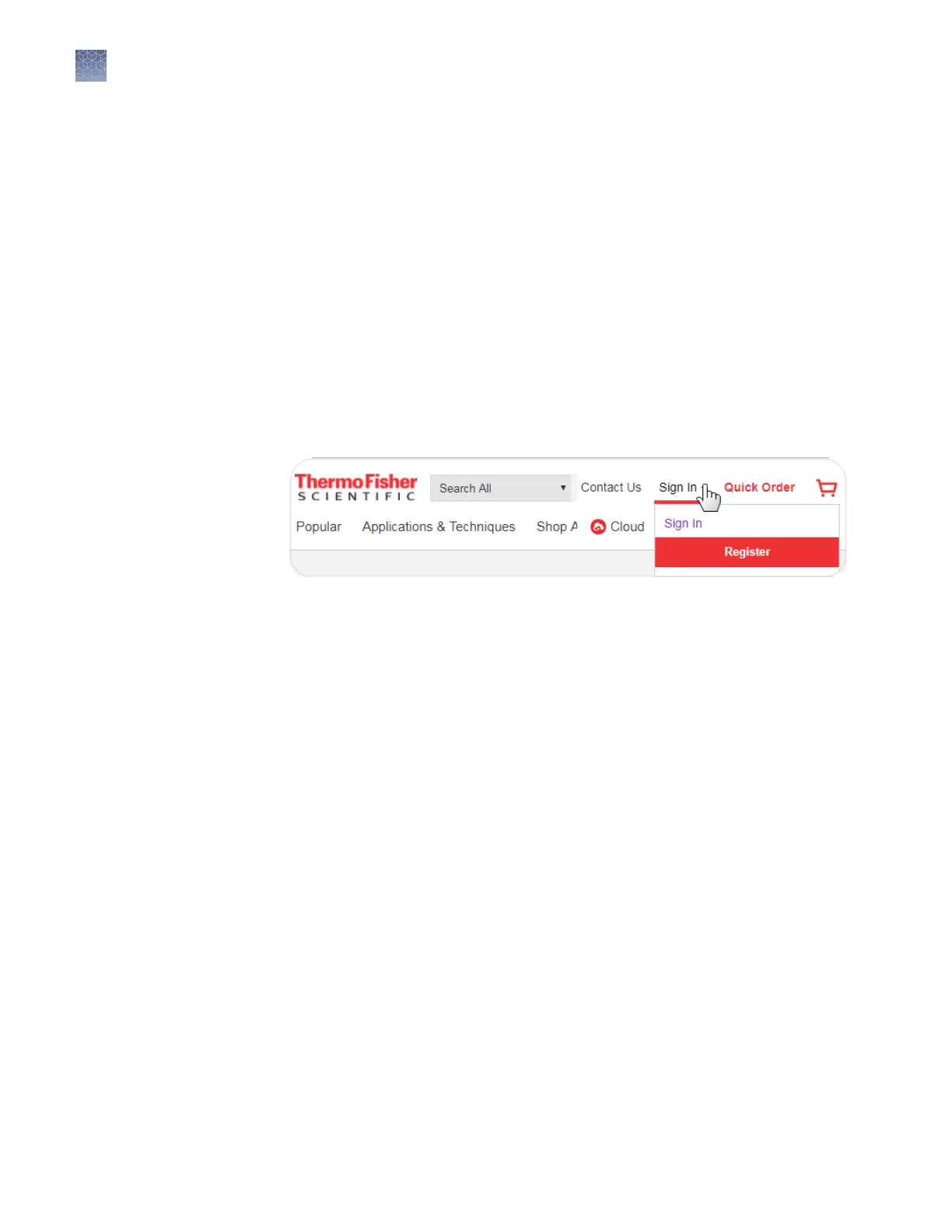
Register and obtain a Connect cloud-based platform account
1.
Go to www.thermosher.com.
2.
On the home page, select Sign In4 Register.
3.
Fill in all information, then click Create account.
Disconnect
individual users
from an
instrument
Chapter 3 Use the instrument with the Connect cloud-based platform
Register and obtain a Connect cloud-based platform account
3
50
SeqStudio
™
Genetic Analyzer Instrument and Software User Guide













 To Next Page