Condition number
A Condition Number indicates the amount of overlap between the dye peaks in the
uorescence emission spectra of the dyes in the dye set.
If there is no overlap in a dye set, the Condition Number is 1.0 (ideal conditions), the
lowest possible value. The condition number increases with increasing peak overlap.
The ranges that the software uses to determine if a capillary passes or fails are:
Dye Set Quality Value Minimum
Condition Number
Maximum
AnyDye 0.8 (default) 20.0 (default)
D 0.8 8.5
E 0.95 5.5
E5 0.95 6.0
F 0.95 8.5
G5 0.95 13.5
J6 0.95 8.0
J6-T 0.95 8.0
Z 0.95 5.5
Add a custom dye set to the software based on a system dye
1.
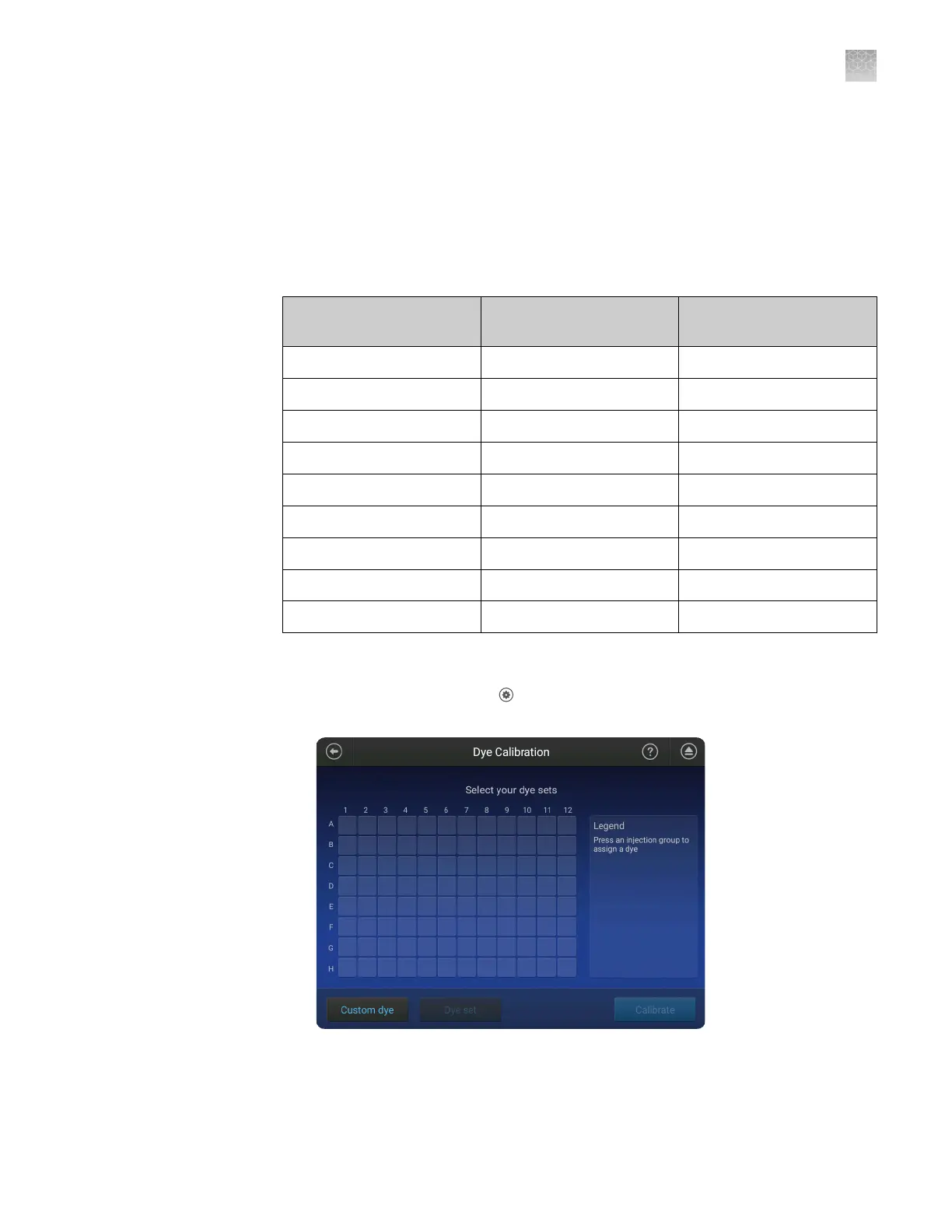
In the home screen, touch
Seings4Maintenance and Service4
Calibration4Dye calibration.
2.
Touch Custom Dye.
3.
Touch Add.
Perform a custom
dye calibration
Appendix C Dye calibration and install standard checks
Calibrate dyes
C
SeqStudio
™
Genetic Analyzer Instrument and Software User Guide
197













 To Next Page