4.
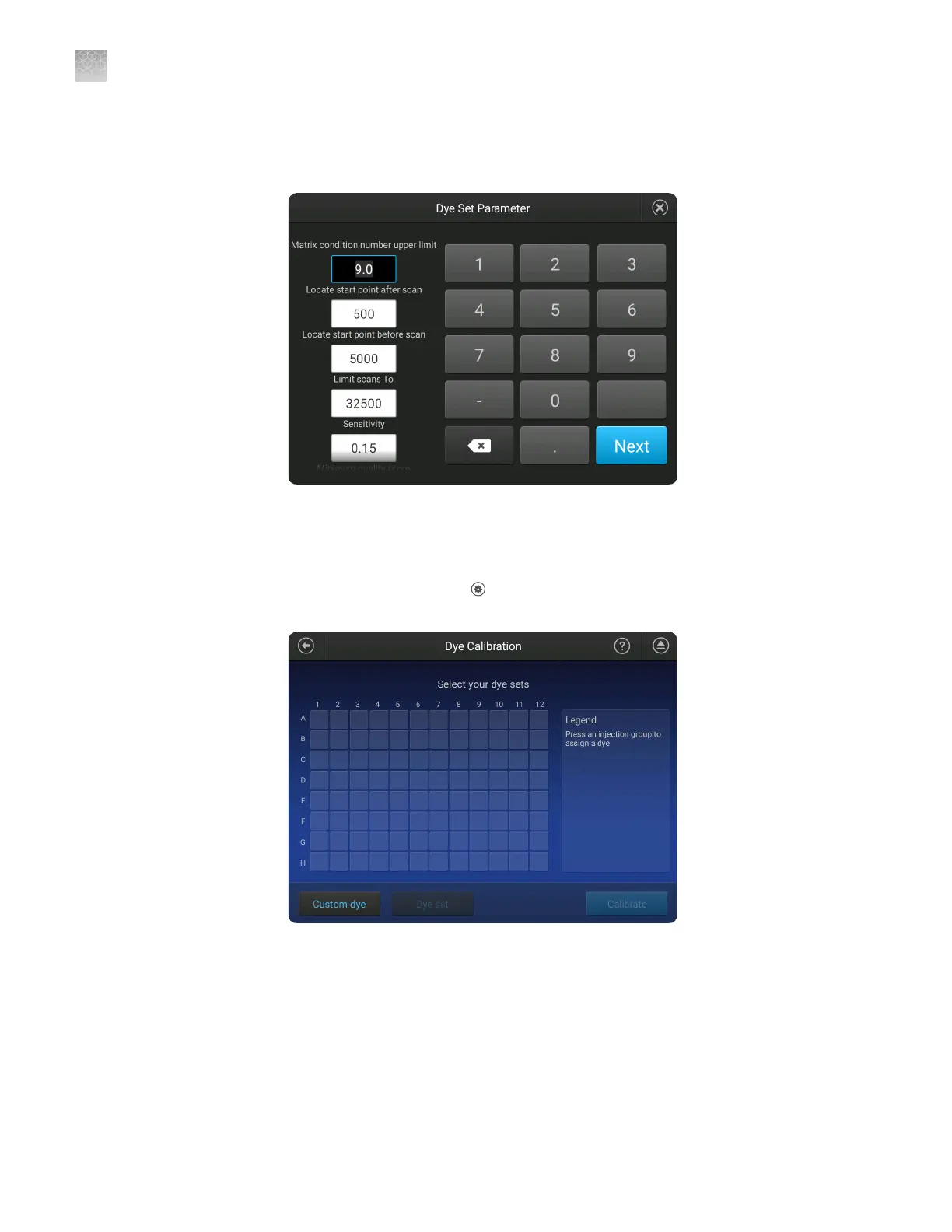
Touch the system dye to use as a starting point for the custom dye seings.
5.
Modify the seings as needed then touch Next.
6.
Enter a Dye set name, then touch Done.
Add a custom dye set to the software using the Any Dye template
1.
In the home screen, touch Seings4Maintenance and Service4
Calibration4Dye calibration.
2.
Touch Custom Dye.
3.
Touch Add.
4.
Select Any Dye to use as a starting point for the custom dye seings.
All dyes are selected by default.
Appendix C
Dye calibration and install standard checks
Calibrate dyes
C
198
SeqStudio
™
Genetic Analyzer Instrument and Software User Guide













 To Next Page