Install cathode buffer
SeqStudio
™
Genetic Analyzer Cathode Buffer Container storage
Condition
Description
Shipping Is shipped at ambient temperature.
Store at 2–8°C upon receipt.
On-instrument storage After installation, can be stored for up to 2 weeks when the instrument is powered
on and in Cartridge storage mode.
Off-instrument storage Before opening, can be stored until expiry date on label at 2–8°C.
Reuse Do not remove the CBC from the instrument for storage. Do not reuse.
Perform these steps if you are replacing the Cathode
Buer Container. It is not
necessary to remove the CBC after each run.
1.
Touch
, touch Eject plate, then open the instrument door when prompted.
2.
Press the release buon on the autosampler to open the lid.
3.
Lift the CBC out of the autosampler.
Equilibrate the CBC to room temperature (15 minutes to overnight) before
assembling.
On a clean and level surface:
1.
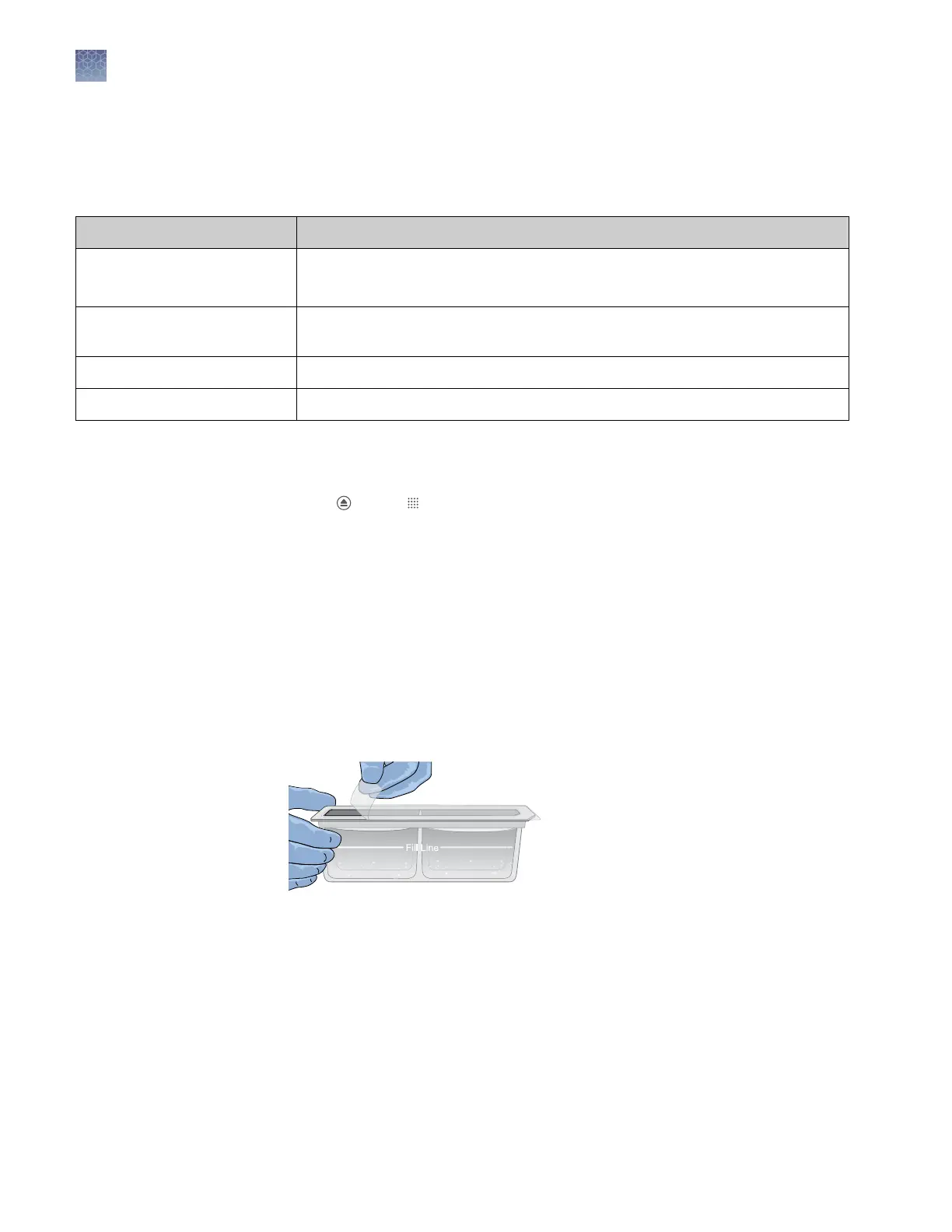
Ensure that the buer is above the ll line.
2.
Carefully peel o the seal.
3.
Wipe o any buer on top of the CBC with a lint-free tissue. Ensure that the top
of the container is dry.
Remove the
SeqStudio
™
Genetic Analyzer
Cathode Buffer
Container
Assemble the
SeqStudio
™
Genetic Analyzer
Cathode Buffer
Container (CBC)
Chapter 11 Maintain the instrument
Install cathode buffer
11
166
SeqStudio
™
Genetic Analyzer Instrument and Software User Guide













 To Next Page