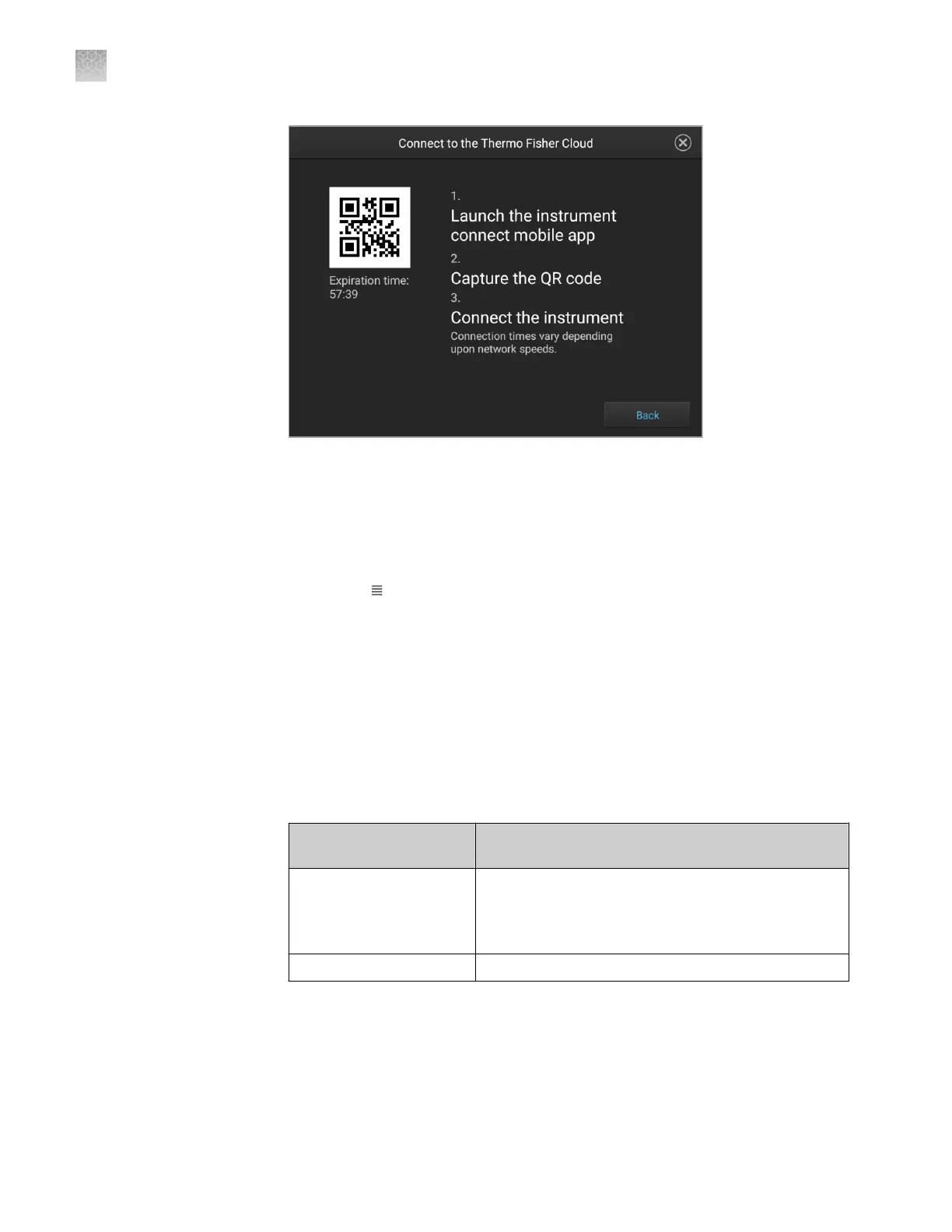
1.
On your mobile device, download the InstrumentConnect from the Apple Store
or from Google
™
Play.
2.
Launch, then sign in to the mobile app on your mobile device.
3.
Register the instrument:
a.
Touch , then touch Register Instrument.
b.
Touch QR code on your mobile device.
c.
With your mobile device, scan the QR code displayed in the instrument
touchscreen.
Link the instrument using a link code
1.
From the instrument Sign In screen, navigate to the Connect to the Thermo
Fisher Cloud screen:
Do you have a local
instrument profile?
Description
Yes
1. Touch Sign in, then enter your PIN.
2. In the home screen, touch Setup run.
3. In the Setup run screen, touch Cloud.
No Touch Get started4Connect.
Register the
instrument with
the Instrument
Connect App
Appendix B Link the instrument to your Connect cloud-based platform account—detailed instructions
Link the instrument using a link code
B
186
SeqStudio
™
Genetic Analyzer Instrument and Software User Guide













 To Next Page