5.
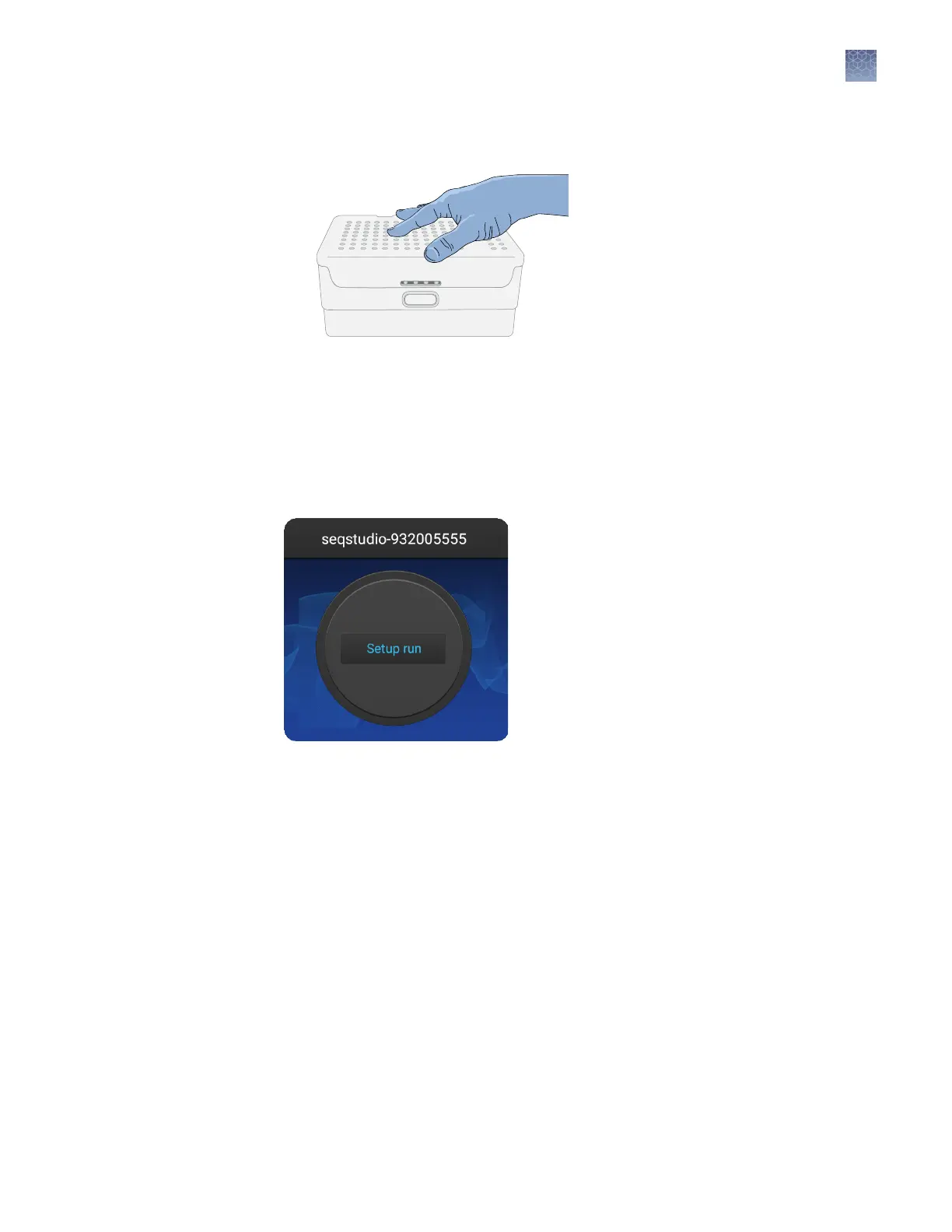
Close the autosampler lid: Press down on the center of the lid or press down on
both sides of the lid with equal pressure until the lid clicks shut.
6.
Touch Retract plate, then close the instrument door when prompted.
Select a plate setup and start a run
After you load the plate in the instrument (see “Load the plate or the tube
assembly“ on page 92):
1.
In the instrument home screen, touch Setup run.
2.
Select the location of your plate setup, then select the plate setup.
For information on plate setup les, see “PSM and CSV plate setup les for
import into the instrument“ on page 78 and “Shared (public), hidden (my plates),
and guest plate setup les“ on page 79.
3.
Verify that seings are as needed.
The Save location must specify Cloud if you want to view analyzed data when
you monitor the run from the Connect cloud-based platform.
Chapter 7 Start and monitor a run
Select a plate setup and start a run
7
SeqStudio
™
Genetic Analyzer Instrument and Software User Guide
93













 To Next Page