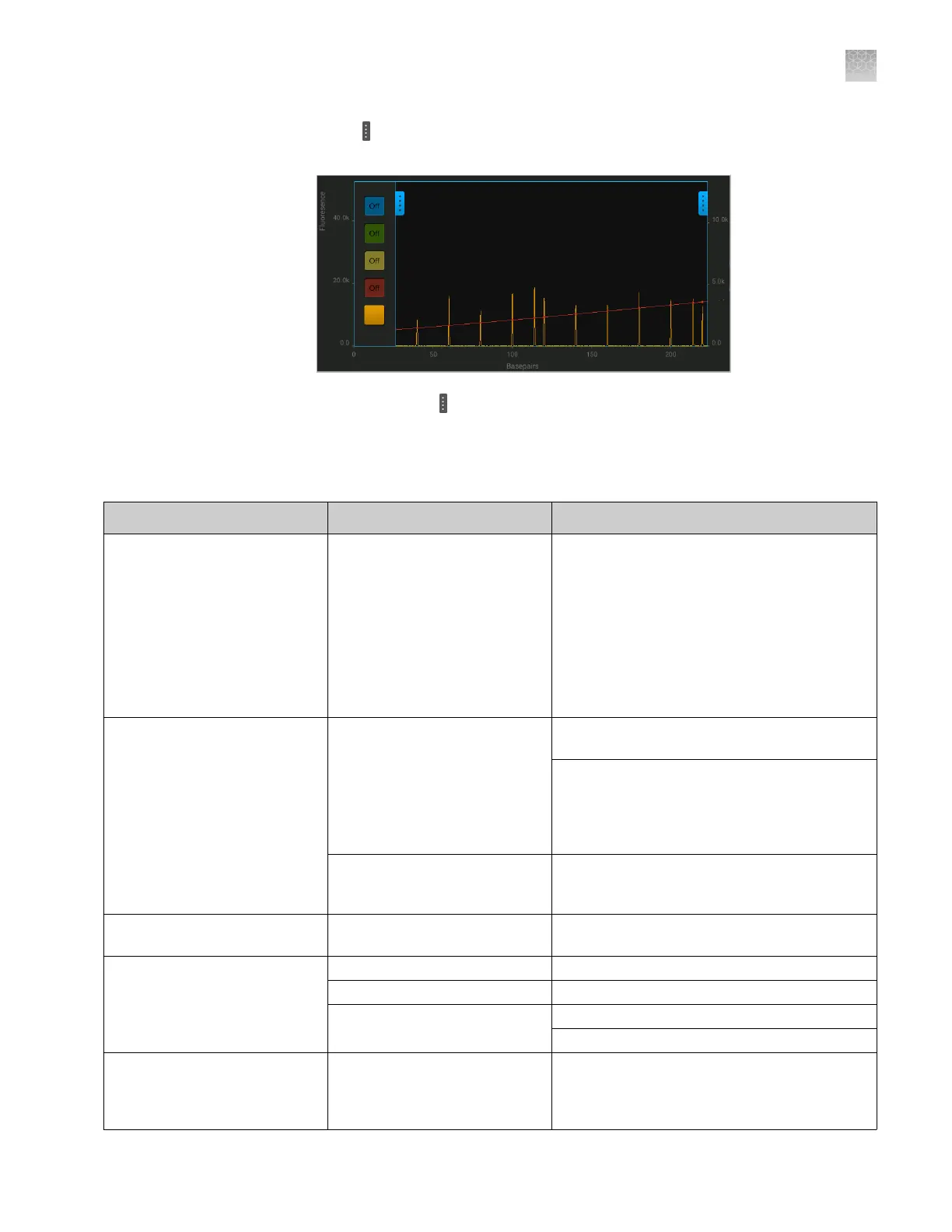
5.
Touch on the left border of the trace, then deselect all dyes except the size
standard dye (red or orange).
6.
As needed, touch
on the right border of the trace to zoom on the trace.
Instrument troubleshooting
Observation Possible cause Recommended action
There was a loss of power to
the instrument
There was a power failure. Restart the instrument. The Sign In screen is
displayed. A run that was in progress at the
time of the power failure must be restarted.
Run a control sample to ensure that the
consumables have not degraded, especially if
the consumables reached room temperature.
Replace the consumables if the results with a
control sample show that the consumables
have degraded.
The RFID tags on the cartridge
or the cathode buffer are not
read
The label on the cartridge or
the Cathode Buffer Container is
damaged, not positioned
properly, or has been removed.
Ensure that the labels are present and not
visibly damaged.
Ensure that the consumables are installed
correctly. The Cathode Buffer Container should
be firmly seated in the autosampler. The
cartridge will click into place when it is
installed correctly.
The RFID reader is
malfunctioning.
Insert consumables that have previously had
RFID tags read. Contact technical support if
the RFID tags are not read.
The run stopped and Resume is
displayed
A user paused the run. Touch Resume to continue the run.
The amber light is blinking The run was paused. Touch Resume to continue the run.
The instrument door is open. Close the instrument door.
There was an instrument error. Follow the instructions in the error message.
Restart the instrument.
The electrophoresis failed or
Current check failed is
displayed
There is insufficient cathode
buffer.
Check the fill line on the Cathode Buffer
Container. Replace the Cathode Buffer
Container if the buffer is at or below the fill
line.
Appendix A Troubleshooting
Instrument troubleshooting
A
SeqStudio
™
Genetic Analyzer Instrument and Software User Guide
173













 To Next Page