Link the instrument to your Connect cloud-based platform account
Note: For detailed information on linking the instrument to your Connect cloud-
based platform account, see Appendix B, “Link the instrument to your Connect cloud-
based platform account—detailed instructions“.
1.
If a user is signed in, touch , then touch Sign out.
2.
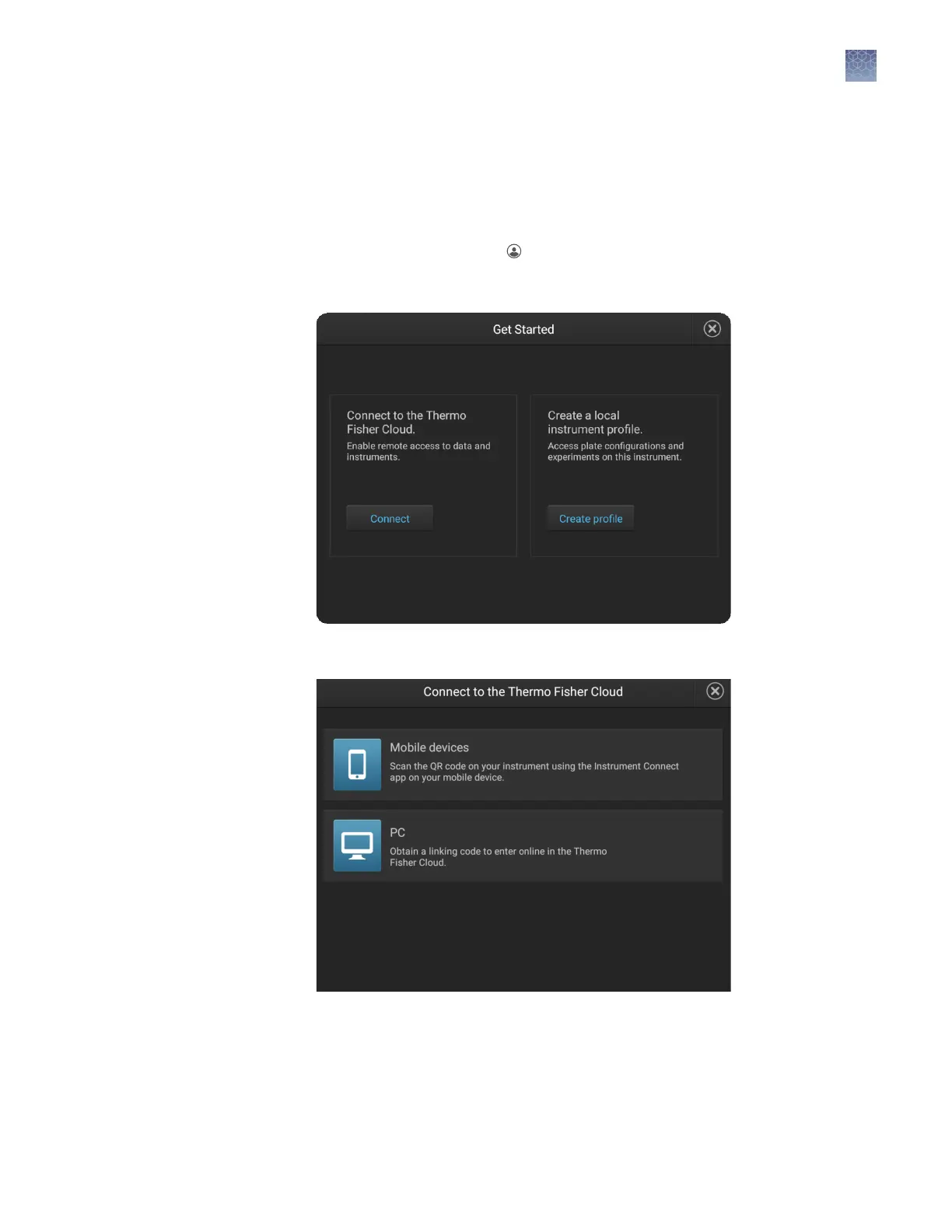
In the Sign In screen, touch Get started4Connect.
3.
In the Connect to the Cloud screen, touch a connection option.
Chapter 3 Use the instrument with the Connect cloud-based platform
Link the instrument to your Connect cloud-based platform account
3
SeqStudio
™
Genetic Analyzer Instrument and Software User Guide
51













 To Next Page