Option Action
Mobile
devices
Note: Before selecting this option, install and sign in to the
InstrumentConnect app on your mobile device.
In the Connect to the Cloud screen:
1. Touch Mobile devices.
2. Hold the camera on your mobile device over the QR code that is
displayed on the touchscreen.
3. Click Close.
PC In the Connect to the Cloud screen, a link code is displayed.
On a computer:
1. Access the Connect platform.
2. Access InstrumentConnect.
3. Click Add instrument.
4. Select SeqStudio.
5. Enter the link code.
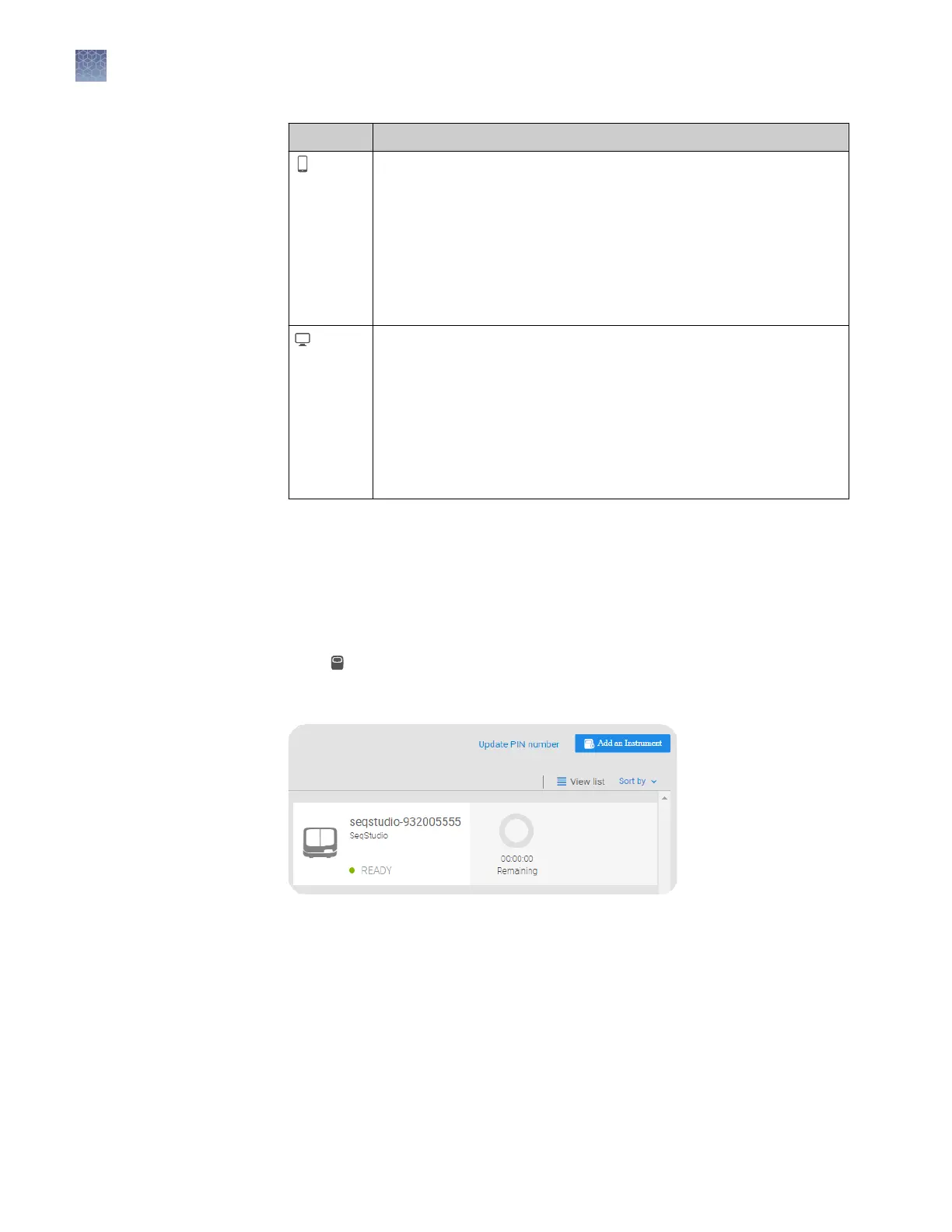
Change your own Connect cloud-based platform instrument profile
PIN
1.
Sign in to thermosher.com/connect.
2.
Click
to access InstrumentConnect.
3.
Click Update PIN number.
Chapter 3 Use the instrument with the Connect cloud-based platform
Change your own Connect cloud-based platform instrument profile PIN
3
52
SeqStudio
™
Genetic Analyzer Instrument and Software User Guide













 To Next Page