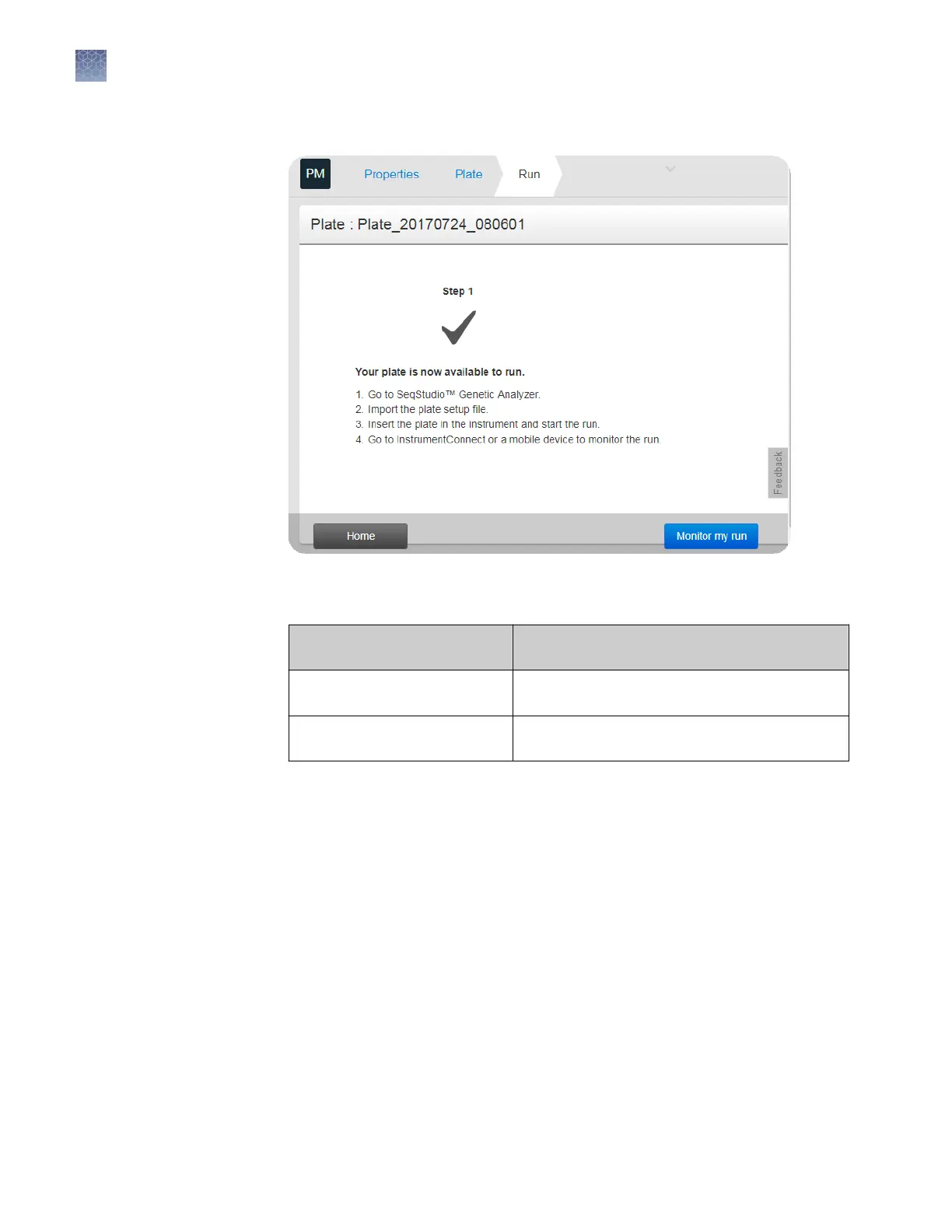
2.
Click Save.
Note: The Monitor my run buon is available only in the Connect cloud-based
platform app.
If you are running the Plate
Manager on the...
The plate setup is saved as a...
Connect cloud-based platform Plate setup that you can open from the Connect
cloud-based platform and run on the instrument.
Desktop PSM file that you can open from a network drive
or a USB and run on the instrument.
Proceed to Chapter 7, “Start and monitor a run“.
Additional plate settings (Plate Manager)
In the Plate screen:
1.
Select Actions4Add injection.
2.
Select one or more injection groups, then select a run module for the replicate
injections.
You can add up to 5 replicate injections (for a total of 6 injections). Run module 1
is used for the rst injection you specify. Additional run module elds are added
for replicate injections.
To remove a replicate injections, select Actions4Remove injection.
Specify replicate
injections
Chapter 5 Create or modify a plate setup from the Plate Manager
Additional plate settings (Plate Manager)
5
74
SeqStudio
™
Genetic Analyzer Instrument and Software User Guide













 To Next Page