Set up email notifications from the instrument
When an instrument is linked to your Connect cloud-based platform account, email
notications are automatically sent to your Connect platform account email address.
Perform this procedure to disable any of the default notications.
1.
Sign in to the instrument with your Connect platform instrument prole and
PIN.
2.
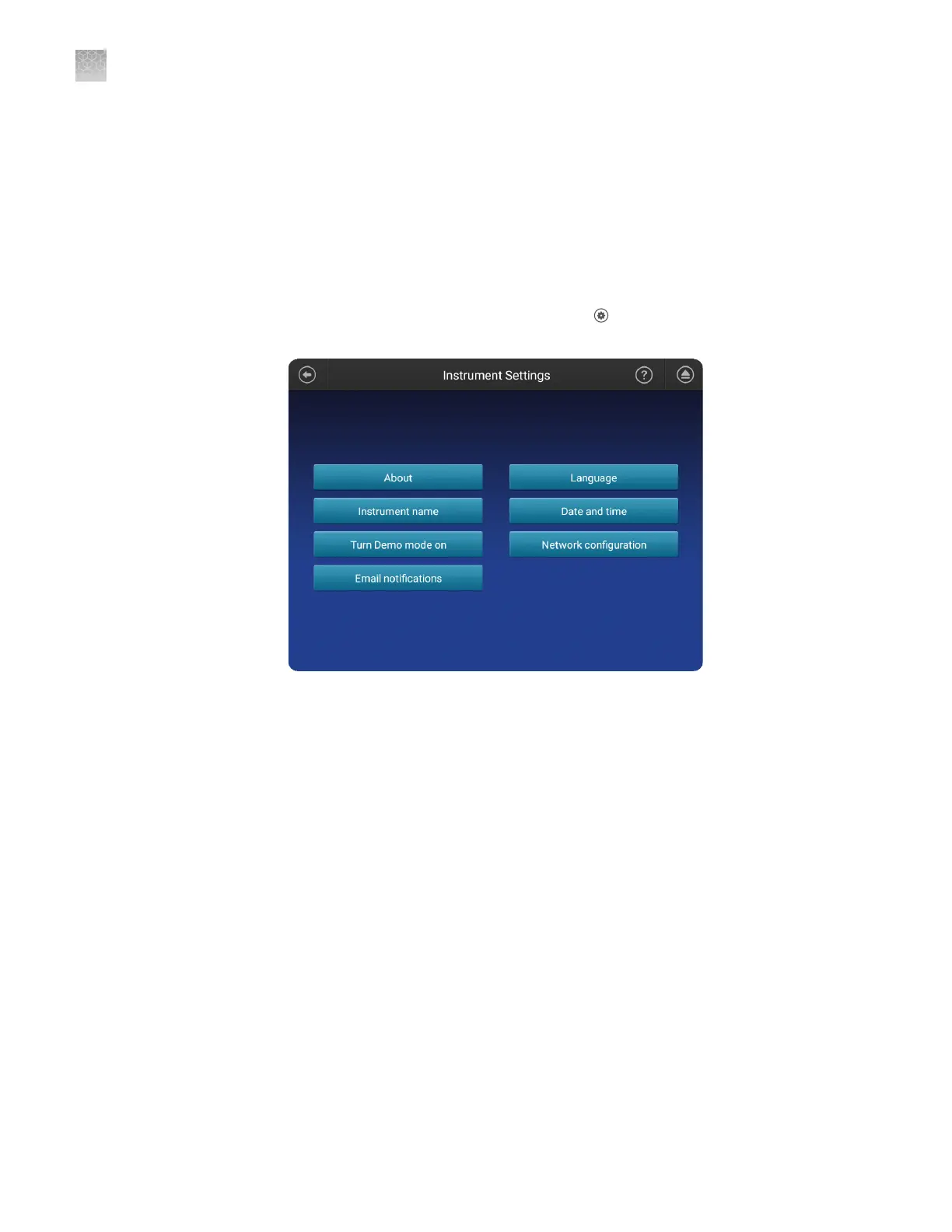
In the home screen of the instrument, touch Seings4Instrument
seings4Email notications.
Note: If you are signed in with a local instrument prole instead of a Connect
platform instrument prole, the Email notications buon is not displayed on
the Instrument Seings screen.
Appendix B Link the instrument to your Connect cloud-based platform account—detailed instructions
Set up email notifications from the instrument
B
190
SeqStudio
™
Genetic Analyzer Instrument and Software User Guide













 To Next Page