6.
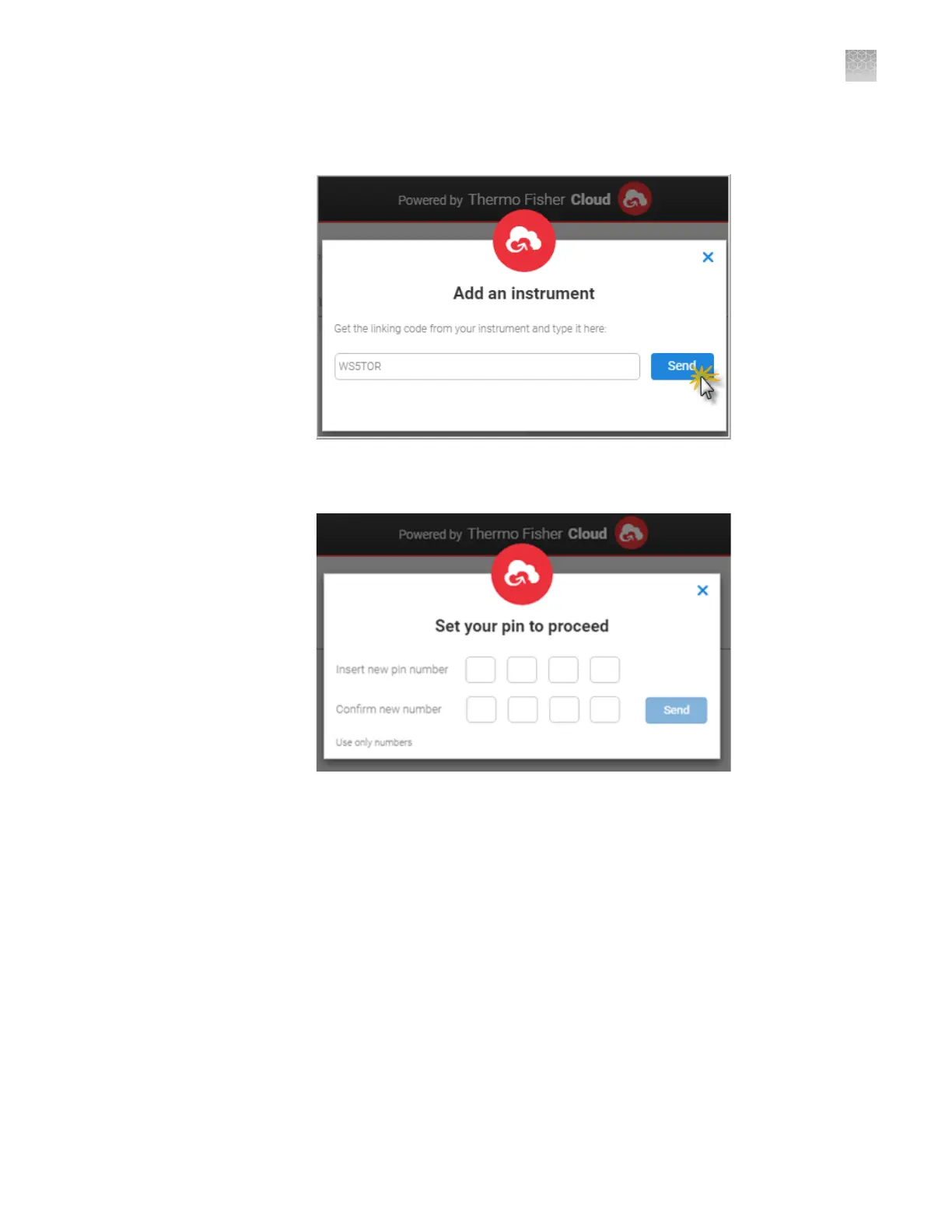
Enter the link code from the instrument touchscreen (from step 2), then click
Send.
7.
If you have not previously set up a PIN, enter a PIN to use when you sign in to
an instrument, then click Send.
A start linking message is displayed.
A conrmation message is displayed on the instrument touchscreen when the
instrument is linked and connected to your Connect cloud-based platform
account.
The rst time the instrument is linked, the software automatically:
• Creates a Connect cloud-based platform instrument prole with the First Name
and Last Name from your Connect cloud-based platform account.
• Registers the instrument in the InstrumentConnect software.
Appendix B Link the instrument to your Connect cloud-based platform account—detailed instructions
Link the instrument using a link code
B
SeqStudio
™
Genetic Analyzer Instrument and Software User Guide
189













 To Next Page