Set up a plate using default settings (Plate Manager)
1.
Sign in to thermosher.com/connect.
2.
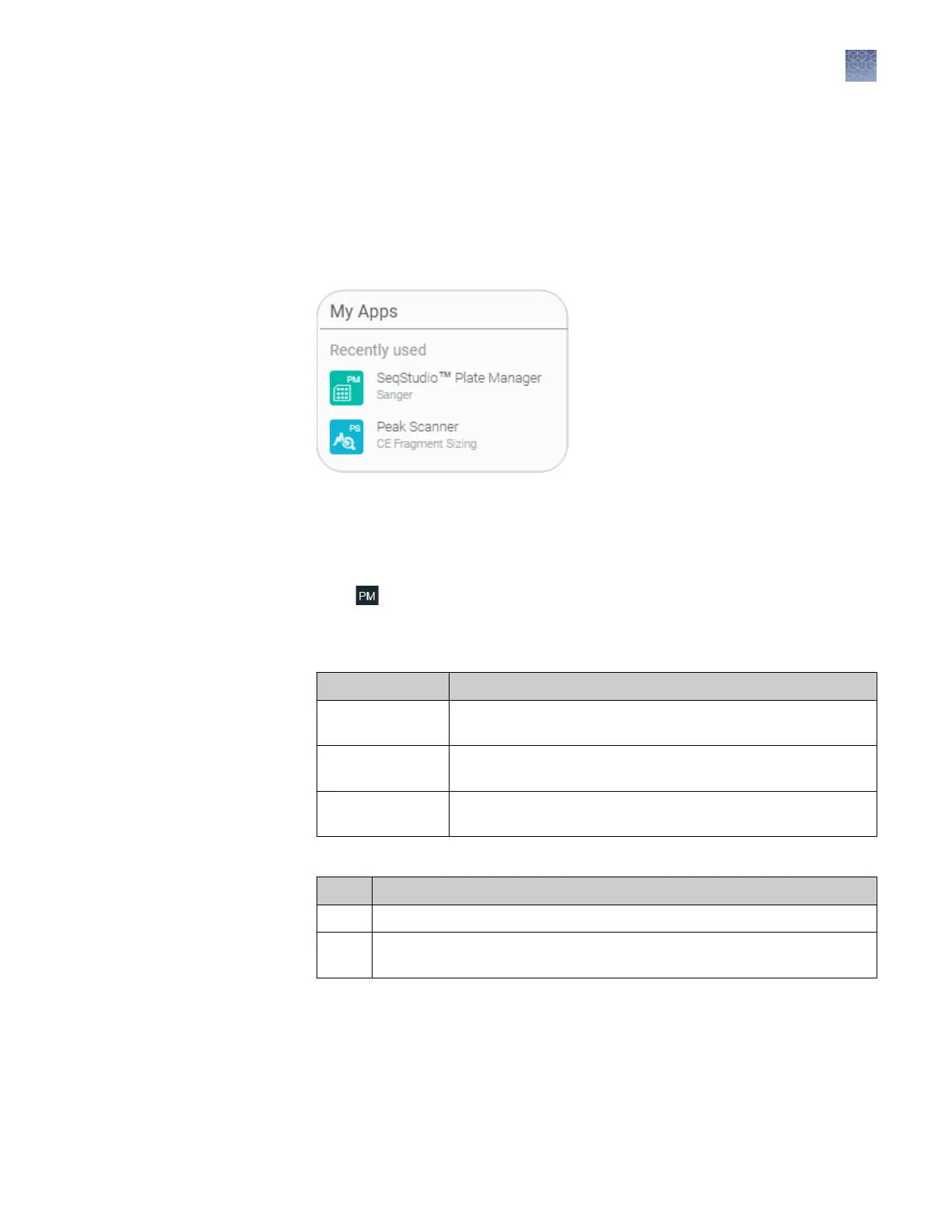
In the My Apps list, select SeqStudio
™
Plate Manager.
If SeqStudio
™
Plate Manager is not listed under My Apps, scroll down in the All
Apps list.
Select Start4All Programs4Applied Biosystems4Plate Manager4Plate Manager.
1.
Click
to display the home screen.
2.
In the Plate setup screen, create or open a plate setup:
If you are running the Plate Manager on the Connect cloud-based platform:
Click... To...
New Create a new plate setup or to create a plate setup from a
template.
Open from cloud Open a plate setup that you created in Plate Manager on your
Connect cloud-based platform account.
Open from local
drive
Open a plate setup that you created in Plate Manager on your
computer (PSM file) or in another application (CSV file).
If you are running the Plate Manager on the desktop:
Click... To...
New Create a new plate setup or to create a plate setup from a template.
Open Open a plate setup that you created in Plate Manager (PSM file) or in
another application (CSV file).
Access the Plate
Manager on the
Connect cloud-
based platform
Access the Plate
Manager on the
desktop
Create or open a
plate setup PSM
file
Chapter 5 Create or modify a plate setup from the Plate Manager
Set up a plate using default settings (Plate Manager)
5
SeqStudio
™
Genetic Analyzer Instrument and Software User Guide
69













 To Next Page