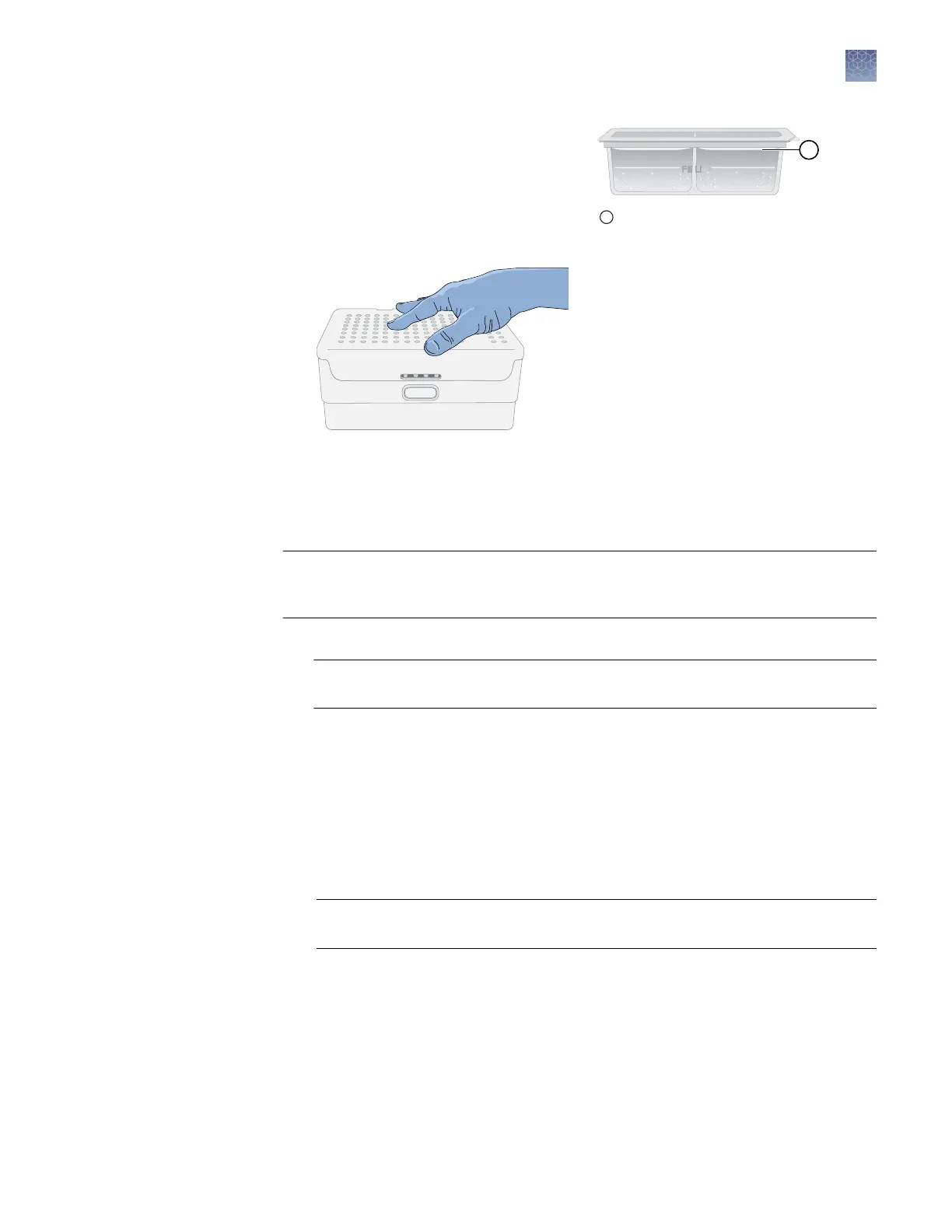
4.
Reinstall the CBC.
5.
Close the autosampler lid: Press
down on the center of the lid or
press down on both sides of the lid
with equal pressure until the lid
clicks shut.
6.
Touch Retract plate, close the instrument door, then touch Done when the
Consumables Status screen is displayed.
Power o the instrument before cleaning.
IMPORTANT! The instrument does not maintain the correct temperature conditions
for the cartridge when it is powered o. Avoid cartridge exposure to ambient
temperature.
• Wipe the exterior of the instrument with a lint-free cloth and deionized water.
IMPORTANT! Do not allow any moisture to reach the interior of the instrument
through the door.
• Wipe the touchscreen with a lint-free cloth and glass cleaner.
The autosampler is aached to the instrument.
Clean spills to prevent a build-up of crystallized polymer or dried salt from the
buers.
Power o the instrument before cleaning the autosampler.
1.
Wipe the exterior of the autosampler with a lint-free cloth and deionized water.
IMPORTANT! Do not pour liquid directly on to the autosampler. This will
damage the heater at the boom of the cathode buer reservoir.
Note: Do not use detergents or solvents.
2.
Use a lint-free cloth to absorb any liquid spilled in the individual wells of the
autosampler.
1
New CBC buffer level
Clean the
instrument
exterior and
touchscreen
Clean the
autosampler
Chapter 11 Maintain the instrument
Regular maintenance tasks
11
SeqStudio
™
Genetic Analyzer Instrument and Software User Guide
157













 To Next Page