Unload the plate or the tube assembly
When the run is complete:
1.
Touch , touch Eject plate, then open the instrument door when prompted.
2.
Press the release buon on the autosampler to open the lid.
3.
Remove the plate or tube assembly.
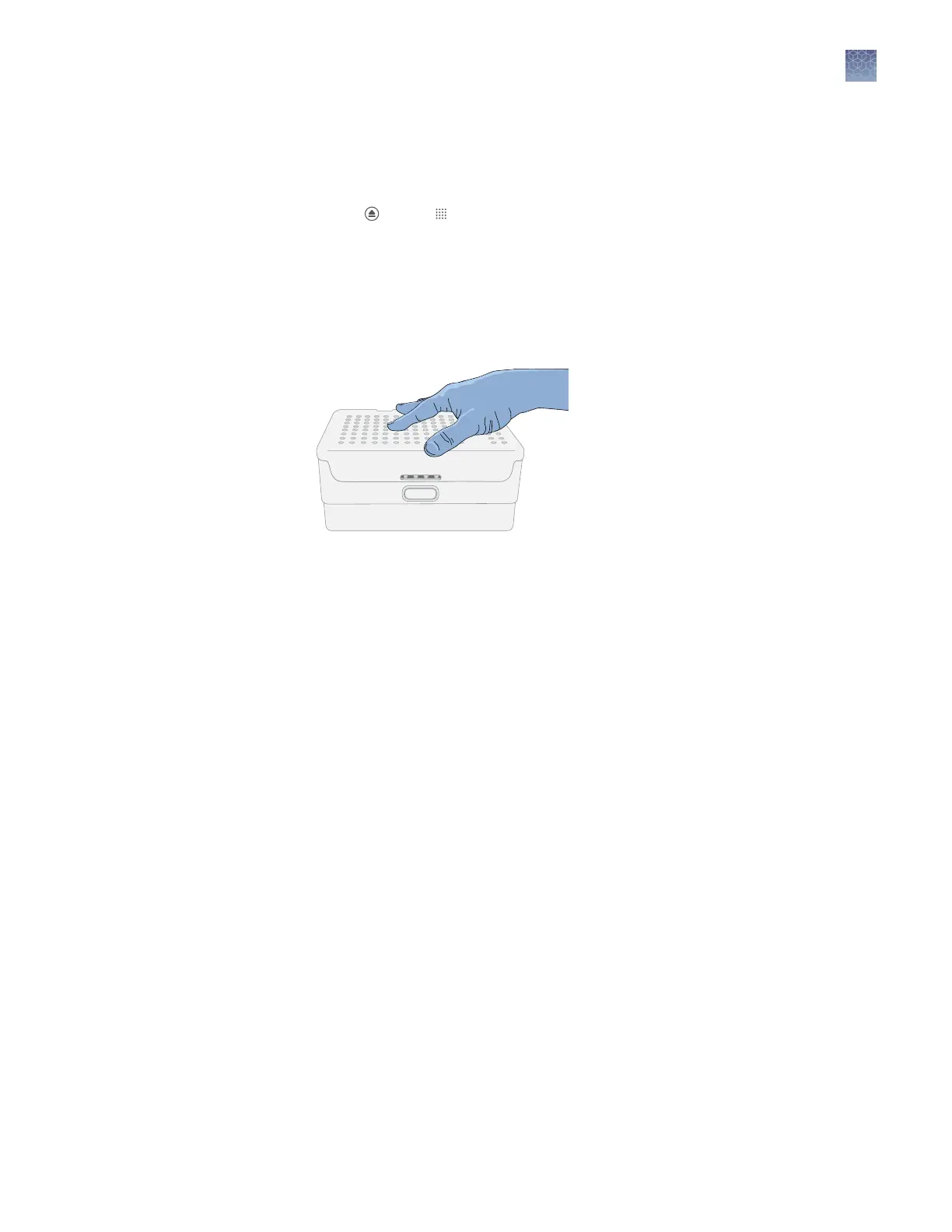
4.
Close the autosampler lid: Press down on the center of the lid or press down on
both sides of the lid with equal pressure until the lid clicks shut.
5.
Touch Retract plate, then close the instrument door when prompted.
Chapter 7 Start and monitor a run
Unload the plate or the tube assembly
7
SeqStudio
™
Genetic Analyzer Instrument and Software User Guide
109













 To Next Page