Manage plate setups
1.
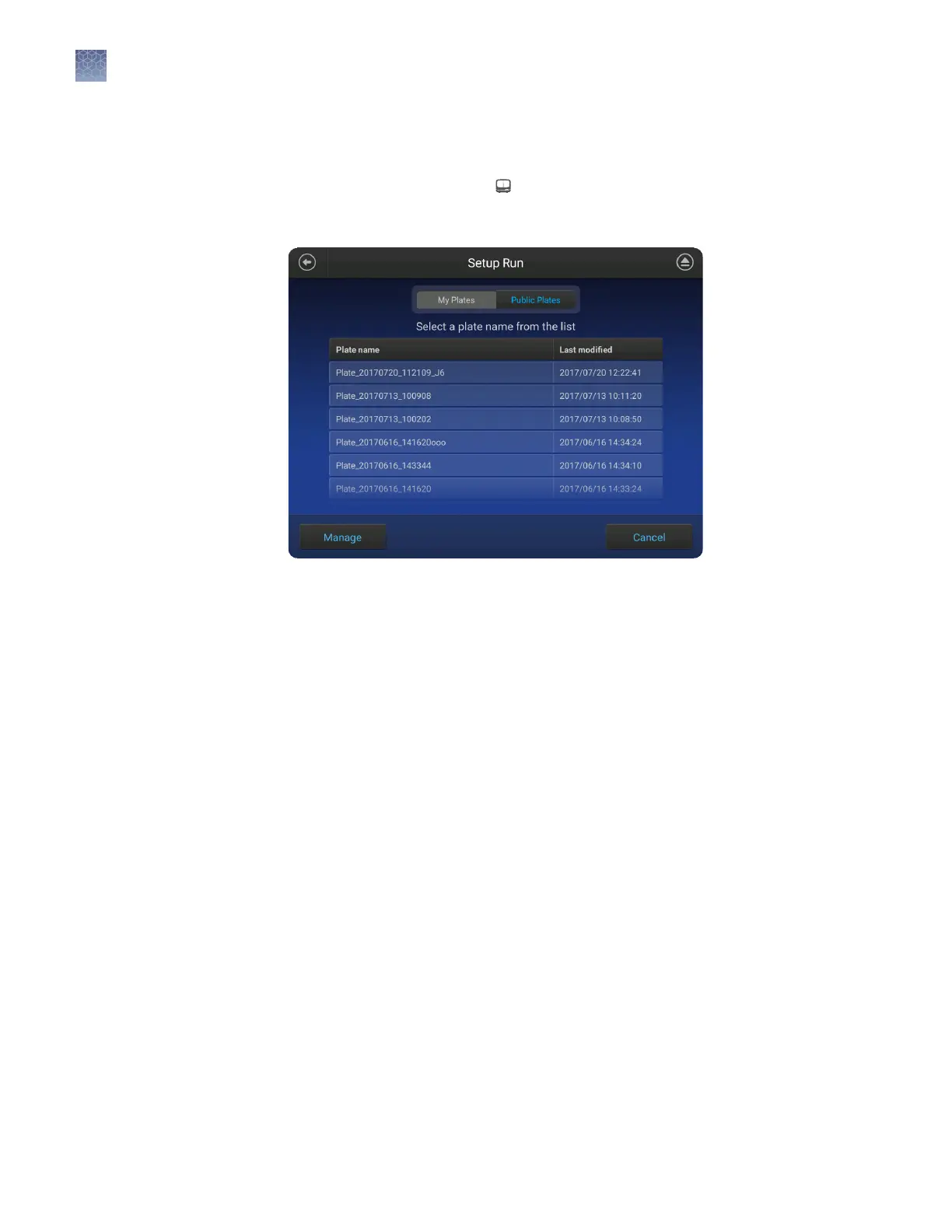
Touch Set up run, then touch My instrument.
2.
Touch Manage at the boom left of the screen.
3.
Touch a plate, then touch Export or Delete.
4.
If you touched:
• Export, select a storage location, then touch Export.
• Delete, then touch Yes to delete the plate setup.
Export or delete a
plate setup
(PSM file)
Chapter 10 Manage the software (instrument)
Manage plate setups
10
138
SeqStudio
™
Genetic Analyzer Instrument and Software User Guide













 To Next Page