b.
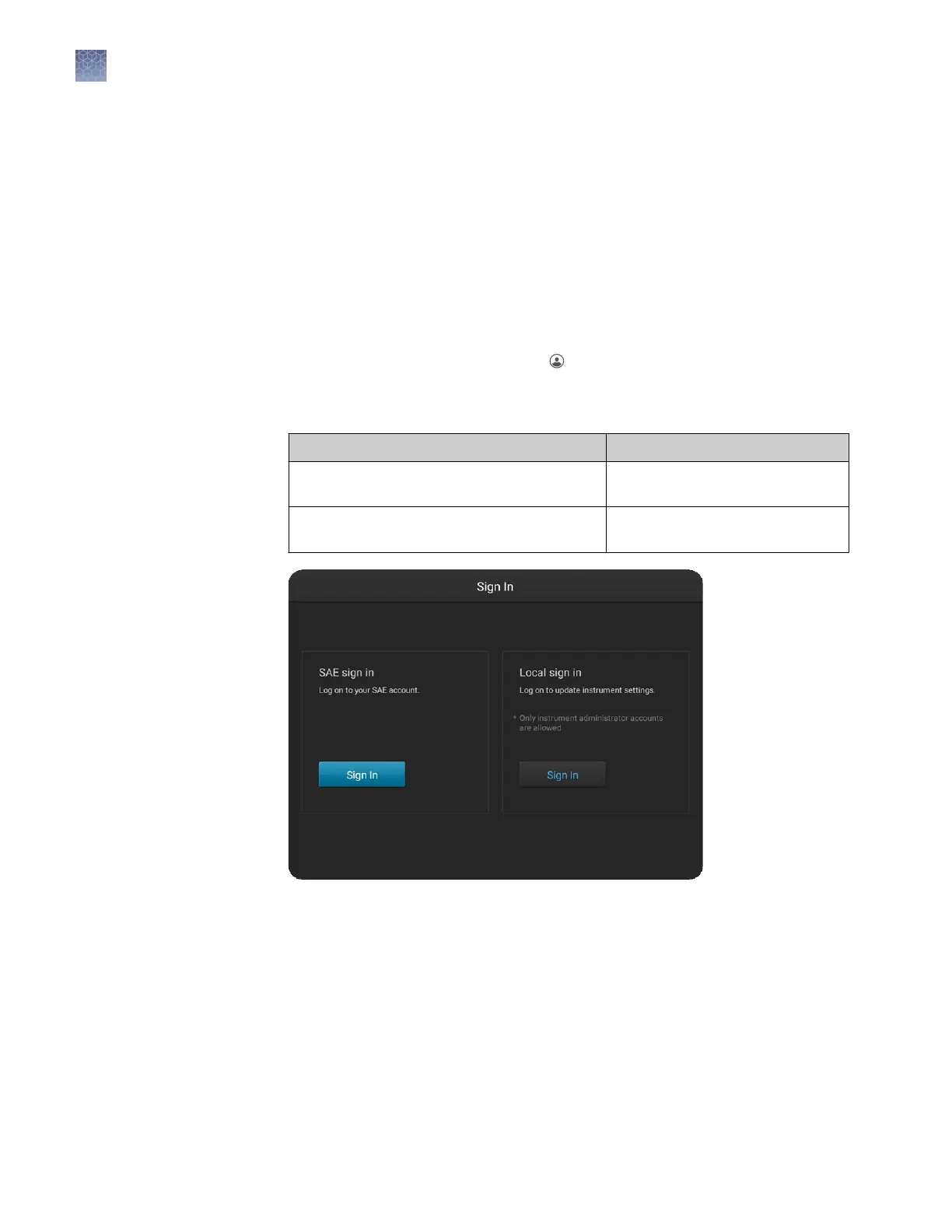
In the Sign In screen under Local sign in, touch Sign in.
c.
Enter your local administrator prole name and PIN.
d.
In the Seings screen, touch SAE, then touch Disable SAE.
Sign in with SAE enabled
If the instrument is left unaended for 120 minutes, the instrument prole is signed
out.
1.
If the another user is signed in, touch in the home screen, then touch Sign out.
2.
In the Sign in screen, touch Sign In, then enter your SAE username and
password.
To access Touch Sign in under
All instrument functions allowed by your SAE
account
SAE
Administrator access to functions on the
Settings screen
Local (requires an administrator
instrument profile)
The home screen is displayed.
Chapter 4 Use the instrument with the Security, Auditing, and E‑signature (SAE) v2.0 module
Sign in with SAE enabled
4
60
SeqStudio
™
Genetic Analyzer Instrument and Software User Guide













 To Next Page