Note: The last seing selected is used as the default for new plates.
3.
Touch Done.
The default le name convention determines how the data les (AB1 or FSA)
associated with a plate are named.
The default le name convention is:
Application Default settings
Fragment/HID analysis <well>_<sample name>_<sample type>_<date and timestamp>.fsa
Sequence analysis <well>_<sample name>_<date and timestamp>.ab1
Sequence analysis with the
Sanger variant analysis
option selected
<well>_<sample name>_<amplicon>_<specimen>_<date and
timestamp>.ab1
1.
Access the File name convention screen:
From Action
Plate properties screen Select the Properties tab, then touch More options4File
name convention.
Home screen Touch Settings4Run settings 4File name convention.
2.
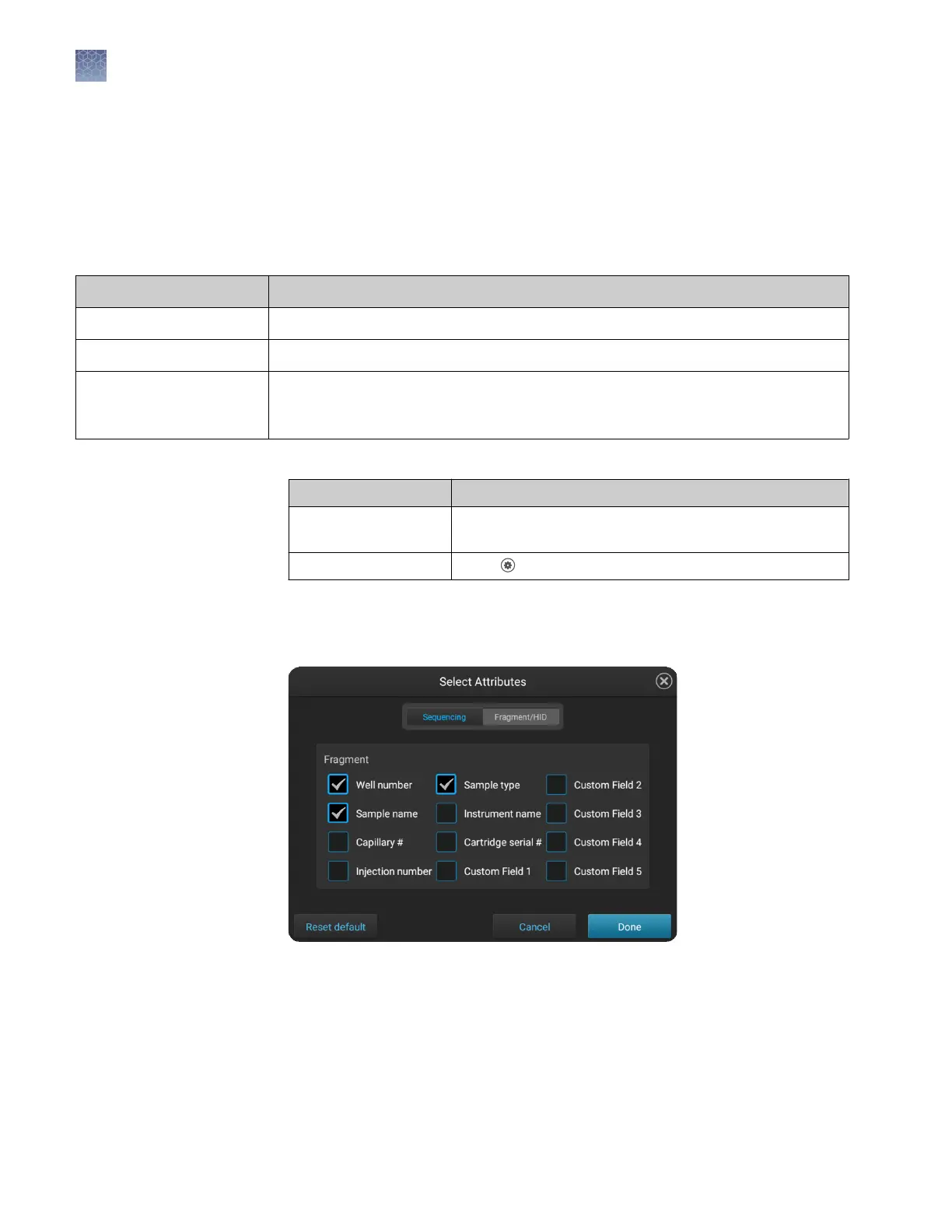
Touch Aributes.
3.
Select the aributes to include in the data le name.
For information on creating custom elds to include in le name conventions, see
“Dene custom elds“ on page 89.
Note: The timestamp aribute cannot be deselected; it is always included in the
data le name.
4.
Touch Done.
Modify the default
file name
convention
Chapter 6 Create or modify a plate setup from the instrument
Set optional plate settings (instrument)
6
88
SeqStudio
™
Genetic Analyzer Instrument and Software User Guide













 To Next Page