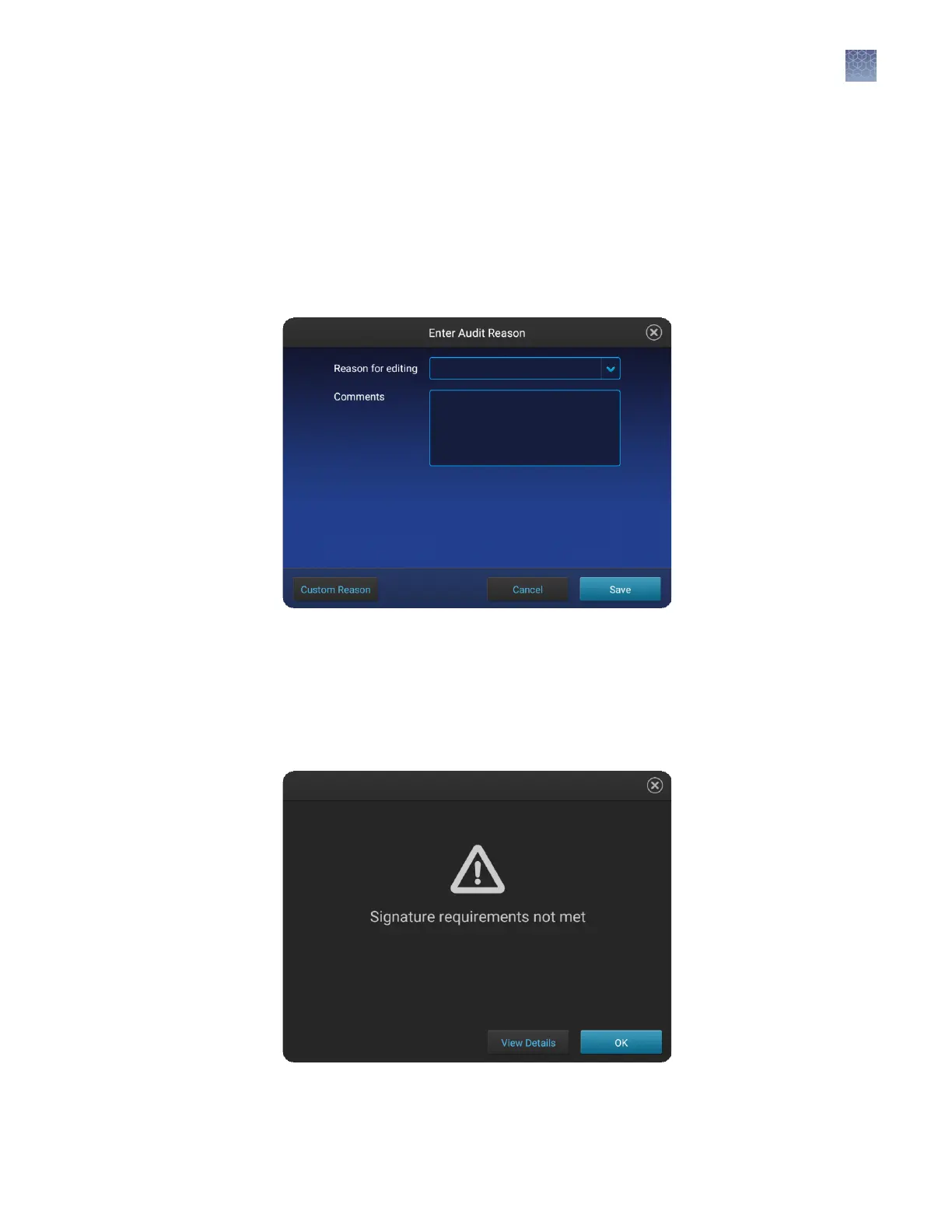
Specify audit reasons
Depending on the way that your SAE administrator congures audit seings, the
Enter Audit Reason screen may be displayed when you make changes to a plate
setup or a run module.
Select a reason or add a custom reason.
Note: The Custom Reason buon is not displayed if audit seings are congured to
require users to select a reason.
E-signature requirements when you start a run
Depending on the way your SAE administrator has congured your instrument, E-
signatures may be required when you start a run. If starting a run is congured to
require signatures, a message is displayed when you start a run.
Touch View Details to show the pending signatures.
Chapter 4
Use the instrument with the Security, Auditing, and E‑signature (SAE) v2.0 module
Specify audit reasons
4
SeqStudio
™
Genetic Analyzer Instrument and Software User Guide
61













 To Next Page