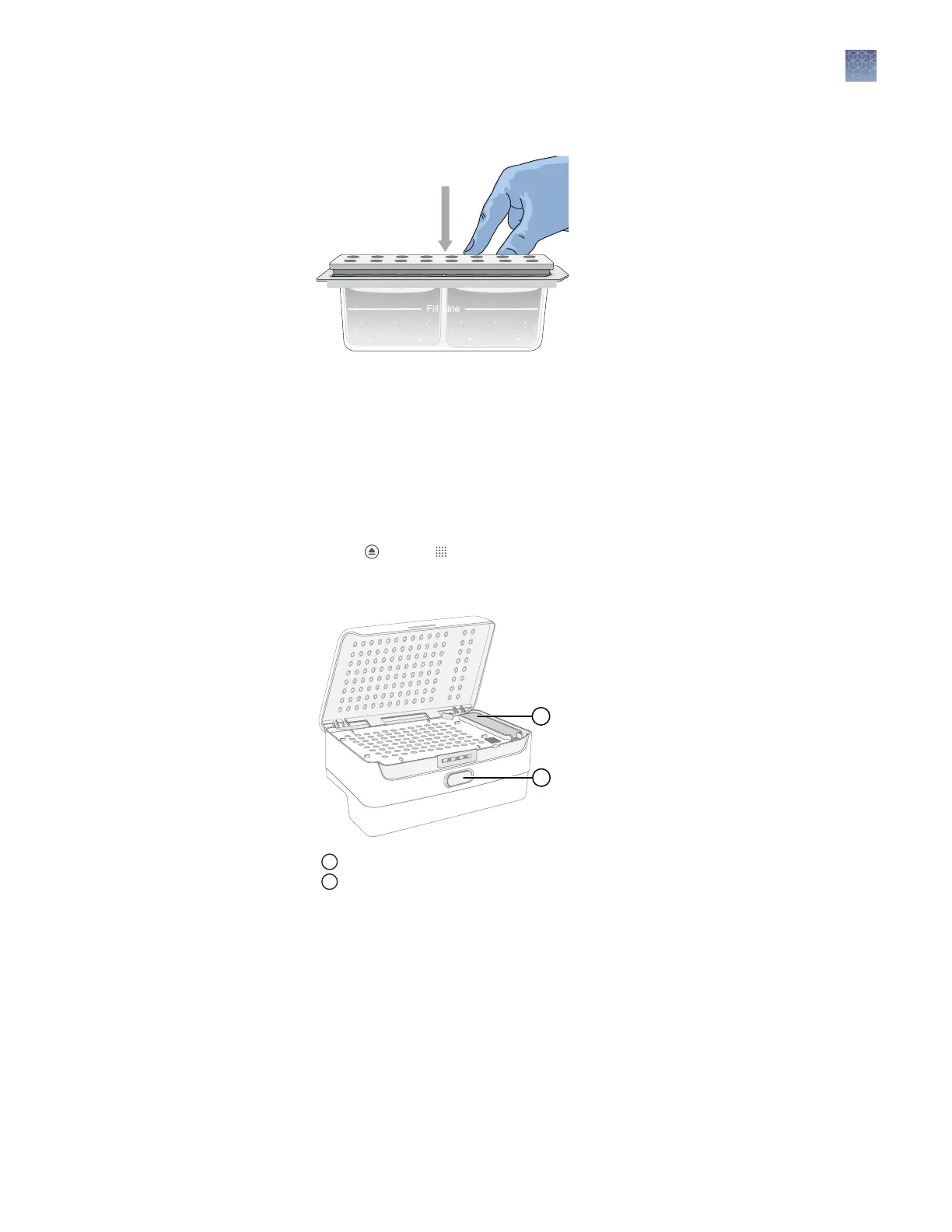
4.
Place the reservoir septa on the CBC, then press rmly to seat the septa.
Note: The CBC is lled signicantly above Fill Line to account for evaporation.
Replace the CBC when the uid level is at or below the ll line.
Perform these steps if the Cathode Buer Container has not been installed, if the CBC
on the instrument has expired, or if the buer level is at or below the ll line.
Install the CBC before you install the cartridge.
See Figure 2 on page 14 for the position of the cathode buer on the instrument.
1.
Touch , touch Eject plate, then open the instrument door when prompted.
2.
Press the release buon on the autosampler to open the lid.
1
Release button
2
Location of CBC
3.
Insert the cathode buer in the autosampler with the notch positioned in the
back right.
See Figure 8 on page 20.
Insert the Cathode
Buffer Container
Chapter 11 Maintain the instrument
Install cathode buffer
11
SeqStudio
™
Genetic Analyzer Instrument and Software User Guide
167













 To Next Page