Power on the instrument
IMPORTANT! Do not power on the instrument until it has been installed and set up
by a Thermo Fisher Scientic representative.
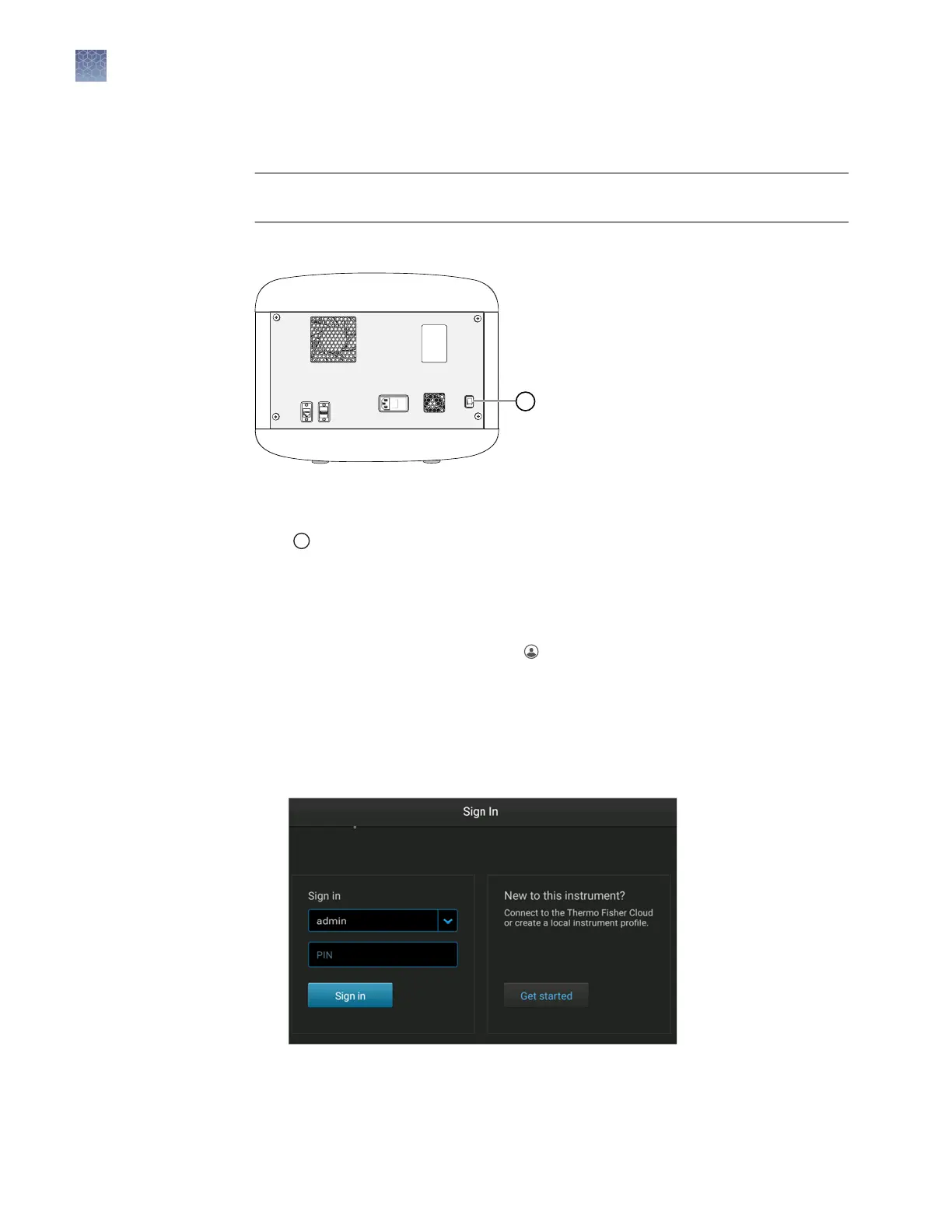
Press the On/O switch on the rear panel.
IMPORTANT! The instrument does not maintain the correct temperature conditions for
the cartridge when it is powered o. Avoid cartridge exposure to ambient
temperature.
1
On/Off switch
Sign in
1.
If another user is signed in, touch in the home screen, then touch Sign out.
2.
In the Sign in screen, touch the down arrow.
3.
Touch your instrument prole, then enter your PIN.
Note: If the instrument is left unaended for 120 minutes, the instrument prole
is signed out.
Chapter 2 Prepare the samples and the instrument
Power on the instrument
2
34
SeqStudio
™
Genetic Analyzer Instrument and Software User Guide













 To Next Page