3.
Touch Done to close the screen then Done to close the Edit Plate screen.
1
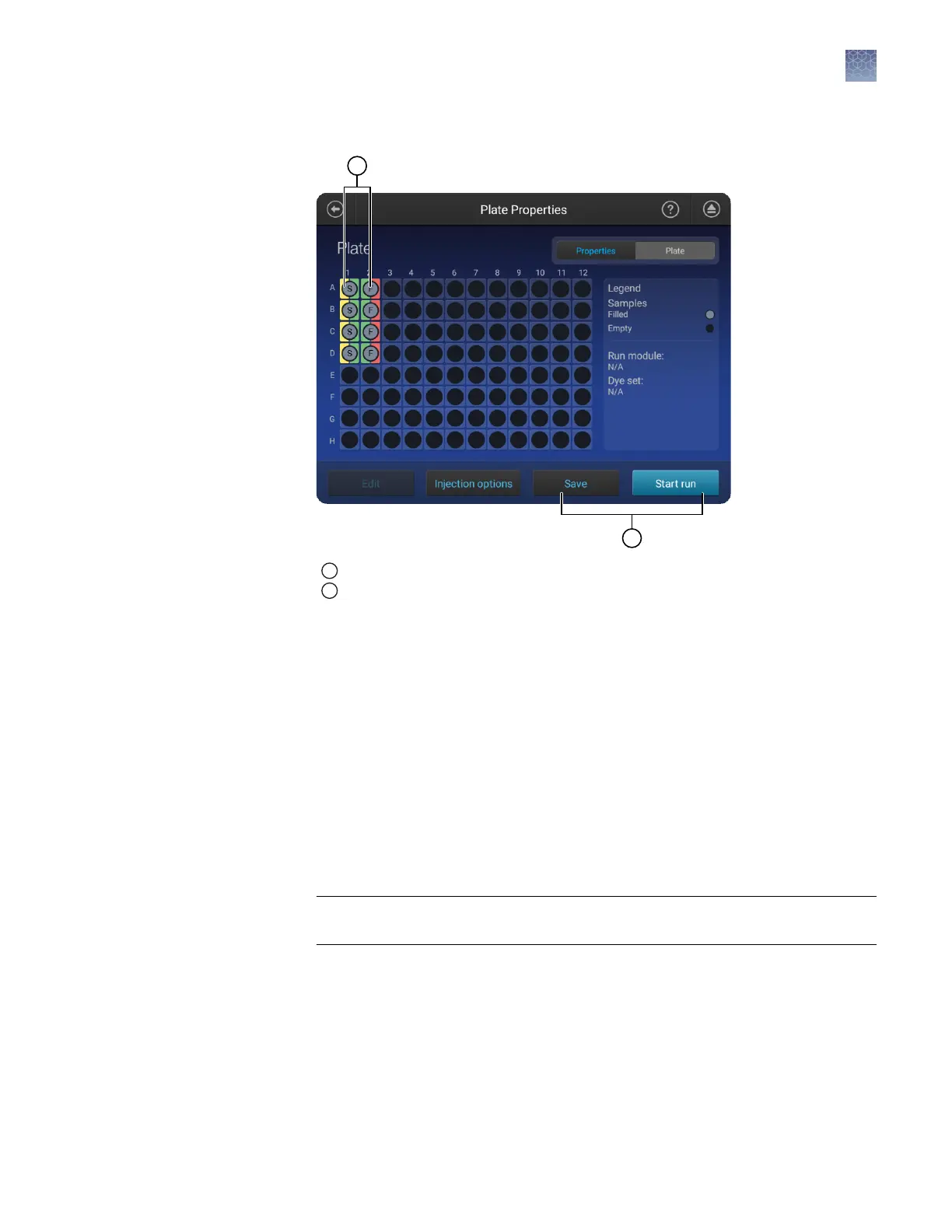
Application type—Sequencing, Fragment or HID; designated by S, F, or H
2
Save the plate or start the run
4.
Touch Save to save the plate to run at a later time, or touch Start Run.
Set optional plate settings (instrument)
In the Plate properties screen:
1.
Touch Injection options.
2.
Touch an injection group, then touch Edit and re-inject to add replicates to the
injection list.
3.
(Optional) Modify Run module, Injection time, Injection voltage, Run time, or
Run voltage for the injections.
IMPORTANT! The changes to the run conditions apply only to the replicate
injection. The changes are not saved to the run module.
4.
Touch Done.
In the Properties tab of the Plate properties screen:
1.
Touch More options4Analysis seings.
2.
Select a seing.
See “Manage analysis seings“ on page 142 for detailed information.
Specify replicate
injections
Modify analysis
settings
Chapter 6 Create or modify a plate setup from the instrument
Set optional plate settings (instrument)
6
SeqStudio
™
Genetic Analyzer Instrument and Software User Guide
87













 To Next Page