Lock the touchscreen
During a run, you can lock the touchscreen to prevent other users from using the
instrument. This feature is not available to Guest users.
Only the user who locked the touchscreen or an administrator can sign in to the
instrument if the touchscreen is locked.
1.
Touch .
2.
Touch Prole.
3.
Touch Lock instrument.
Note: If a run is not in progress, Sign out is displayed instead of Lock
instrument.
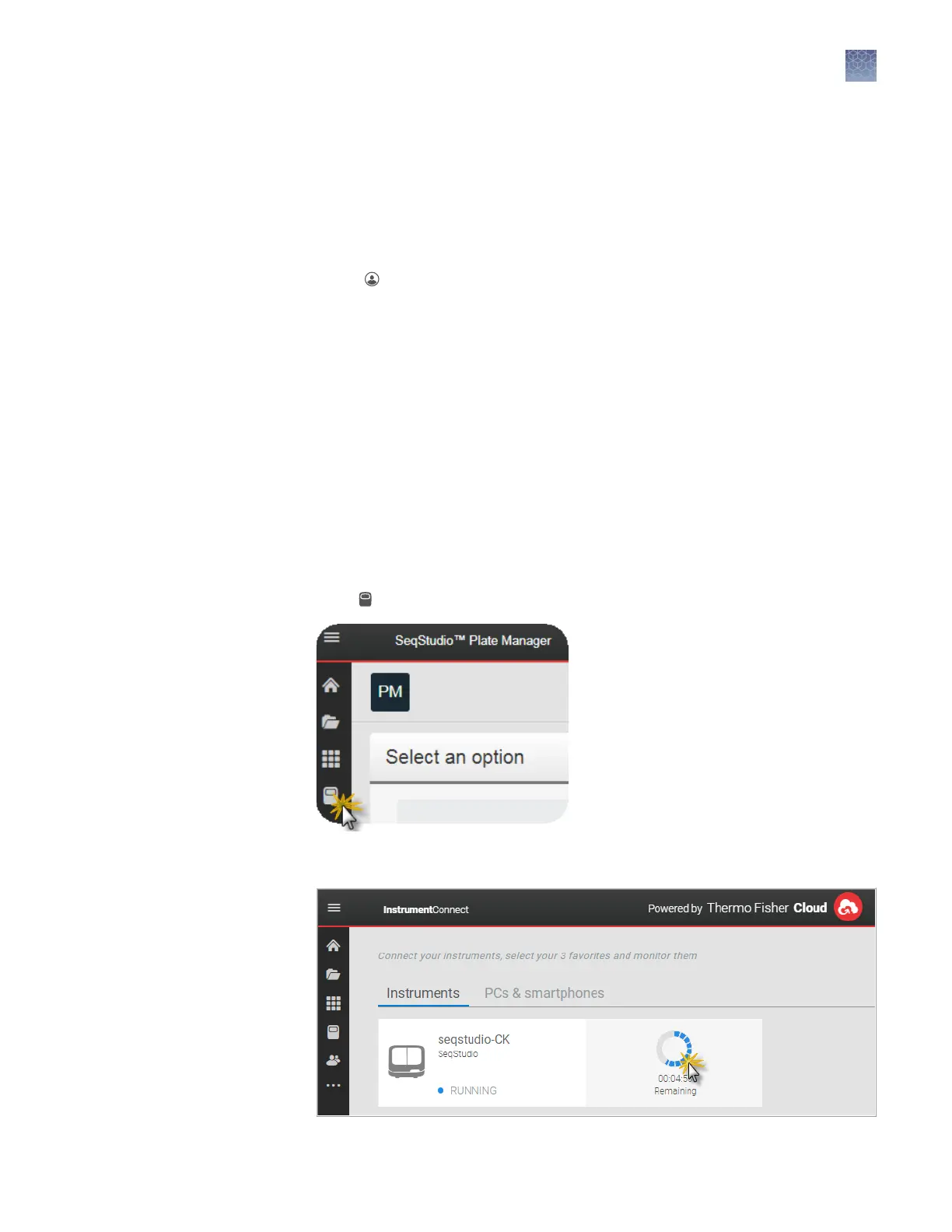
Monitor a run from the Connect cloud-based platform
A run is accessible from InstrumentConnect for 24 hours after the run is complete, or
until another run is started.
1.
Sign in to thermosher.com/connect.
2.
Click
to access InstrumentConnect.
3.
Click the run status dial to display the Remote Monitoring App.
Open the Remote
Monitoring App
from Instrument
Connect App
Chapter 7 Start and monitor a run
Lock the touchscreen
7
SeqStudio
™
Genetic Analyzer Instrument and Software User Guide
95













 To Next Page