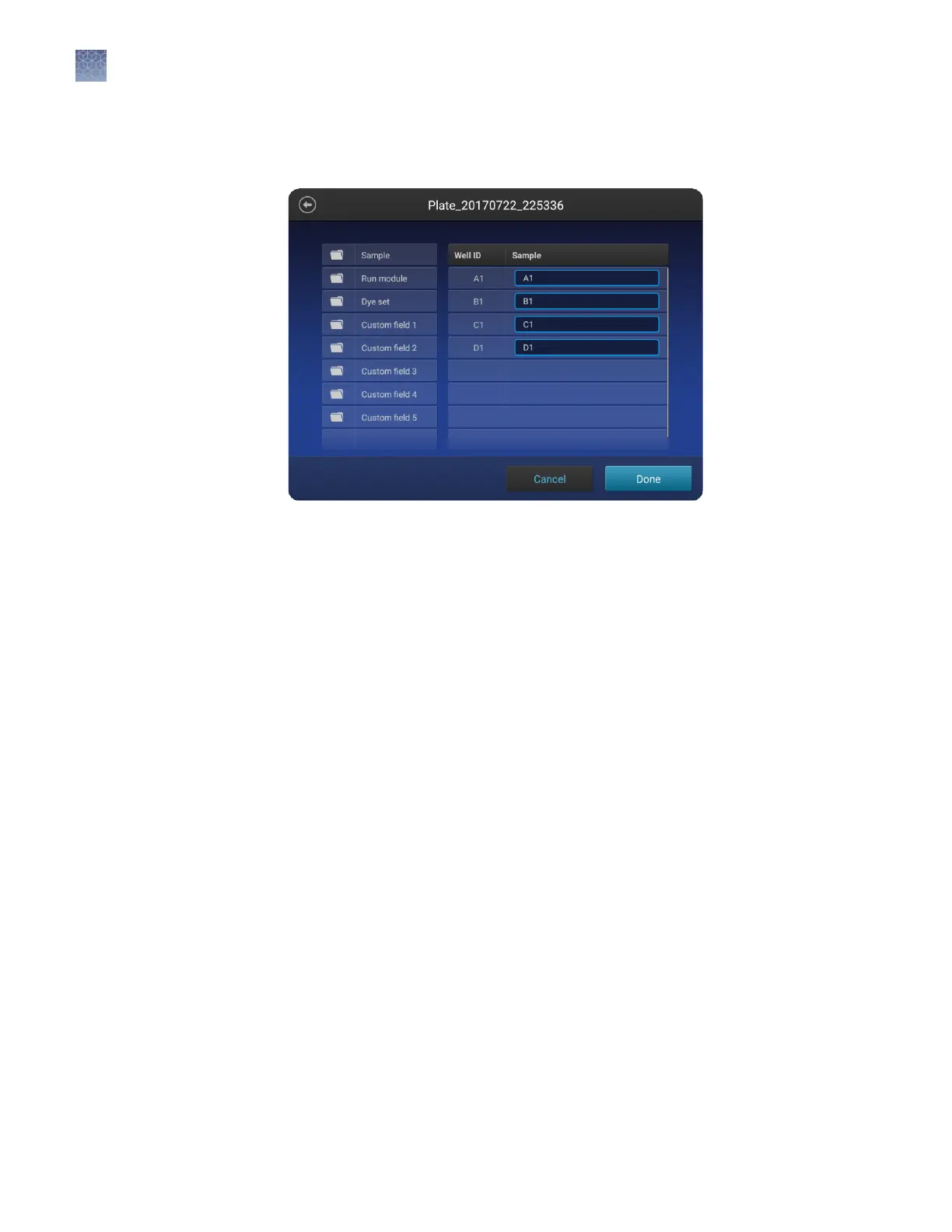
Note: You can assign these seings to only one well at a time.
1.
In the Edit plate screen, touch Sample name to display the well aributes elds.
2.
Touch a seing, then enter the denition for the selected wells:
• (Fragment/HID analysis only) Sample type—Sample, Positive Control,
Negative Control, or Allelic Ladder.
• Custom elds—Text elds to include additional sample aributes or
identiers that can be used by secondary analysis applications.
• (Sequencing only) Amplicon and Specimen—Amplicon and Specimen names
for Sanger Sequence analysis, if you selected the option in the Plate
Properties screen.
Assign wells:
sample name,
sample type, and
custom fields
Chapter 6 Create or modify a plate setup from the instrument
Set up a plate using default settings (instrument)
6
86
SeqStudio
™
Genetic Analyzer Instrument and Software User Guide













 To Next Page