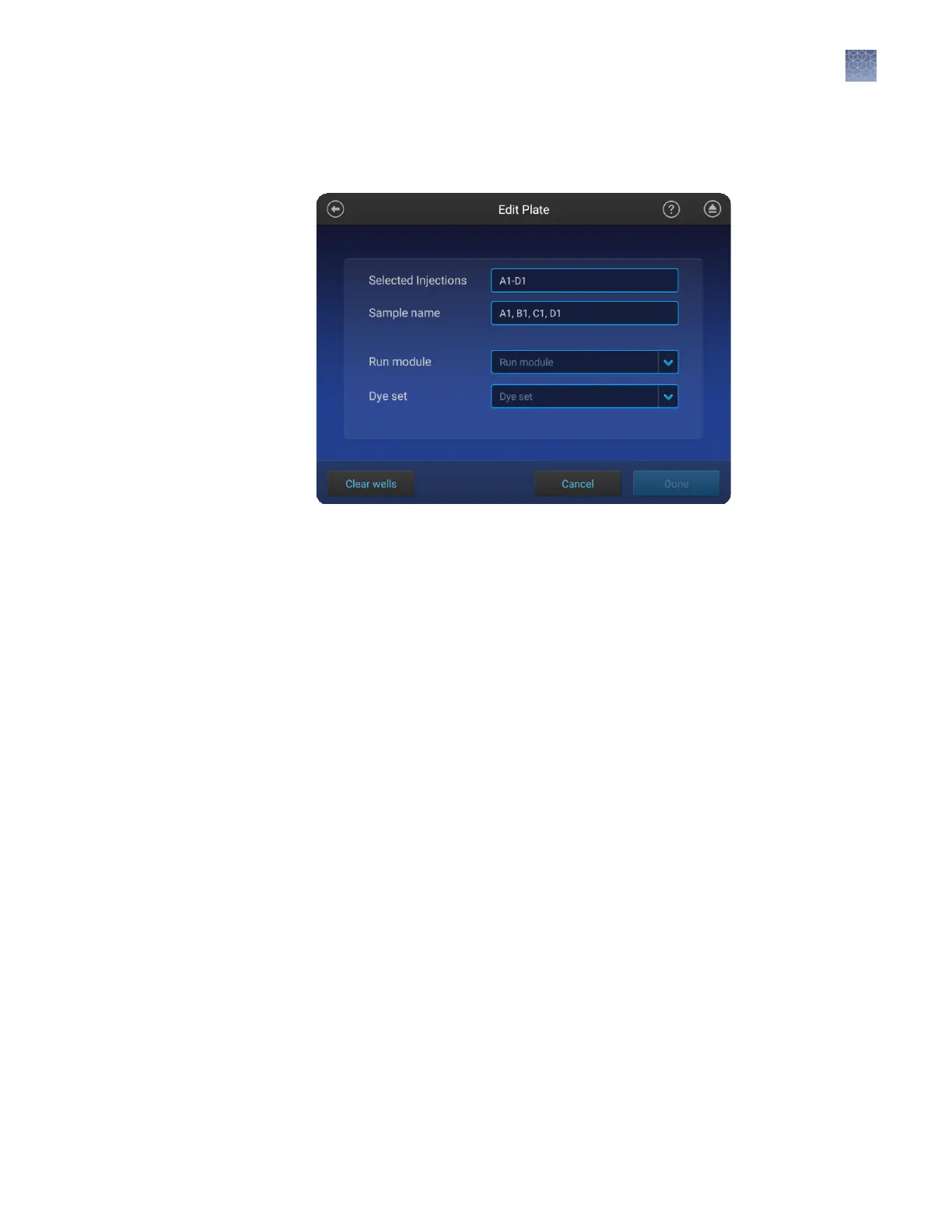
Note: All seings in the remaining steps will be assigned to all selected injection
groups. If dierent injection groups require dierent seings, repeat these steps
for each injection group.
3.
If you are creating a mixed plate, select the Application type for the wells.
4.
Touch Run modules, then select a run module.
For more information, see “Run modules, read lengths, size ranges, and run
times“ on page 140.
5.
(Fragment/HID analysis only) Touch Size standard, then select a size standard for
the injection group.
6.
Swipe up to display the rest of the screen.
7.
Touch Dye set, then select a dye set for the selected injection groups.
8.
(HID analysis only) Touch Kit, then select a kit for the selected injection groups.
9.
Touch Done.
Chapter 6 Create or modify a plate setup from the instrument
Set up a plate using default settings (instrument)
6
SeqStudio
™
Genetic Analyzer Instrument and Software User Guide
85













 To Next Page