use of expired consumables is at customer's own risk and without recourse to Life
Technologies. For example, product warranties do not apply to defects resulting from
or repairs required due to misuse, neglect, or accident including, without limitation,
operation outside of the environmental or use specications or not in conformance
with Life Technologies instructions for the instrument system, software, or
accessories.
Please see your specic service contract or limited product warranty for exact
language regarding coverage and ask your Life Technologies representative if you
have further questions.
Software features
The instrument can be operated directly from the touchscreen using the SeqStudio
™
Data Collection Software. The touch screen allows scrolling and zooming by pinch.
Plates can be set up and saved on a computer using the SeqStudio
™
Plate Manager
running on a desktop or on the Connect cloud-based platform. These plate setups can
be saved to and accessed from the instrument from:
• A network drive
• A USB drive
• The Connect cloud-based platform
You can monitor runs directly from the instrument or from the SeqStudio
™
Remote
Monitoring App.
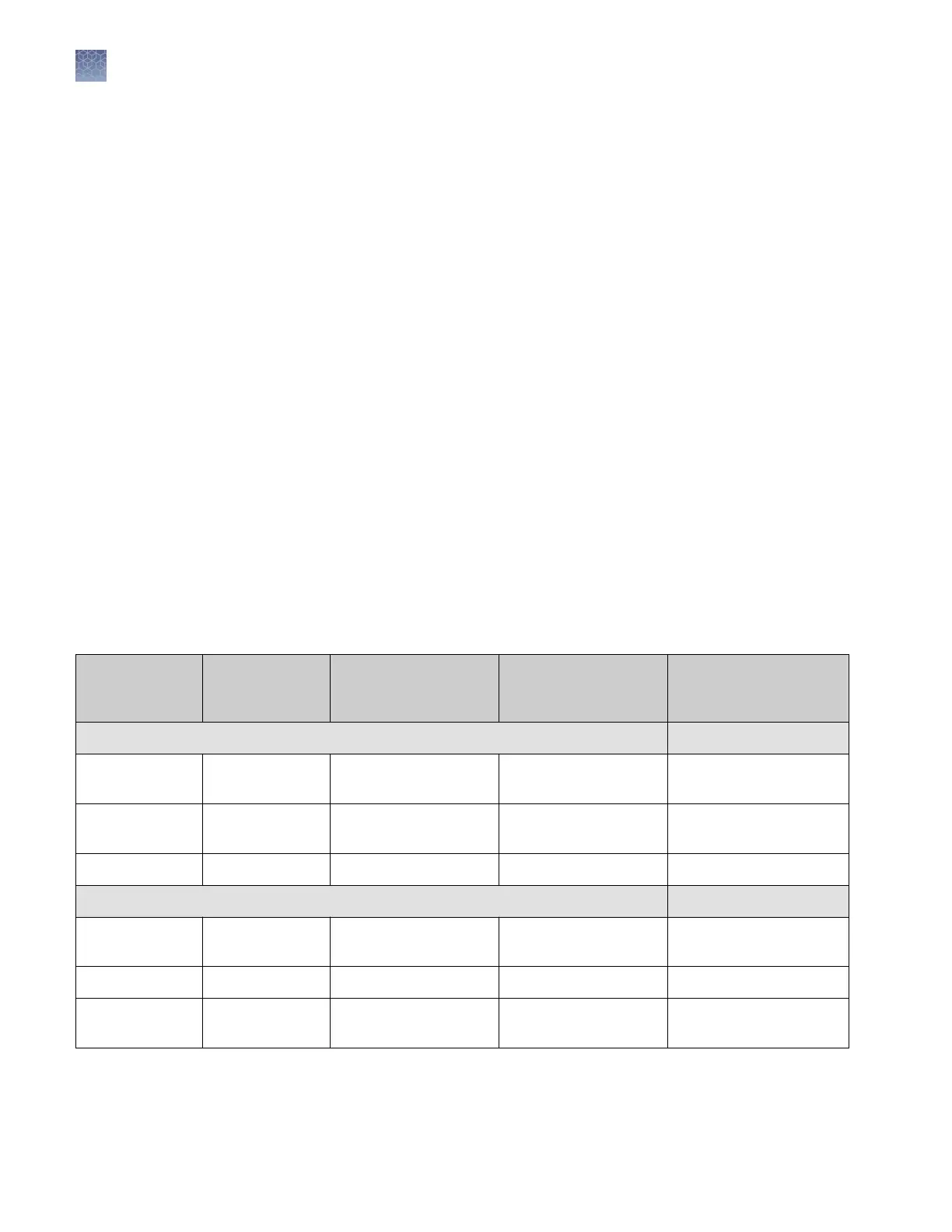
Table 4 Features of the software
Feature
SeqStudio
™
Data
Collection
Software
SeqStudio
™
Plate
Manager (desktop)
SeqStudio
™
Plate
Manager (Connect
platform)
Remote Monitoring App
Plate setup
Create a new
plate setup
✓ ✓ ✓ —
Enter plate
properties
✓ ✓ ✓ —
Set up plate wells ✓ ✓ ✓ —
Advanced options for plate setup
Edit sample
properties
✓ ✓ ✓ —
Edit plate setup ✓ ✓ ✓ —
Manage size
standards
✓ ✓ ✓ —
Chapter 1 Product information
Software features
1
22
SeqStudio
™
Genetic Analyzer Instrument and Software User Guide













 To Next Page