Setting
Description
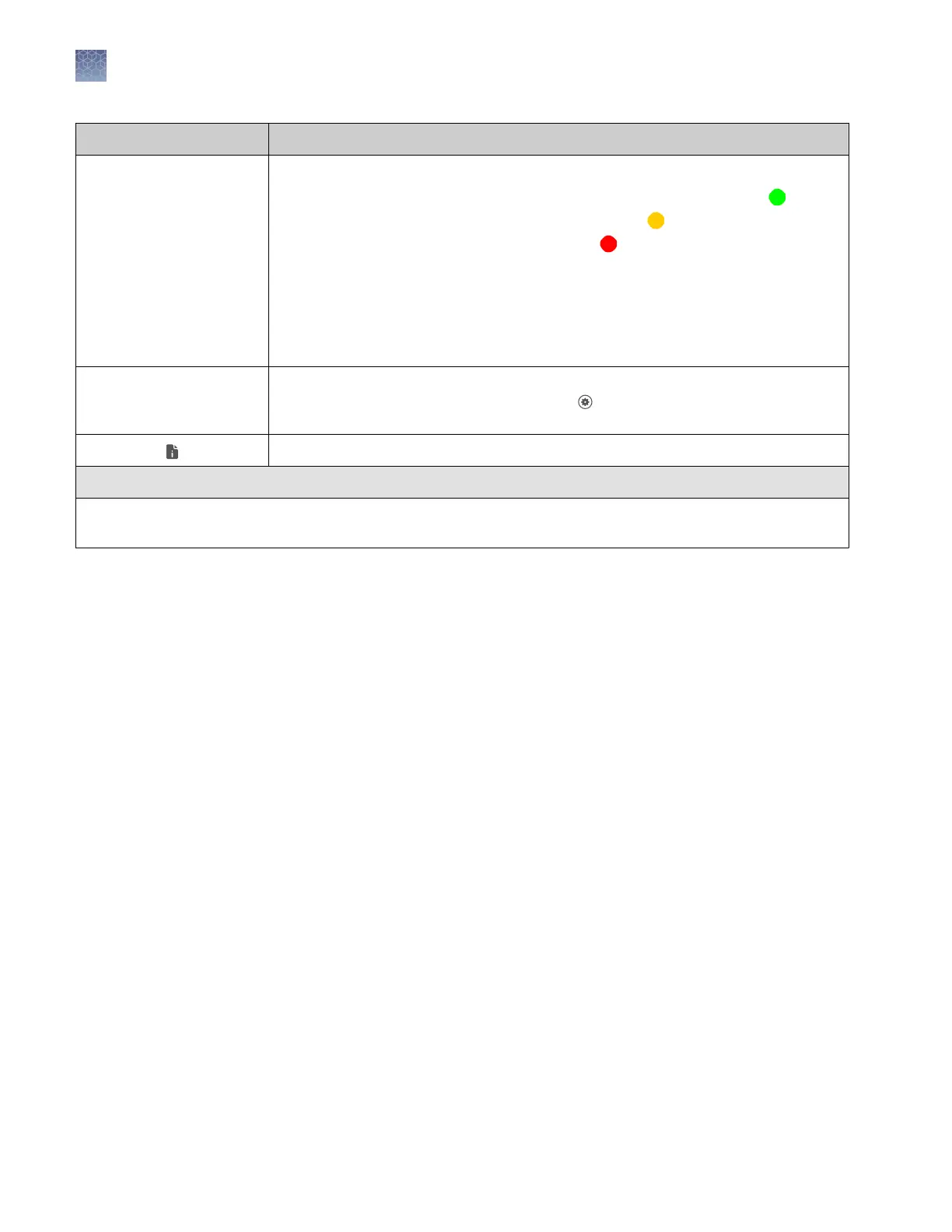
SQ Size Quality
• If SQ is ≤0.75, it passes the QC test and does not trigger a quality alert ( ).
• If SQ is 0.25–0.74, it triggers a warning quality alert ( ).
• If SQ is <.25, it triggers a failing quality alert ( ).
How Size Quality is determined
The Size Quality algorithm evaluates the similarity between the fragment pattern for
the size standard dye specified in the size standard definition and the actual
distribution of size standard peaks in the sample, calculates an interim SQ (a value
between 0 and 1).
Exported The sample has been auto exported (saved to the Connect cloud-based platform,
network, or USB) or manually exported (using Settings4Run History4
plate
name
4Export).
Well details (see below).
Well details
Sample file name, QC flag, sample name, sample type, settings used to acquire the data (size standard, run module
and dye set), Sizing quality value, and export status.
Chapter 8 View and analyze results
View results on the instrument
8
114
SeqStudio
™
Genetic Analyzer Instrument and Software User Guide













 To Next Page