5.
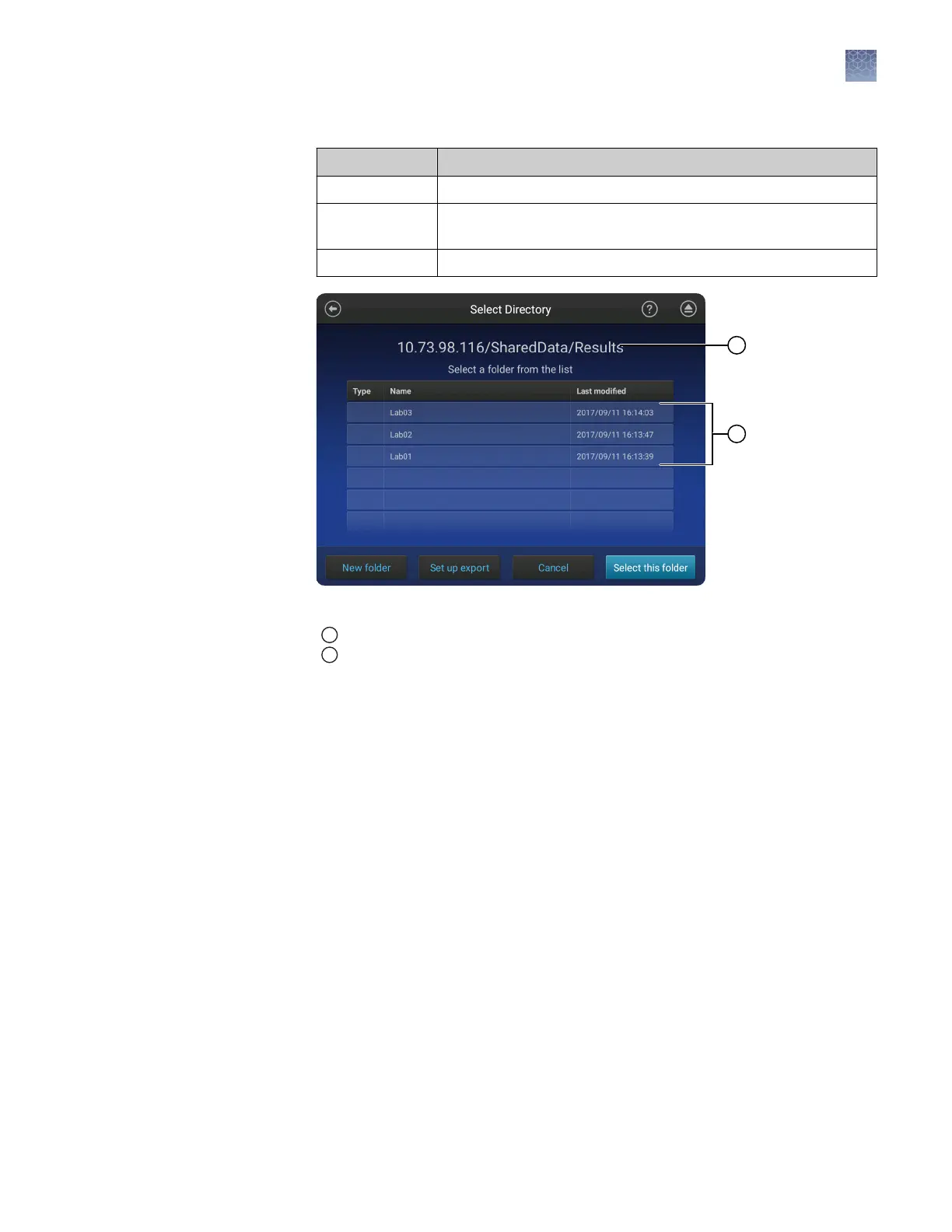
In the Select Directory screen:
Touch To
New folder Create a subfolder.
Set up export Change the Network Destination you specified in the previous
step.
Select this folder Select the directory shown at the top of the screen.
Figure 18 Select Directory screen example
1
Example IP address and folder locations
2
List of folders
6.
In the Save Destination screen, touch Done.
Chapter 10 Manage the software (instrument)
Connect the instrument to a network drive
10
SeqStudio
™
Genetic Analyzer Instrument and Software User Guide
135













 To Next Page